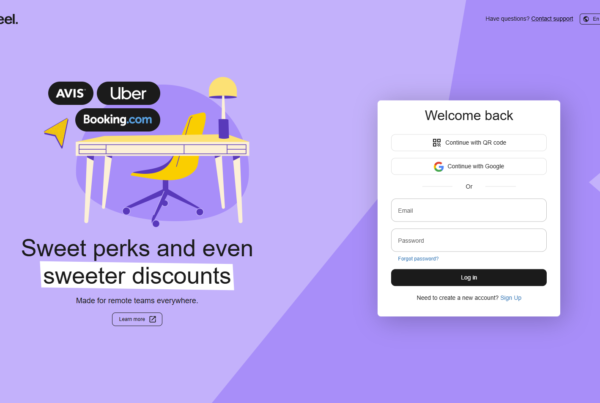
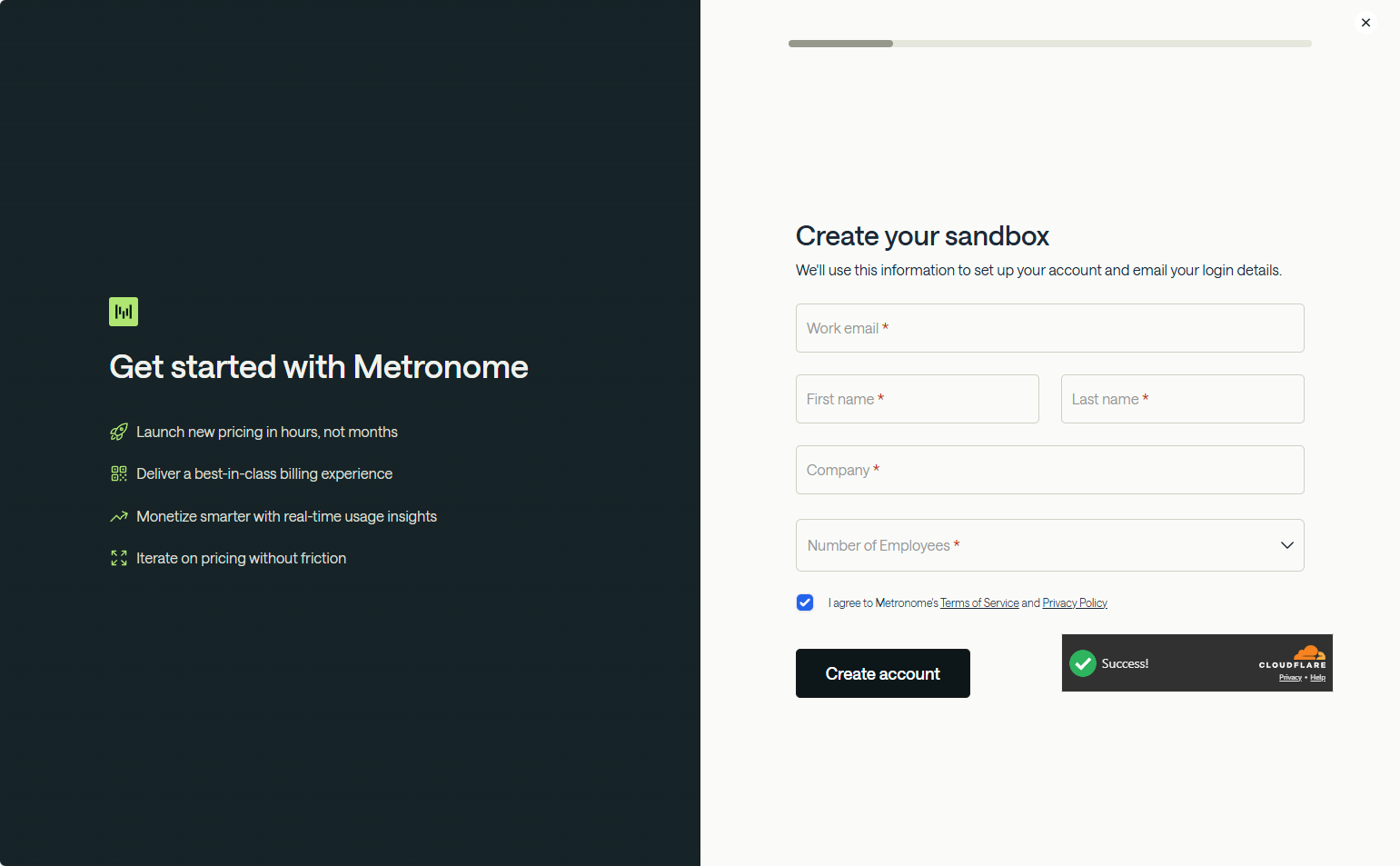
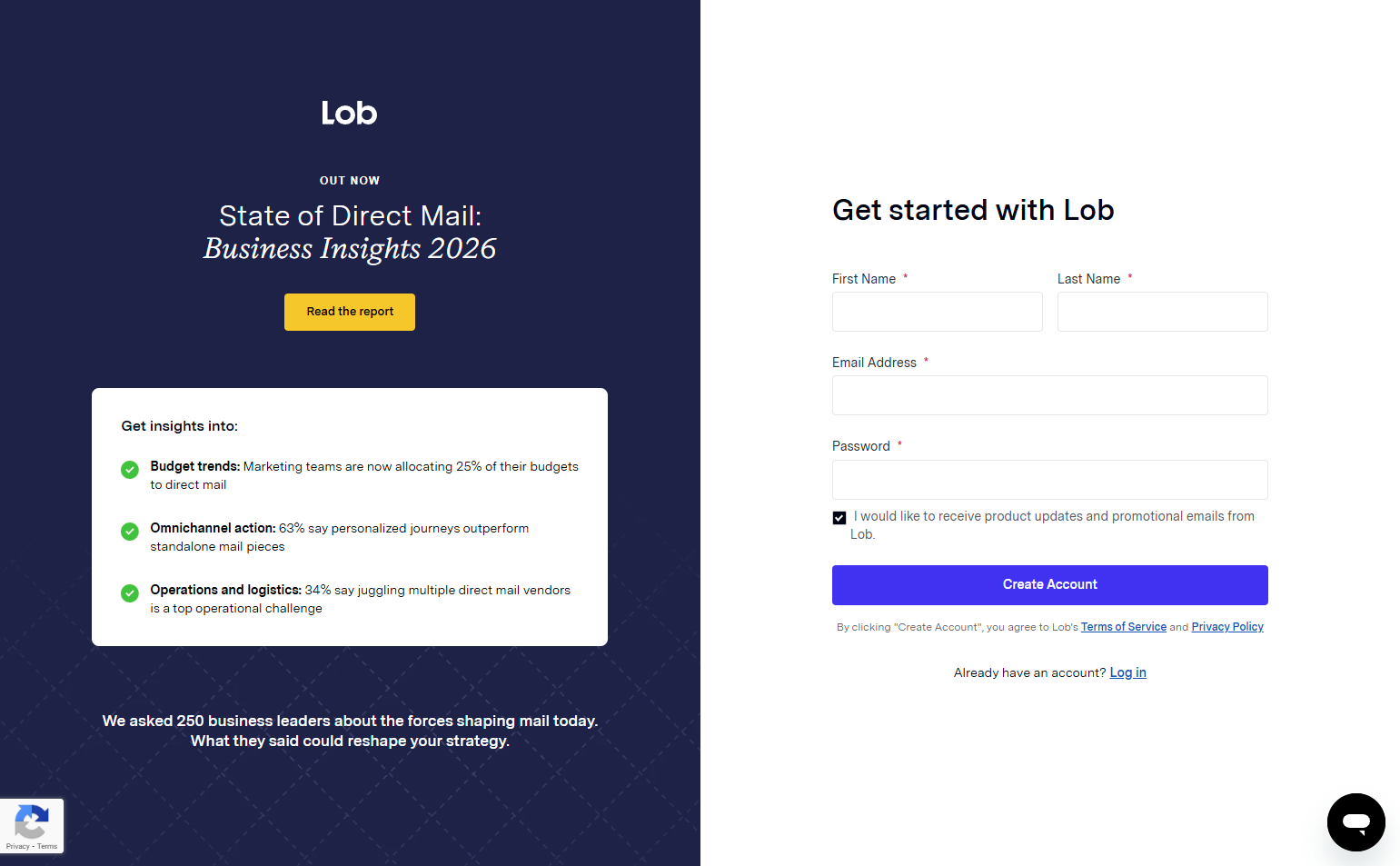
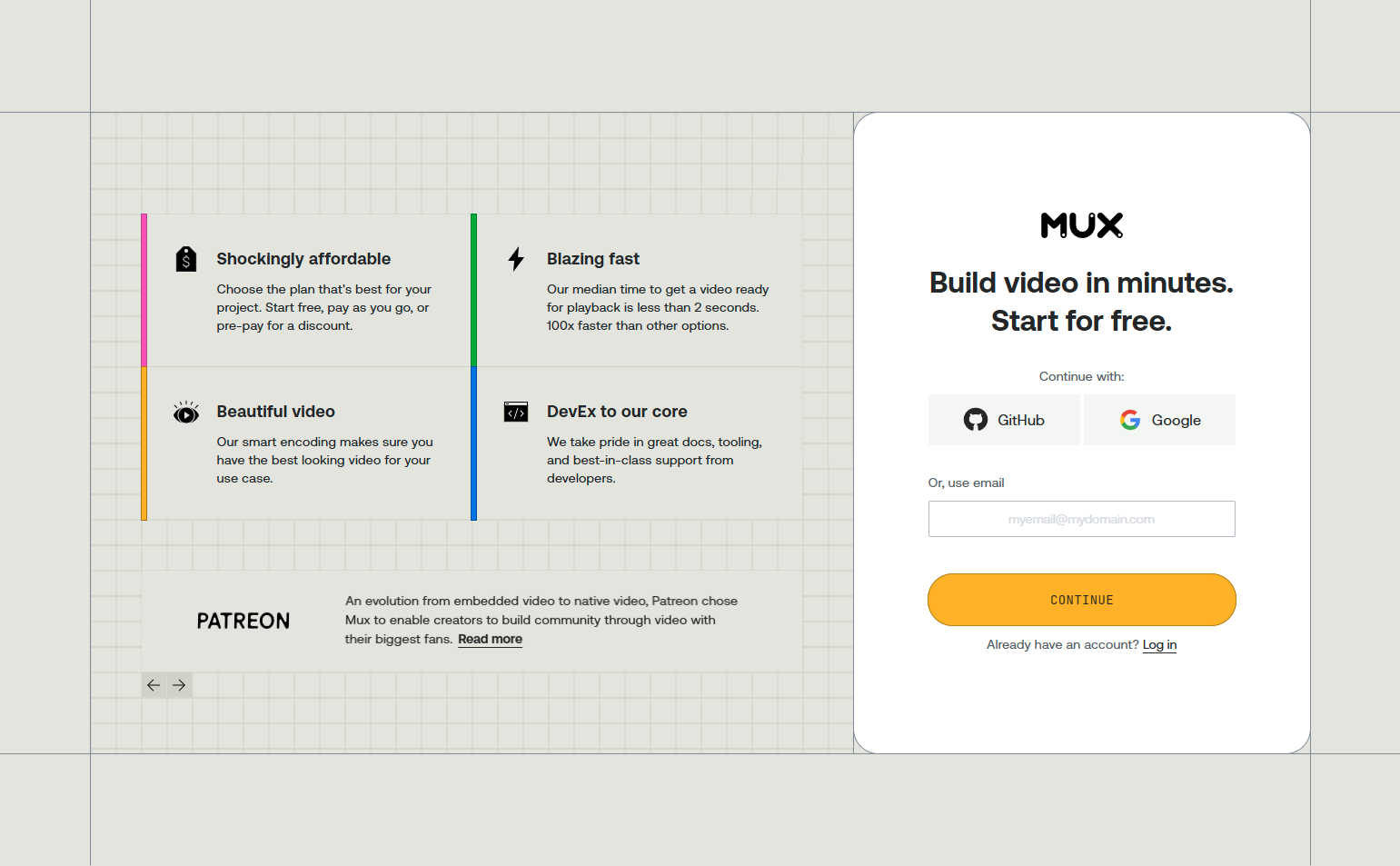
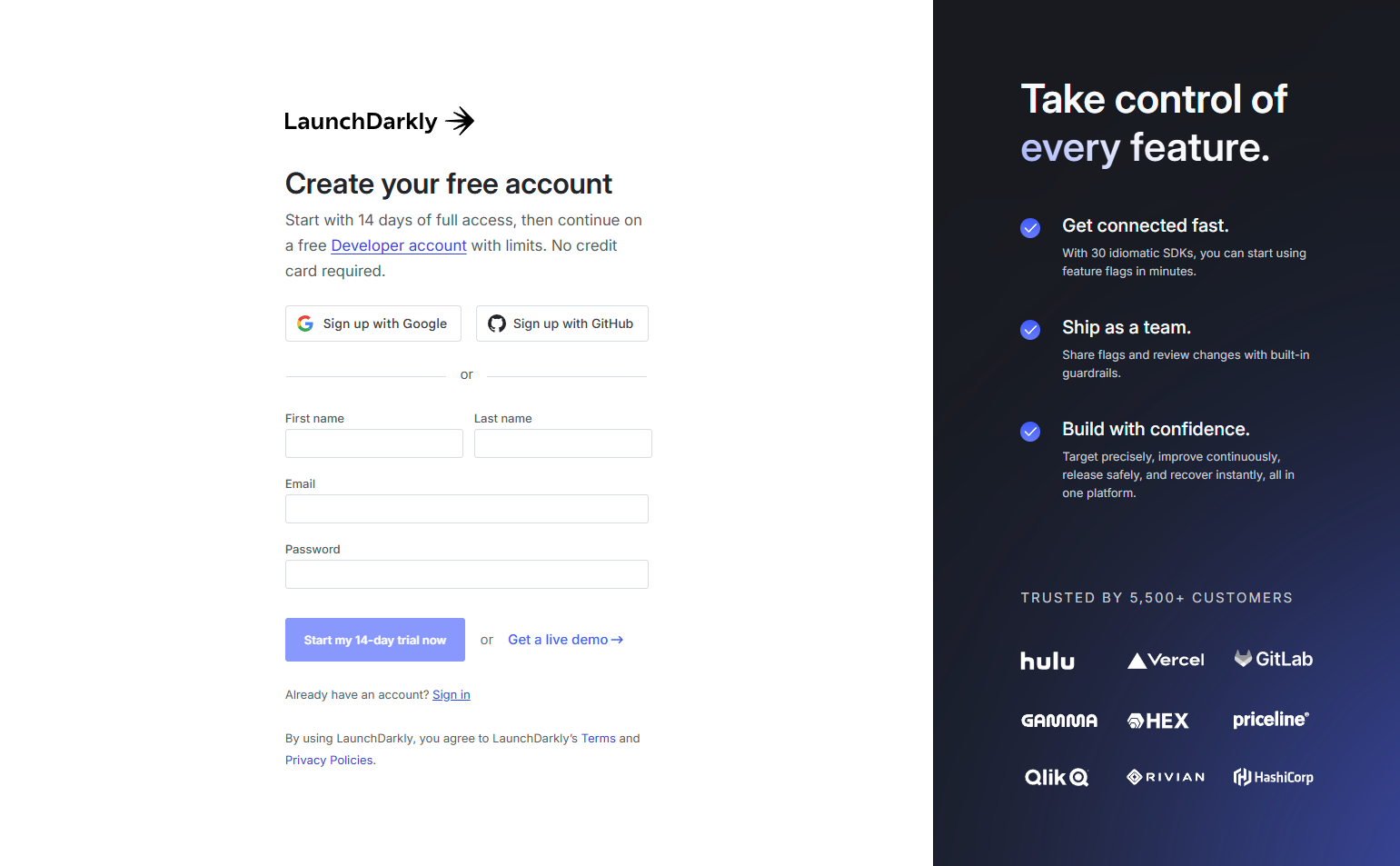
SaaS onboarding is the sequence of screens, prompts, and actions that takes a new user from account creation to their first moment of product value. It is the most consequential UX in the product because it determines whether users who signed up become users who stay. We analyzed onboarding flows across 258 SaaS products in the SaaS Boat library — examining how the best products deliver the first value moment, what they ask users to do, and what they defer.
Onboarding design is not just a UX concern — it’s a revenue lever. Products with high activation rates convert trials to paid at significantly higher rates than those with low activation. Every friction point in onboarding is a direct cost on customer acquisition.
 Figma
Figma Notion
 Slack
Slack Canva
Canva Calendly
 Retool
 Airtable
 Asana
Asana Loom
Loom Intercom
 Hotjar
 ClickUp
 Miro
Miro Webflow
 Zapier
 Amplitudelinear
 Supabase
 Vercel
 Netlify
 Sentry
 Datadog
 Stripehubspot
 Chargebee
 Auth0
Auth0 GitLab
 Close
Close Lattice
 Gusto
GustoWhat Activation Actually Means
Activation is not login. Activation is the moment a user gets value from the product for the first time — the moment they realize it will do what they need it to do. For different products, this moment looks different:
- Calendly: a shareable scheduling link exists and has been tested
- Hotjar: the tracking script is installed and a heatmap has started recording
- Zapier: a Zap has successfully run once
- Amplitude: the first event has been tracked
Onboarding design should be built backward from the activation moment: what’s the minimum path to get a new user to that moment as quickly as possible?
30 SaaS Onboarding Examples
Signup-Integrated Onboarding
1. Figma — Onboarding through the first canvas
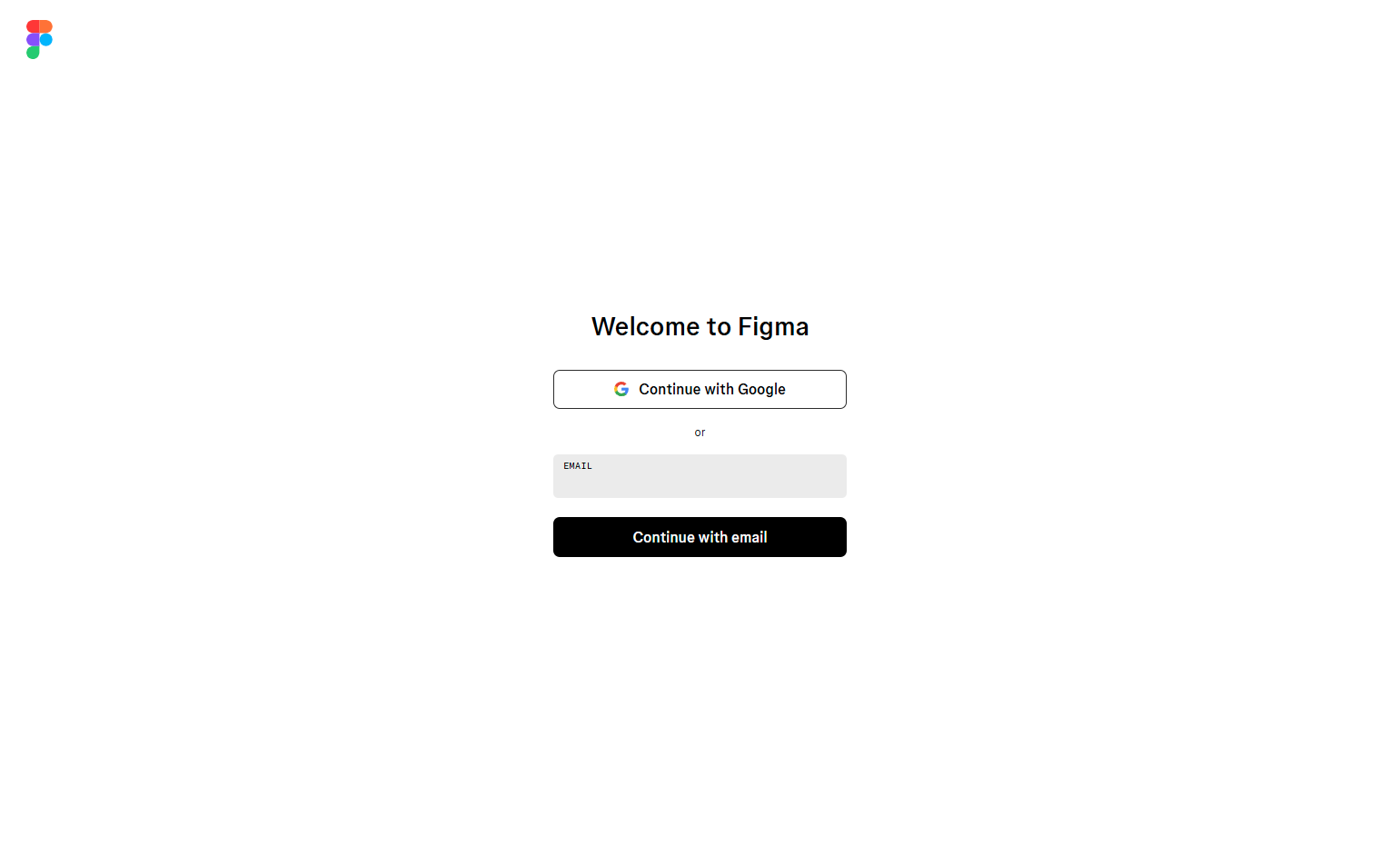
Figma’s onboarding is the canvas. Users are placed directly into a design environment after signup — no tutorial gate, no mandatory walkthrough. An optional “Get started” panel surfaces beginner actions, but can be dismissed. For a product with expert users, mandatory onboarding is more friction than help. Optional onboarding respects where users are.
2. Notion — Template gallery as the first action
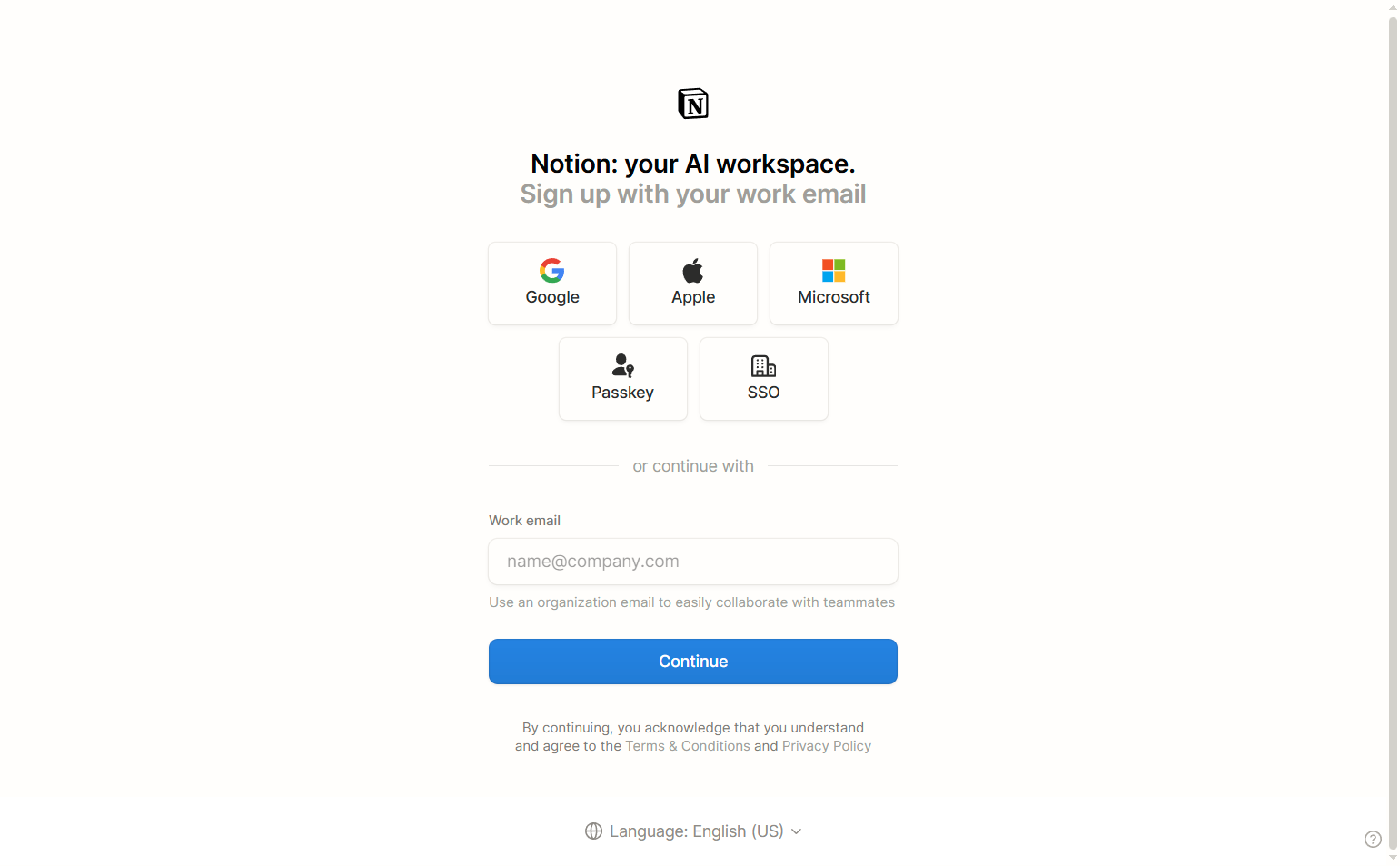
Notion’s signup ends with a template selection step — choosing a starting template populated with real content. The onboarding delivers a functional workspace before the user has done any configuration. Starting with something (a populated project tracker, a meeting notes template) is more motivating than starting with a blank page.
3. Canva — “What will you use Canva for?” single-question personalization
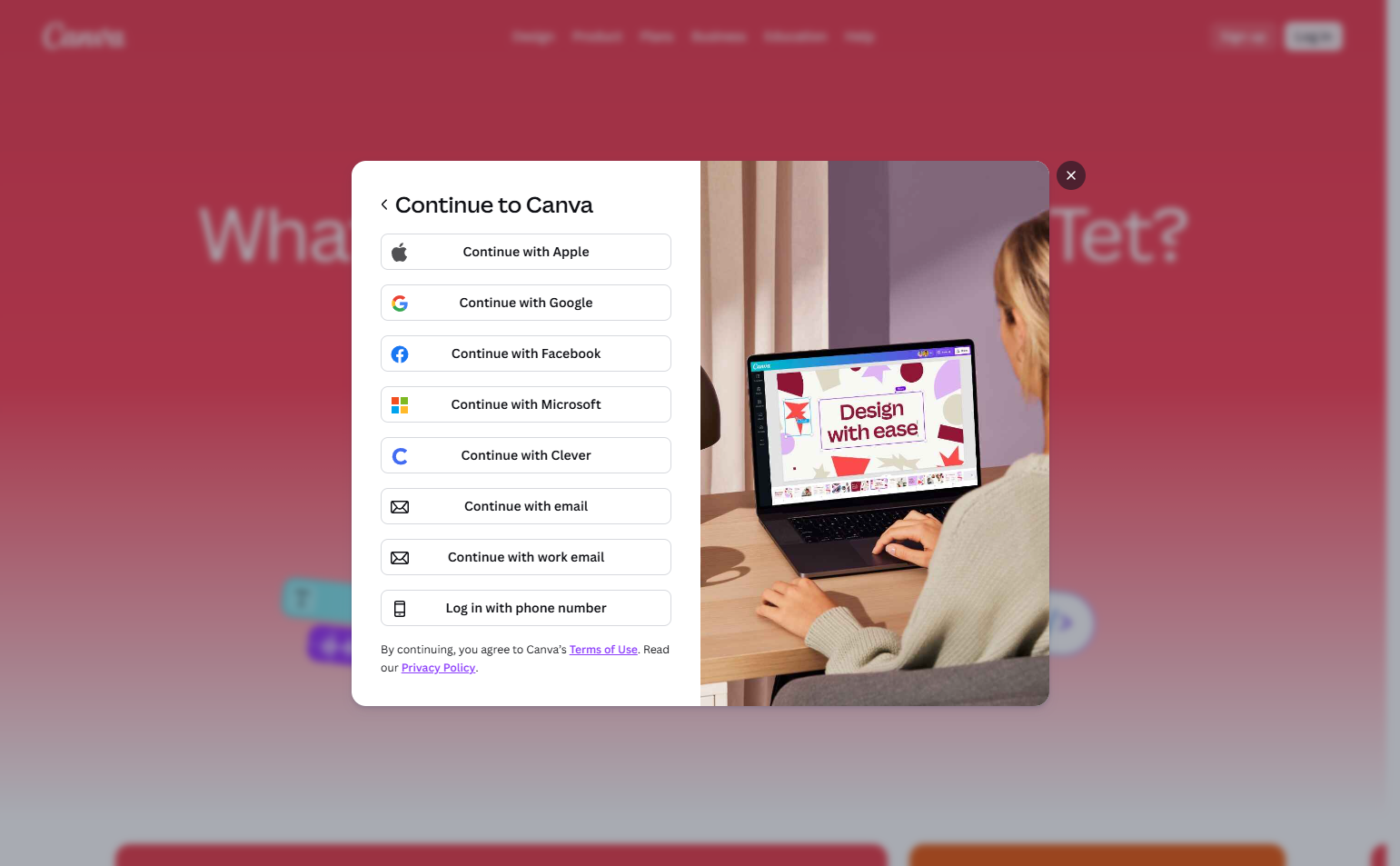
Canva’s onboarding asks one question — use case (Personal, Small Business, Student, etc.) — and uses the answer to set up the dashboard with relevant templates. One question, meaningful personalization, no unnecessary steps. The use case selection doubles as first-session segmentation for email onboarding sequences.
4. Calendly — Scheduling link creation as the activation milestone
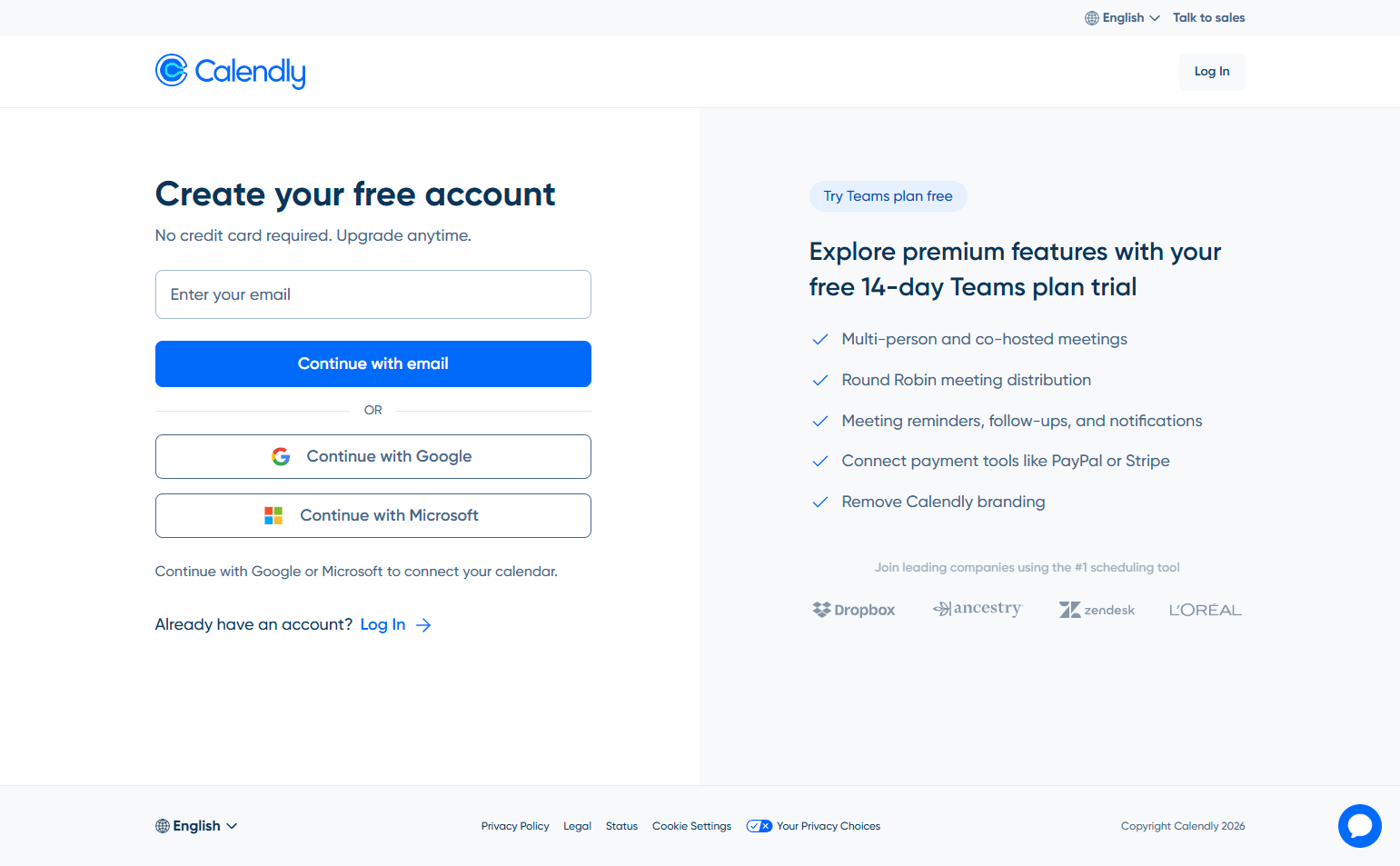
Calendly’s signup flow ends only when the user has a shareable scheduling link — the core product value. Availability setup, event type configuration, and link generation all happen within the signup flow. The user leaves signup with something they can immediately use and share. Product value delivered inside signup.
5. Slack — Workspace creation as signup
Slack’s signup IS workspace creation. Creating an account means creating a workspace: naming it, setting the URL, inviting the first teammate. The signup flow delivers a functional workspace rather than an empty account. Activation is embedded in the creation of the container.
6. Retool — “What will you build?” one-question routing
Retool asks a single question — “What will you build?” — and routes users to a relevant starting template based on the answer. Customer support portal, admin panel, data dashboard, approval flow. The question is efficient: one answer, meaningful personalization, immediate relevant starting point.
7. Airtable — Template marketplace as the signup destination
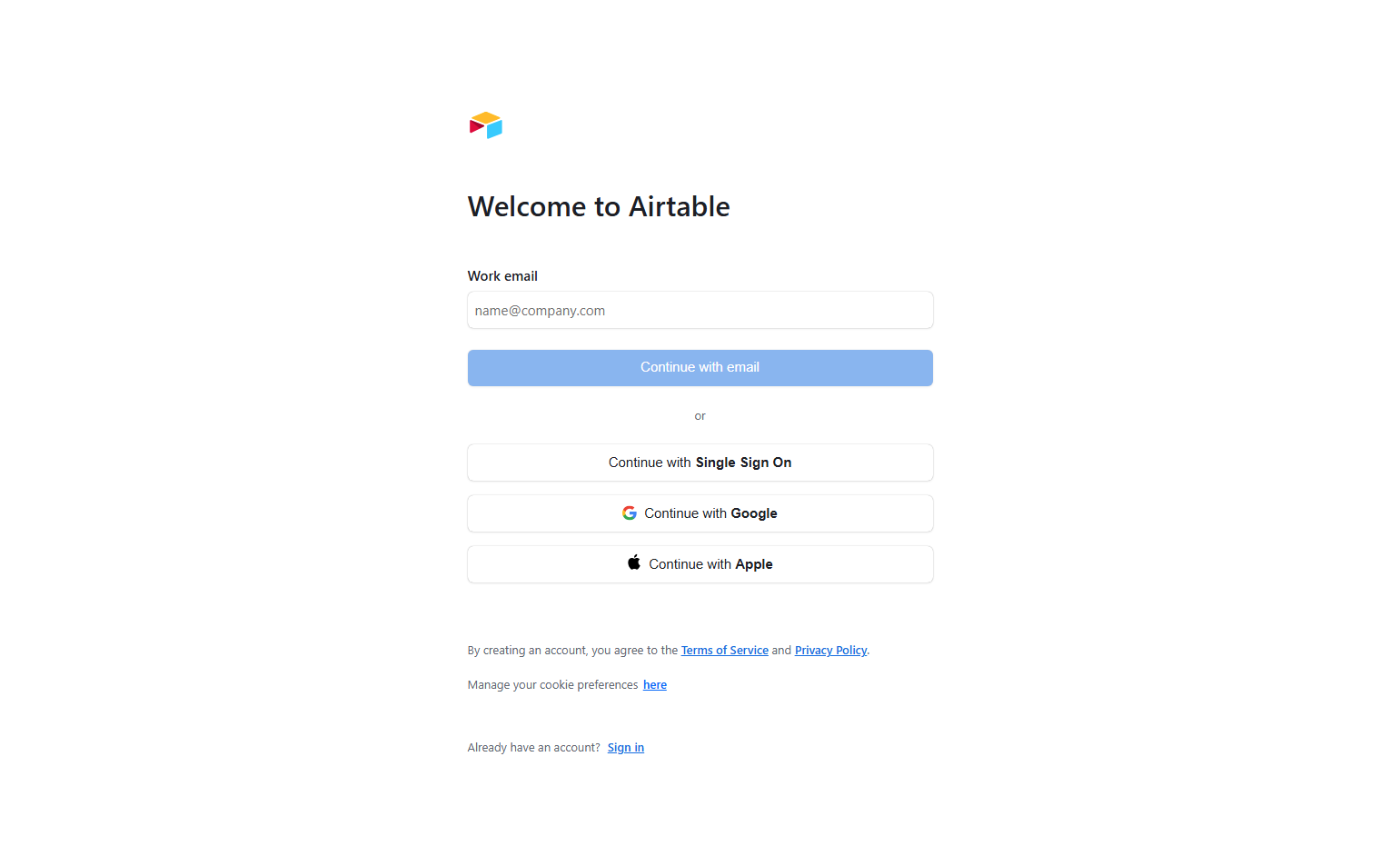
Airtable’s signup ends in a template browser — not a blank base, but a gallery of starting points organized by use case. Users who start from a relevant template (Marketing calendar, Project tracker, Inventory) reach their first productive action faster than users who start from scratch.
8. Asana — Goal selection drives workspace population
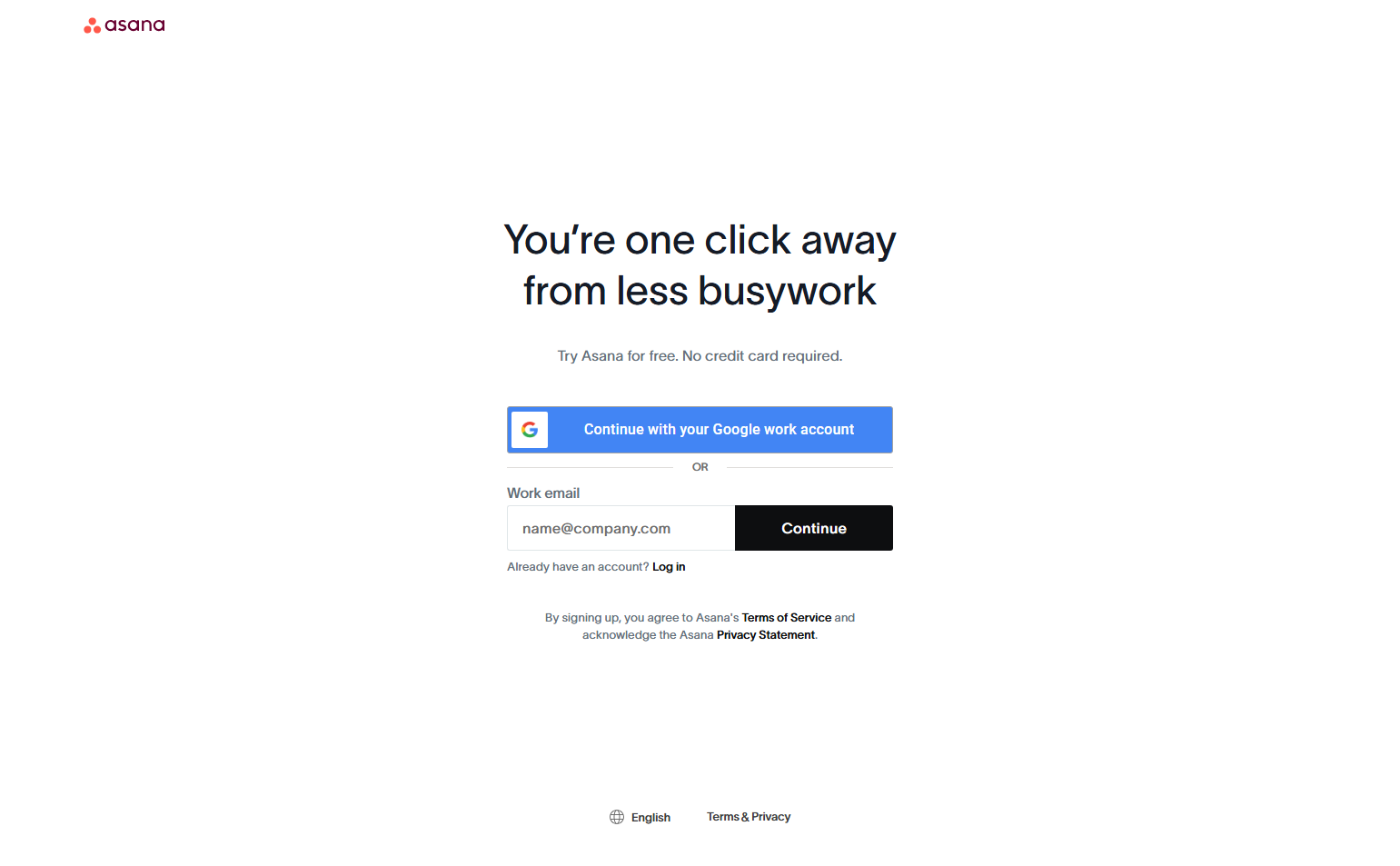
Asana’s signup asks “What does your team manage?” and uses the answer to create a relevant starting project with appropriate tasks, sections, and fields. The workspace isn’t blank after signup — it’s populated with a relevant example that shows what the product can do in the user’s context.
Checklist-Based Onboarding
9. Notion — Sidebar progress checklist
Notion’s in-app onboarding is a collapsible sidebar checklist: “Add your first page,” “Invite a teammate,” “Import existing notes.” The checklist is persistent across sessions and tracks progress. Checklist onboarding works because it gives users a goal state — they can see what “done” looks like — and tracks progress toward it.
10. ClickUp — Feature breadth checklist
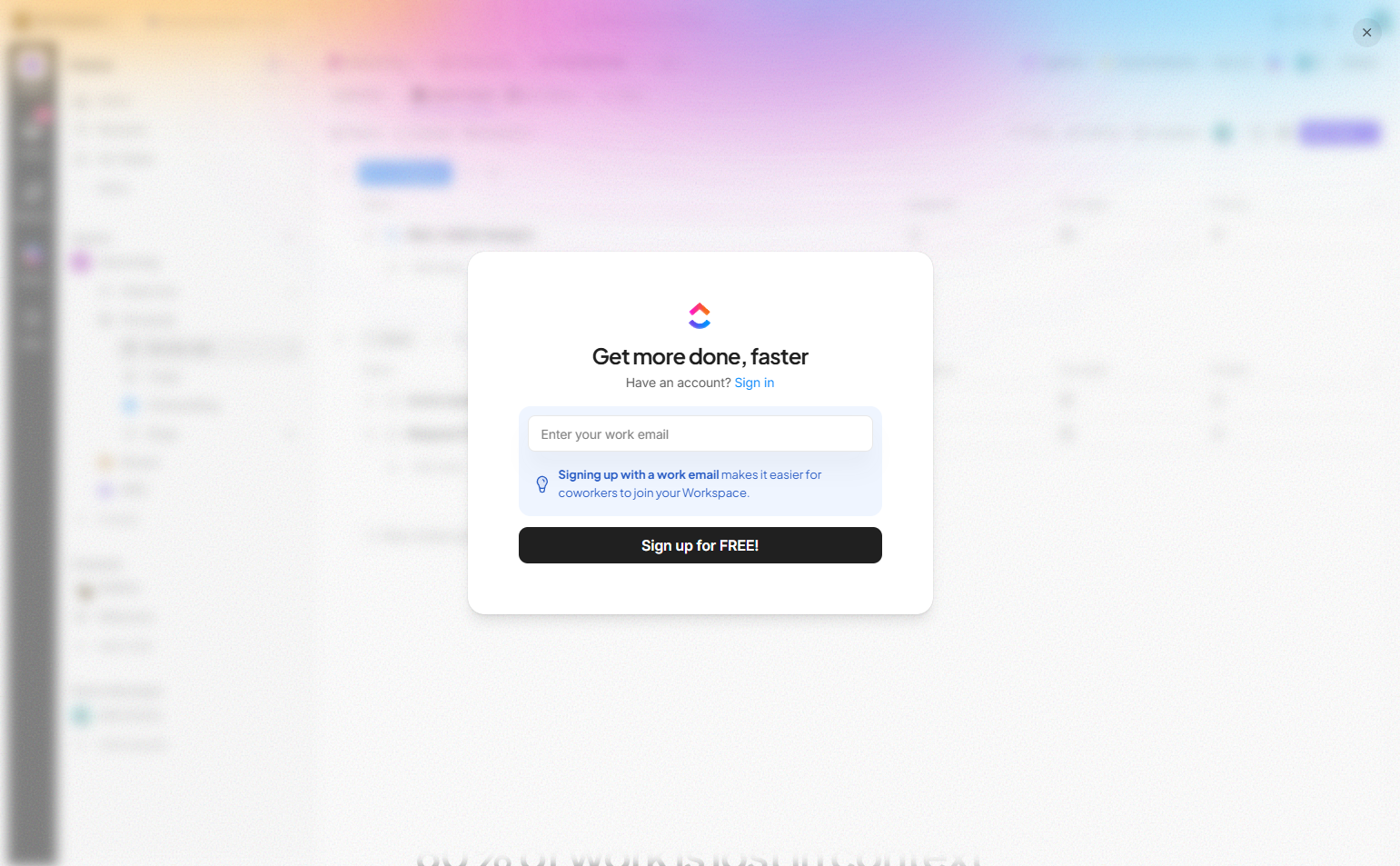
ClickUp’s onboarding checklist is longer than typical — covering creating a task, setting up a view, installing an integration, creating an automation, inviting a team member. The breadth reflects the product: ClickUp’s value is feature depth, and the onboarding communicates this by ensuring users have interacted with each major capability before they complete it.
11. Intercom — Guided setup wizard with live preview
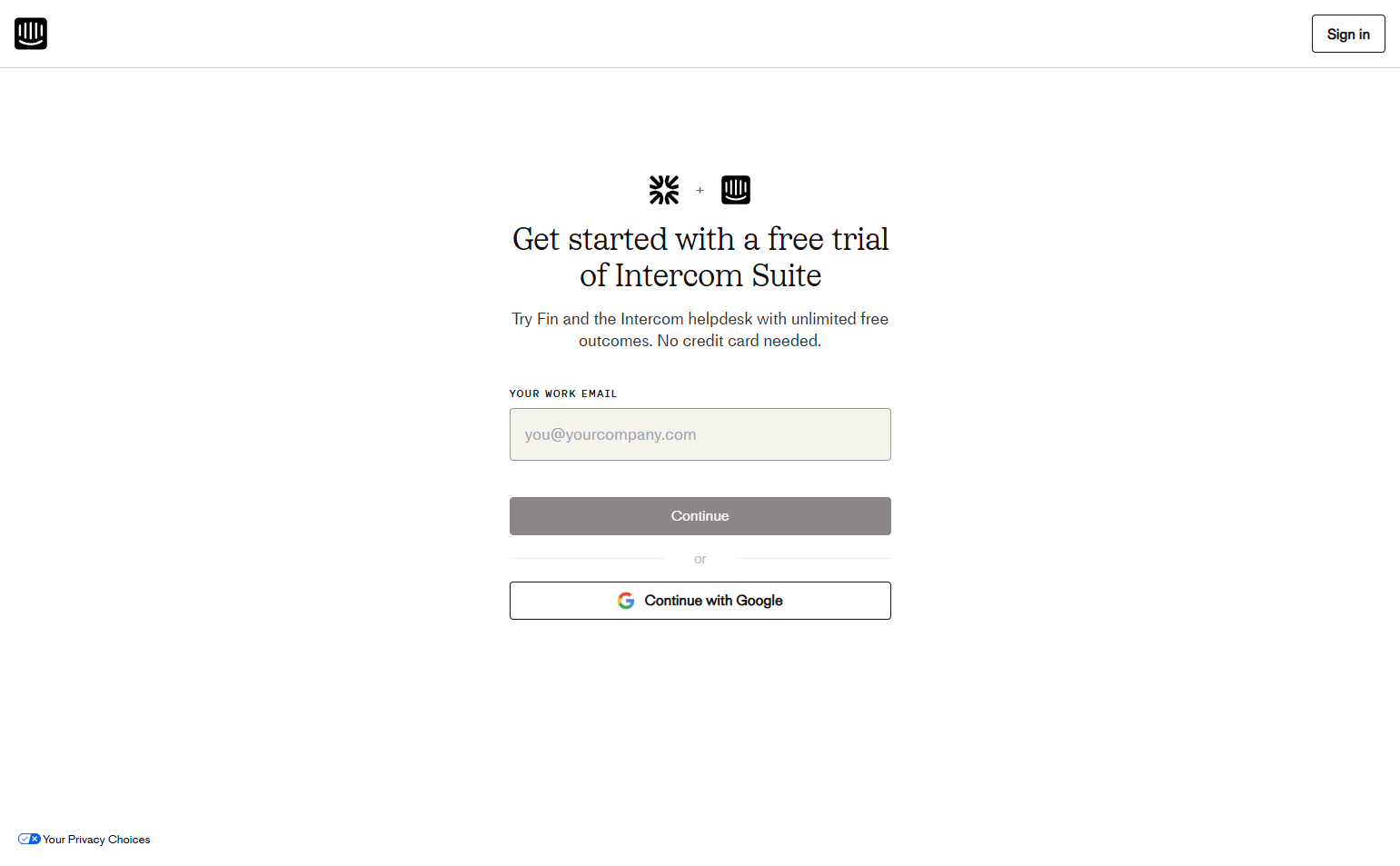
Intercom’s onboarding walks users through installing the messenger widget, setting up an inbox, adding team members, and configuring automatic messages — with live previews of what each configuration looks like to end users. Complex products with interdependent setup dependencies benefit from wizard-style onboarding that handles the sequence.
12. HubSpot — “Get set up” wizard with CRM import
HubSpot’s onboarding centers on importing existing contacts and setting up the CRM. A data import wizard handles CSV, spreadsheet, and CRM migrations from competitors. For a CRM, activation is the moment a user’s data is in the system — the product isn’t useful until the contacts are there.
Installation-Gated Onboarding
13. Hotjar — Script installation as the activation gate
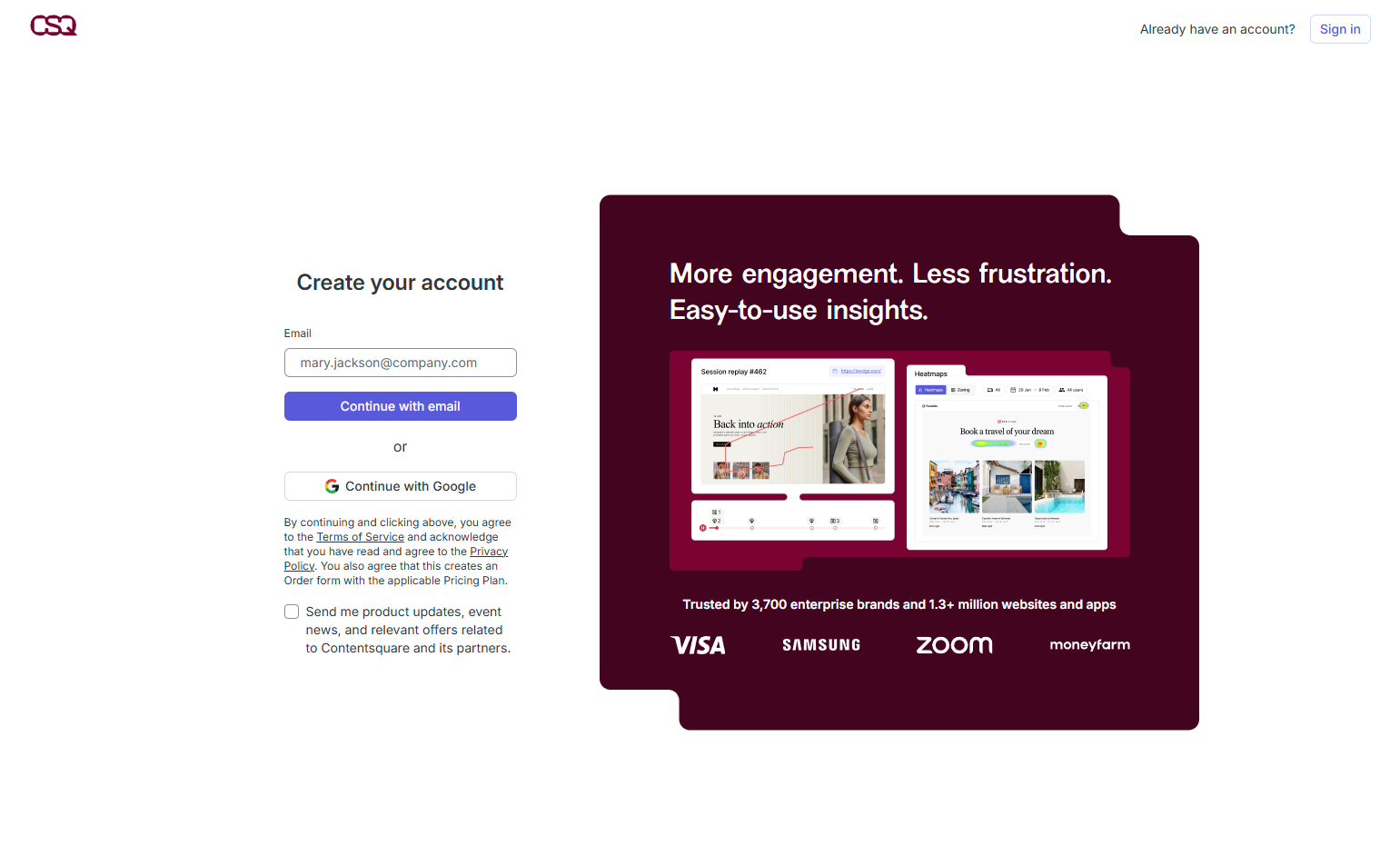
Hotjar’s onboarding is blocked until the tracking script is installed on the user’s website. The setup screen provides the script, installation instructions for common platforms, and a verification tool that confirms the script is working. The onboarding can’t “complete” without the script — correctly, because Hotjar without the script does nothing.
14. Amplitude — Data source connection as activation
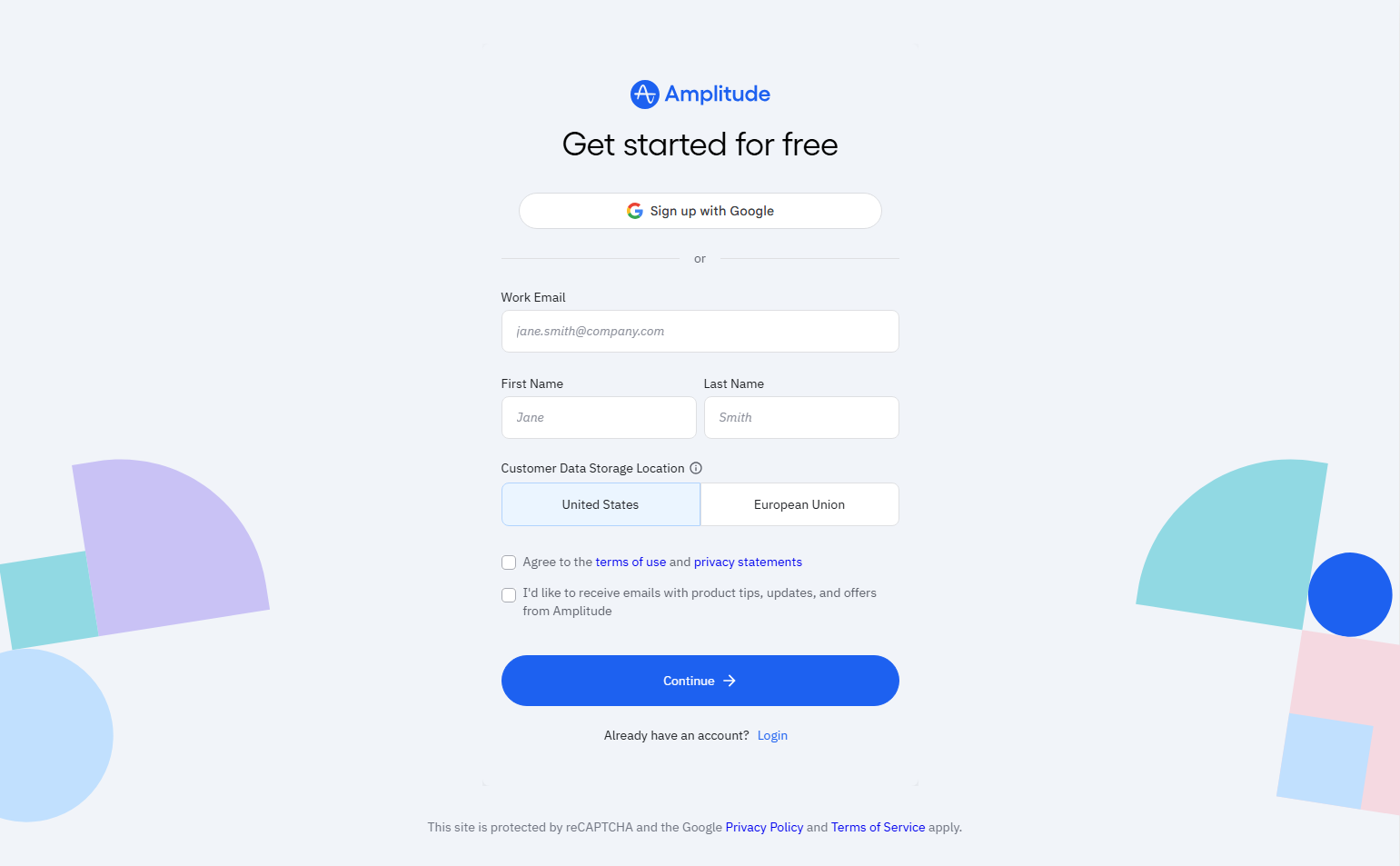
Amplitude requires a connected data source before the onboarding is considered complete. The setup wizard walks through SDK installation, event naming convention, and sending the first test event. “Seeing your first event in Amplitude” is the activation milestone — the product shows what it can do only after data is flowing.
15. Sentry — Project creation and SDK setup
Sentry’s onboarding walks through creating a project and installing the SDK for the user’s language. It detects the chosen platform and shows language-specific setup instructions. The onboarding is complete when the first error event is received. Error monitoring without a connected project is an empty dashboard — the gate is appropriate.
16. Datadog — Agent installation across environments
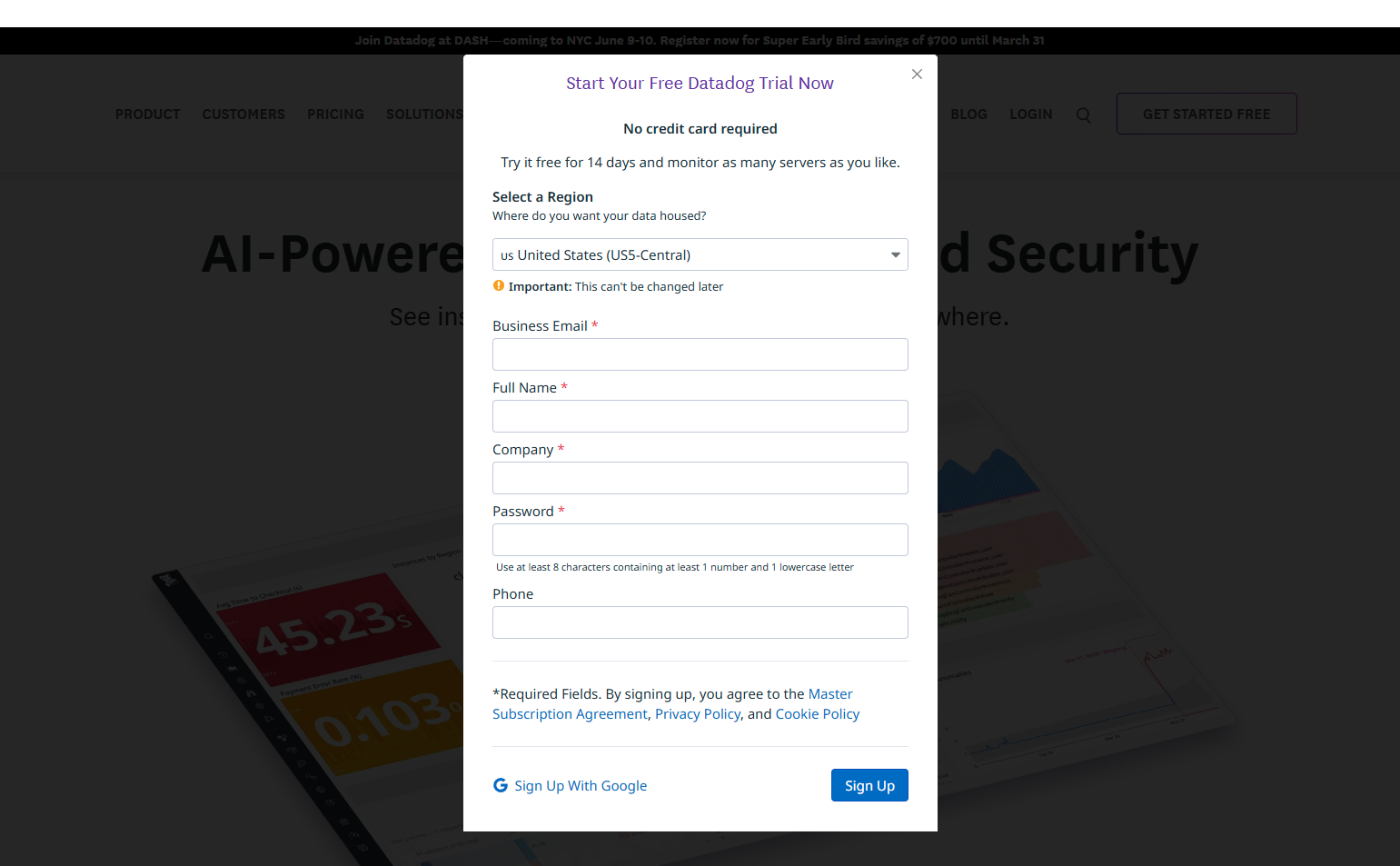
Datadog’s onboarding is organized around installing the Datadog Agent on the infrastructure being monitored. Platform-specific installation commands are surfaced (AWS, Kubernetes, Docker, bare metal) with a “waiting for agent” state that confirms when the agent connects successfully. Complex infrastructure monitoring products need installation-complete confirmation before proceeding.
17. Supabase — Database schema creation as first step
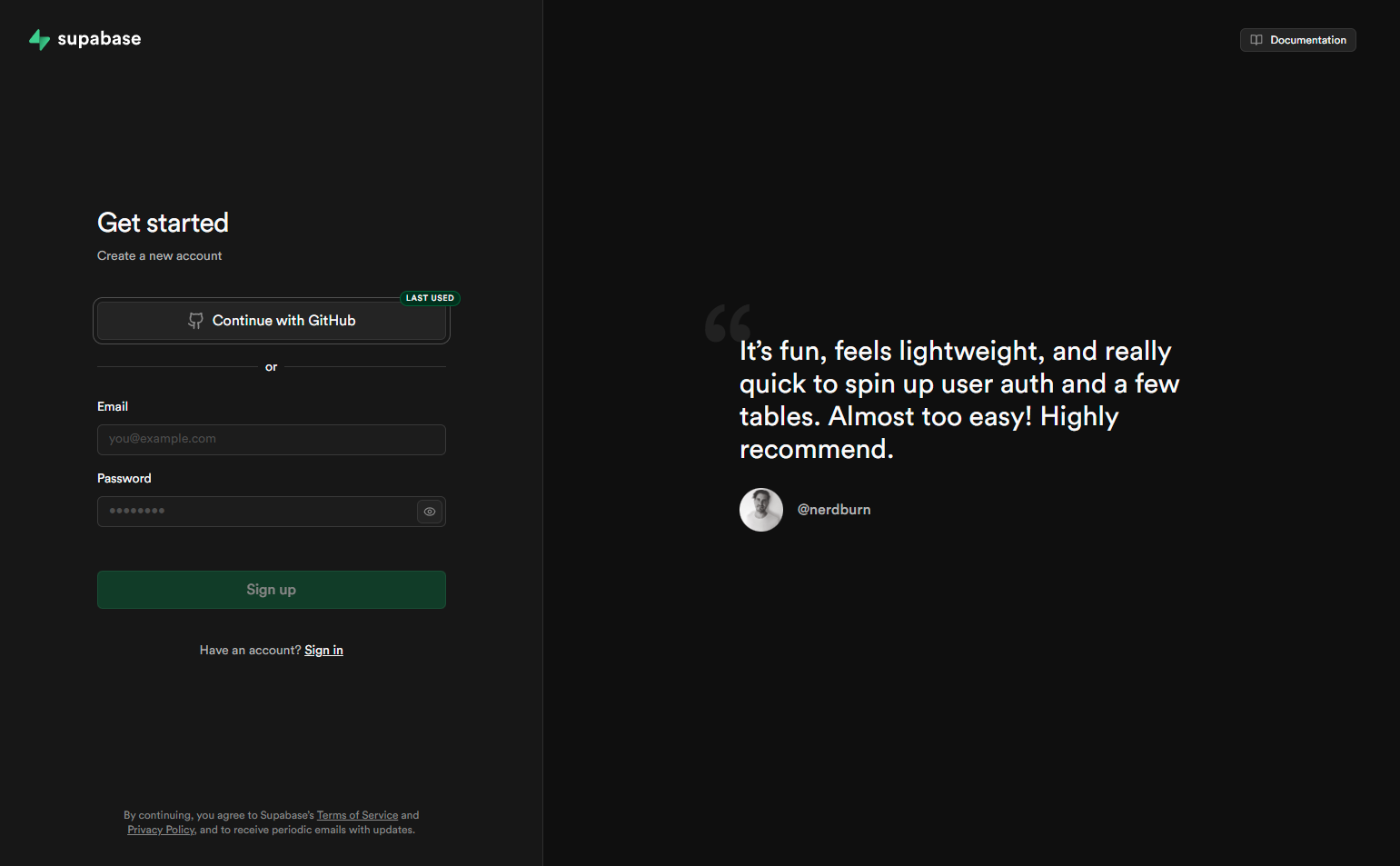
Supabase’s onboarding begins with creating the first database table — the foundational element the product builds on. The interface surfaces a table editor with example schema to get started quickly. For developers building on a database platform, having a schema is the prerequisite for everything else. The onboarding reflects this sequence.
Do-First Onboarding
18. Zapier — The first Zap as onboarding
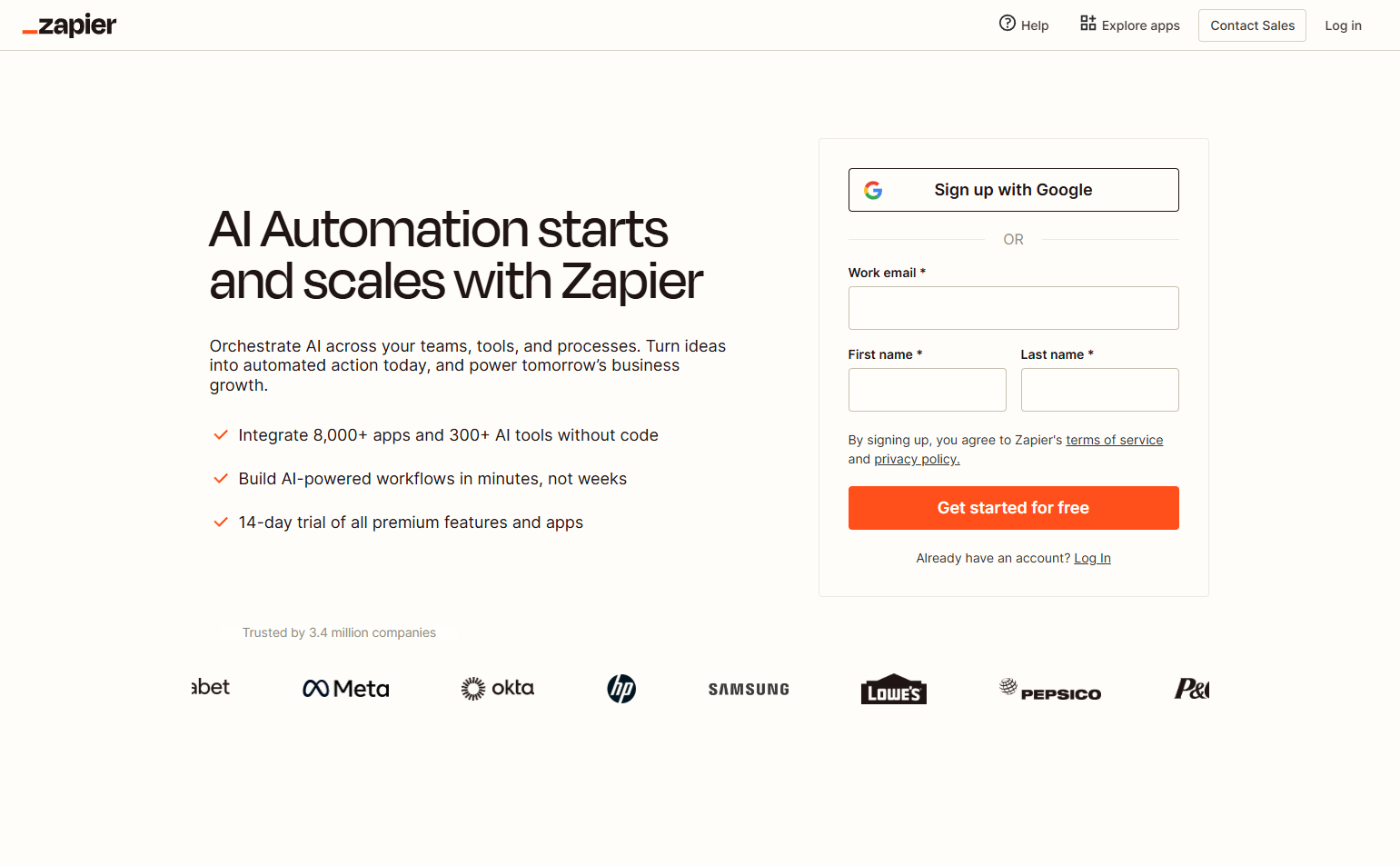
Zapier’s onboarding IS building the first Zap: choose a trigger app, choose a trigger event, connect the account, choose an action app, test the Zap. The product’s value — automation between apps — is delivered through the onboarding action. Completing onboarding means the product is already working.
19. Loom — First recording as activation
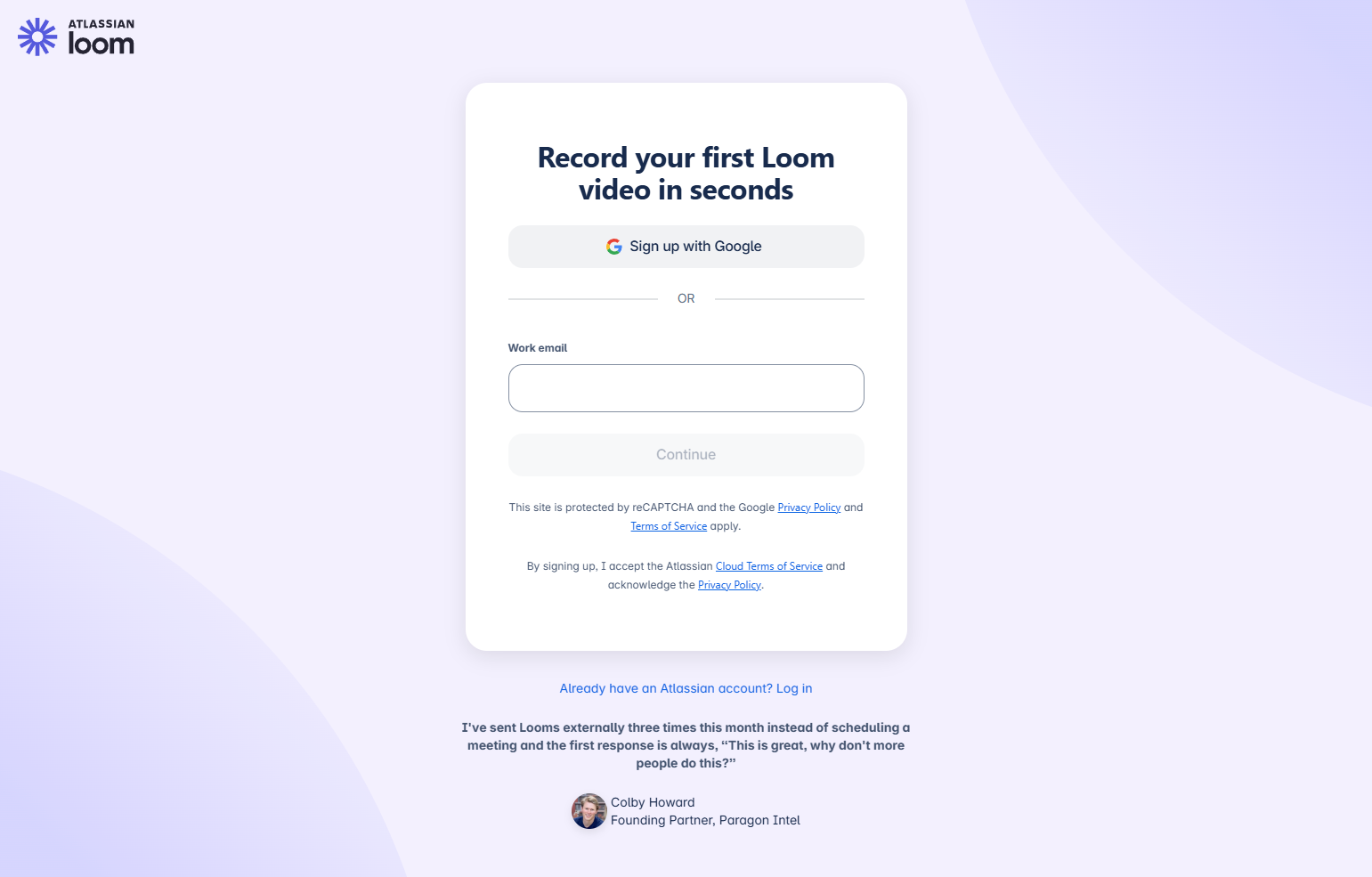
Loom’s onboarding walks through making the first recording — installing the extension, choosing screen vs. camera vs. both, and starting a recording. The activation moment is clicking the record button and seeing a Loom URL generated. The onboarding teaches the product by doing the product.
20. Miro — First board creation as onboarding
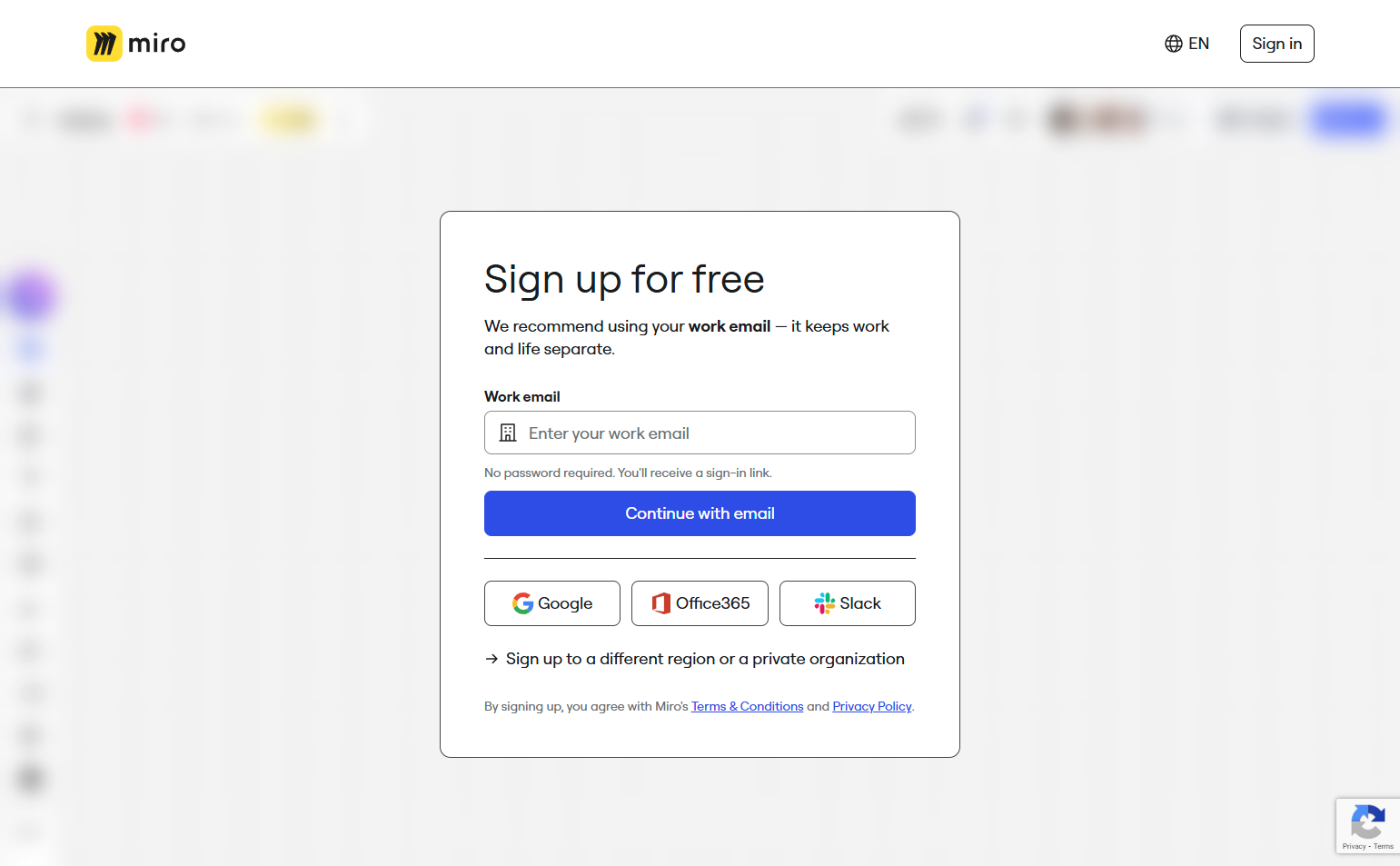
Miro’s onboarding suggests starting from a template category: Brainstorming, Agile, Research, Strategy. Selecting a template opens a populated board — the first onboarding session is working on a board, not learning how boards work. The comfort with the canvas that comes from using it is the onboarding goal.
21. Webflow — Guided first site element creation
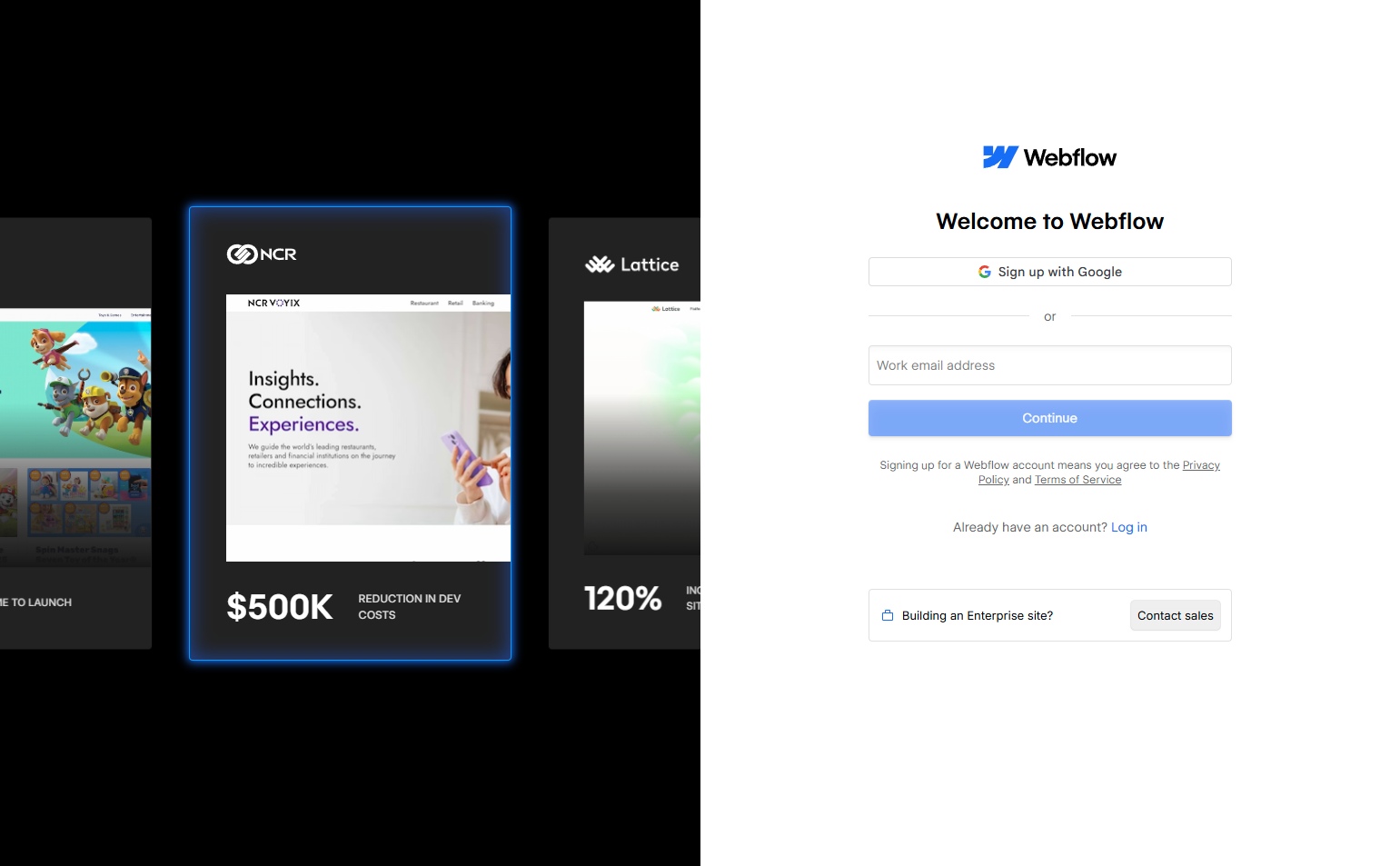
Webflow’s onboarding walks through creating the first design element: adding a section, adding an element inside it, styling it, and previewing it. The sequence mirrors the product’s actual workflow. Complex visual tools need structured first sessions — freeform exploration before users have mental models leads to confusion.
Enterprise and Team Onboarding
22. GitLab — Import or create as the first fork
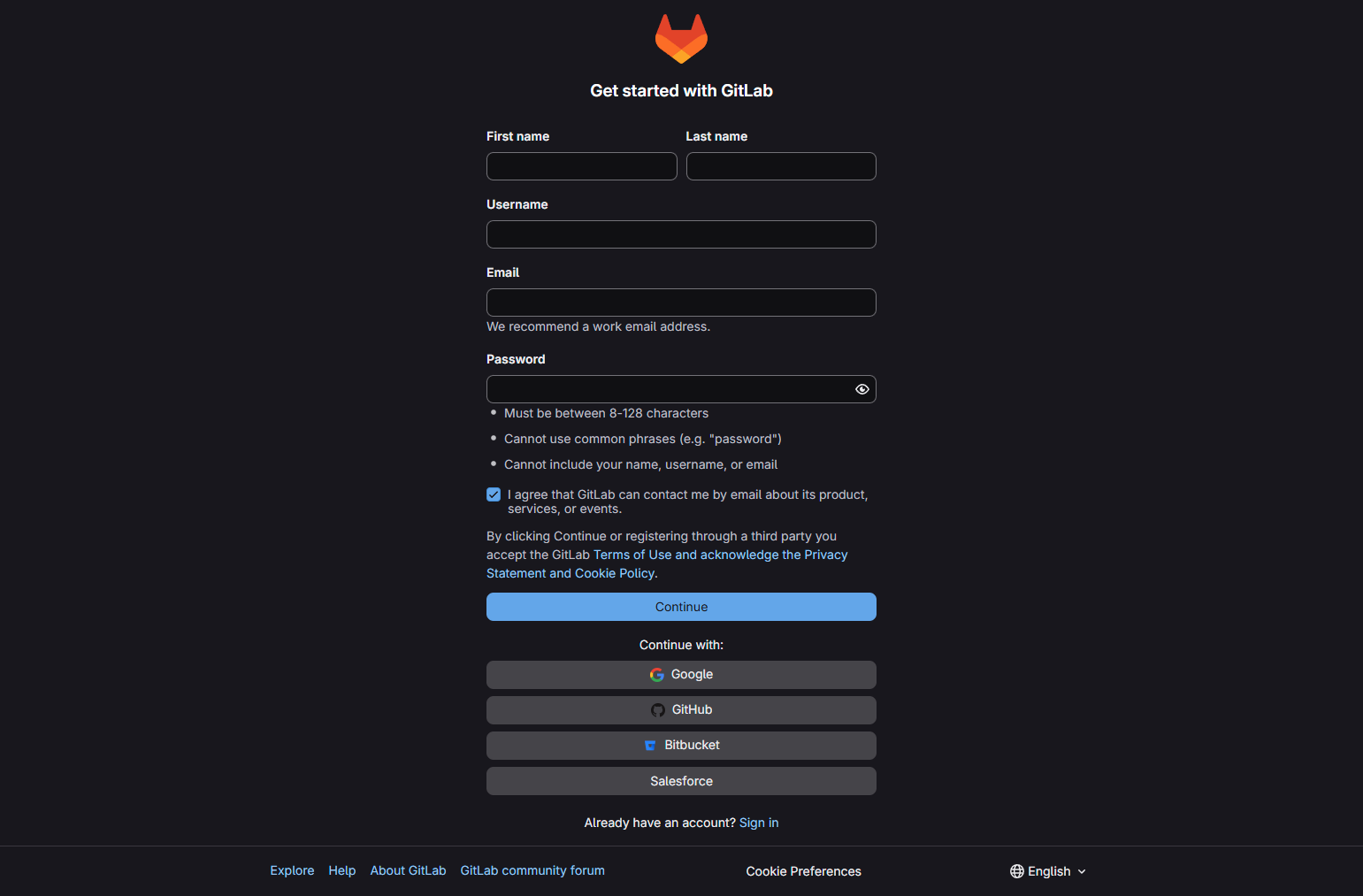
GitLab’s onboarding presents a clear binary at the start: import an existing project from GitHub/Bitbucket, or create a new project from scratch. This respects the most common new user state — most new GitLab users have existing code. Putting the import path at equal visual weight to new project creation reflects understanding of the typical user’s situation.
23. Chargebee — Configuration wizard for billing product setup
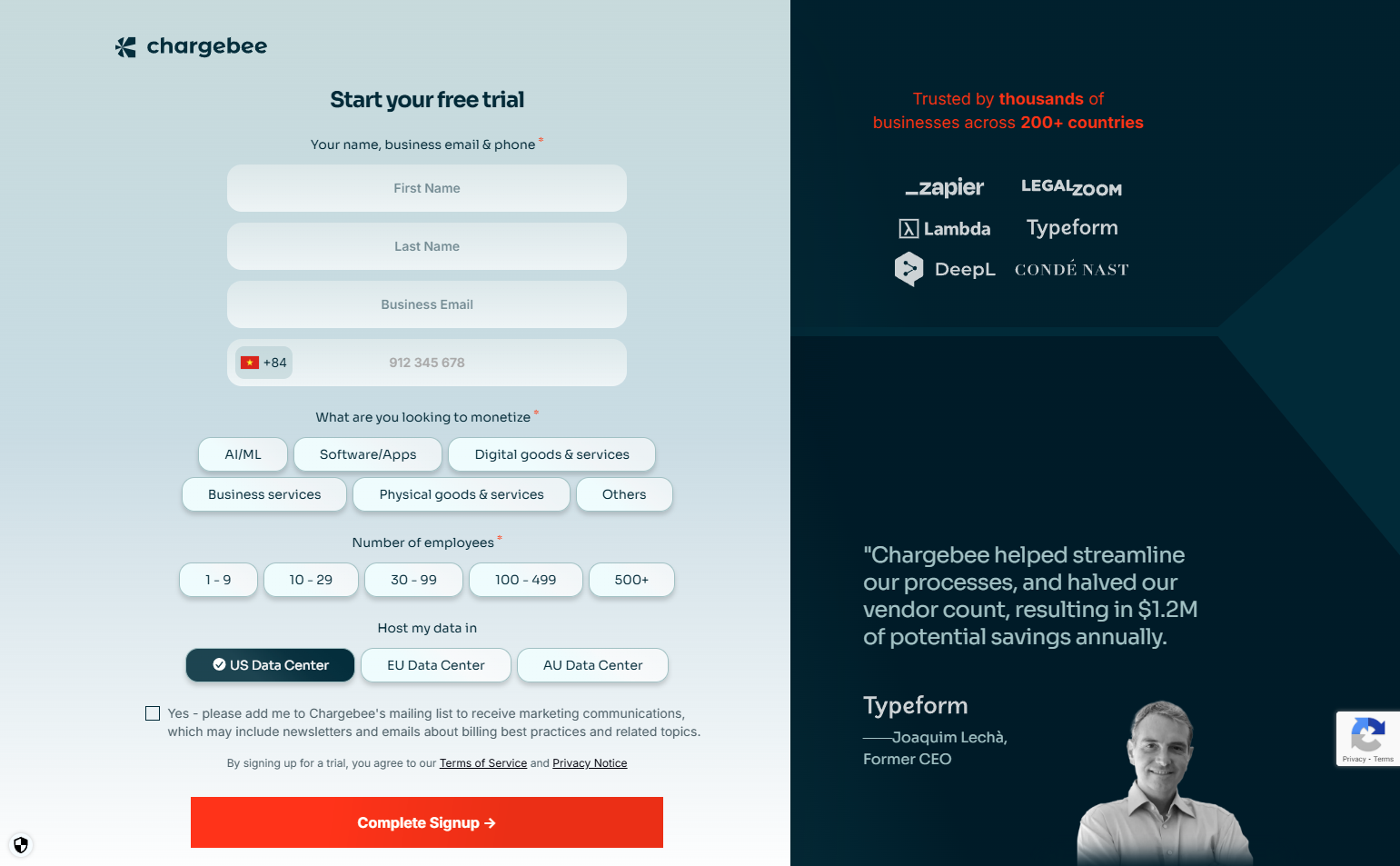
Chargebee’s onboarding walks through: set up product catalog, create first plan, configure tax rules, connect payment gateway, create test subscription. For a billing tool, complete configuration is activation — an incomplete setup means real subscriptions can’t be processed. The wizard is comprehensive because incomplete setup is a product failure.
24. Stripe — “Activate account” checklist for live processing
Stripe’s onboarding for new accounts separates test mode (immediate) from live mode (requires business verification). The “Activate account” checklist in the dashboard — verify identity, add bank account, configure settings — is presented as a separate goal from the initial setup. This correctly sequences the developer experience (start building in test mode immediately) before the compliance requirement (verify before going live).
25. Auth0 — Application type drives the onboarding path
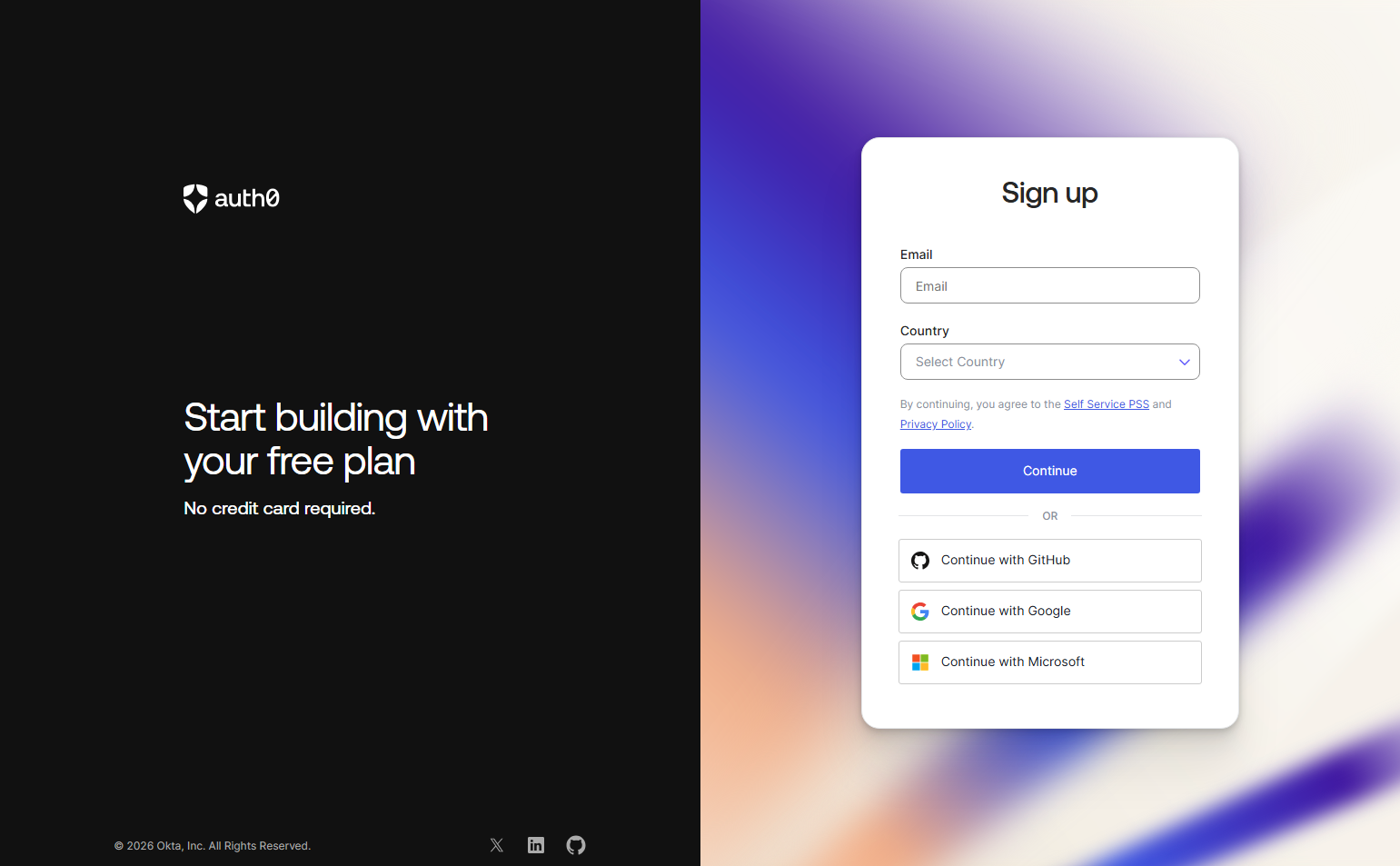
Auth0’s onboarding asks “What type of application are you building?” — Regular Web App, SPA, Mobile, M2M — and uses the answer to show the relevant SDK and quickstart documentation. One configuration choice routes to completely different technical setup paths. For a developer authentication tool, the application type is the most important variable in the setup process.
26. Vercel — First deployment as activation
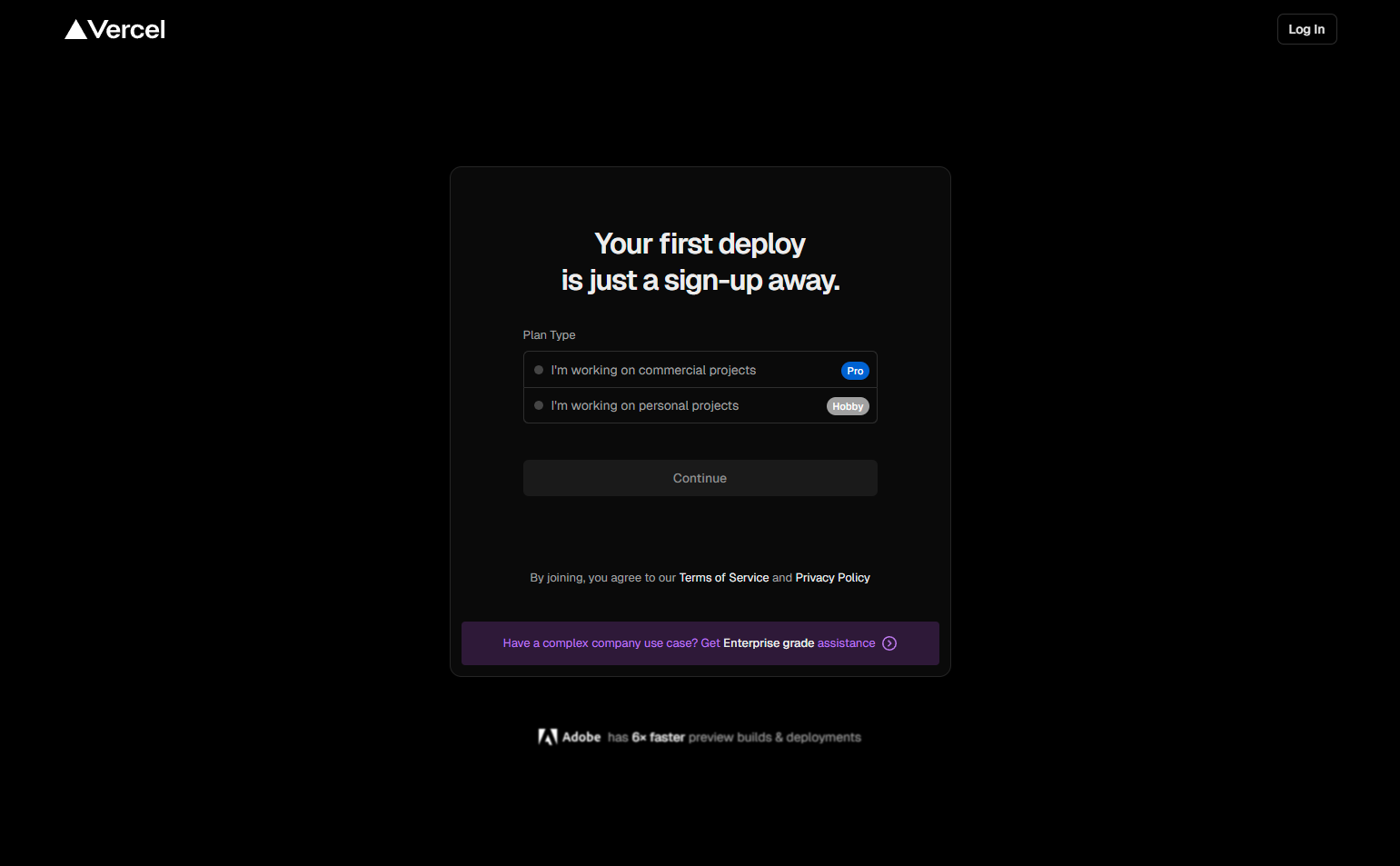
Vercel’s onboarding is the first project deployment: connect GitHub, select a repository, configure environment variables if needed, deploy. The activation moment is seeing “Deployment successful” and a live URL. Vercel’s onboarding is fast because the product is fast — a first deployment in under two minutes is itself the product demonstration.
27. Netlify — First site publish as the onboarding milestone
Netlify’s onboarding sequence ends with a published site — whether from a git connection, a template, or a drag-and-drop folder upload. Every path in Netlify’s signup ends with a live URL. The activation moment is always the same: a working website that the user created.
CRM and GTM Onboarding
28. Close — “Import your leads” as the first action
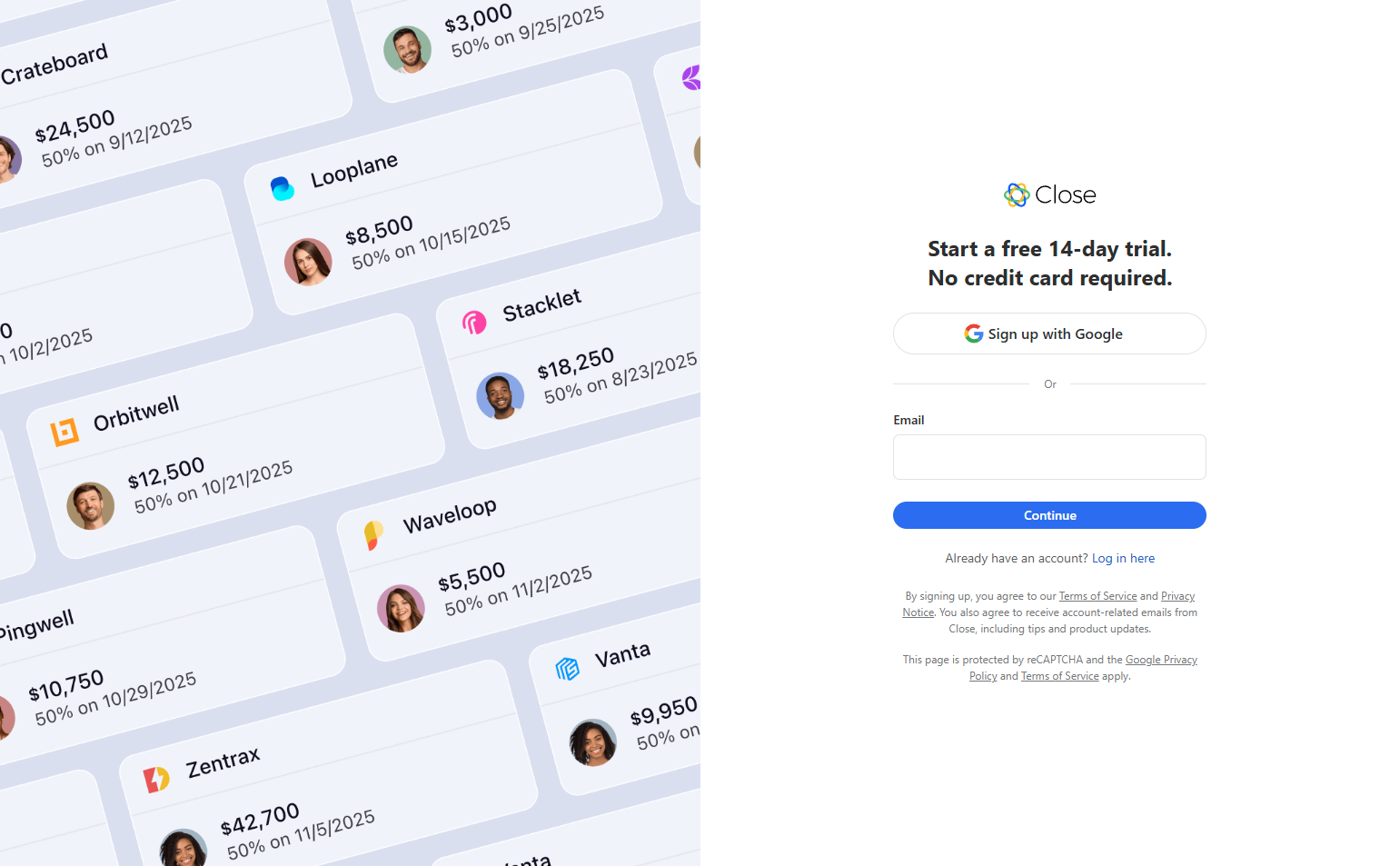
Close’s CRM onboarding begins with lead import — from a spreadsheet, CSV, or CRM migration. For a sales team, the CRM has no value until leads are in it. Making import the first action correctly sequences the value chain: data in → calls and emails → pipeline.
29. Lattice — Review cycle configuration as onboarding
Lattice’s onboarding walks through setting up the first performance review cycle: review period, question types, participants, schedule. For a performance management tool, activation is running the first review — an event that requires configuration in advance. The onboarding is appropriately complex because the product is operationally complex.
30. Gusto — “Get your team set up” payroll onboarding
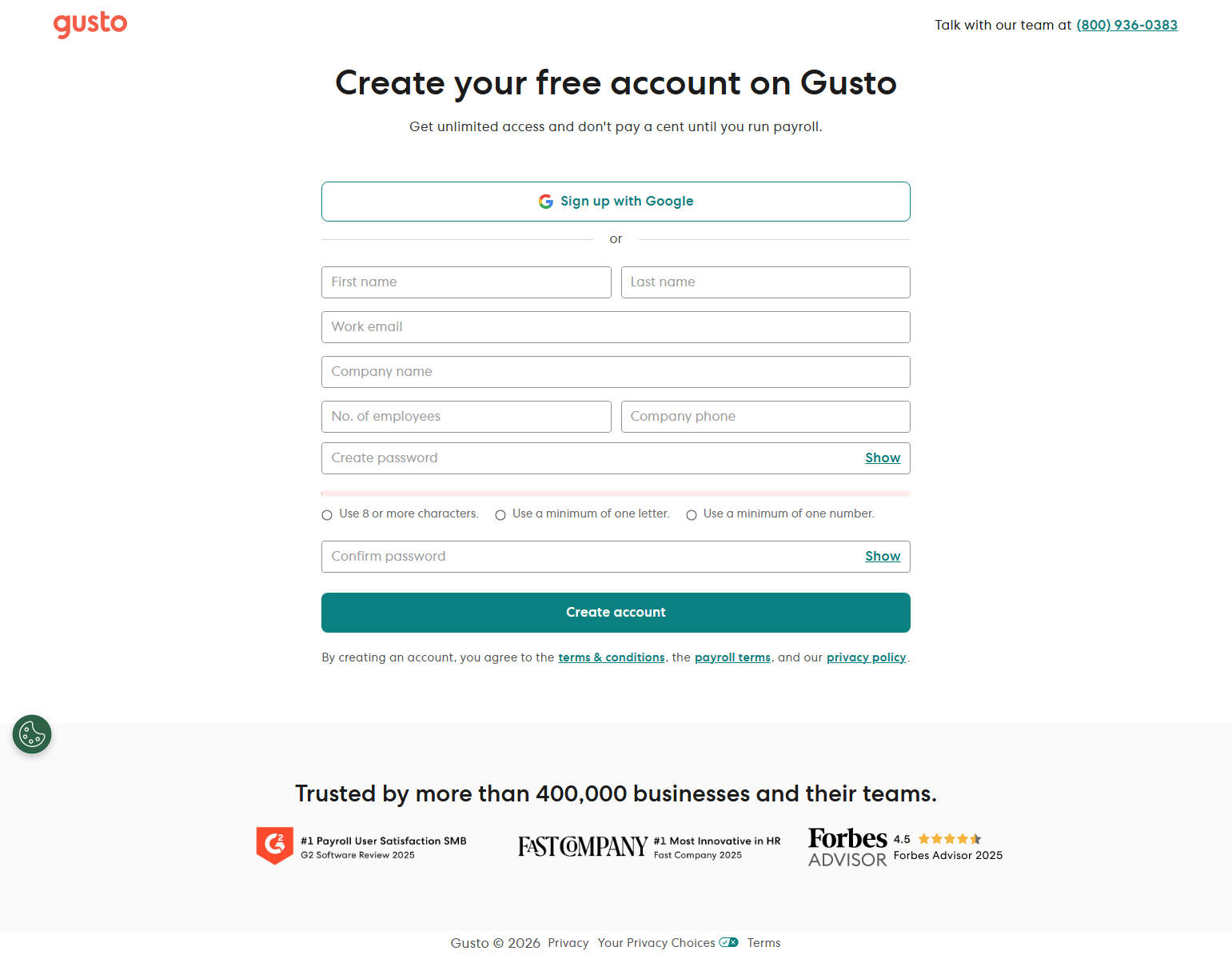
Gusto’s onboarding walks through: add company details, add employees with compensation, configure benefits, connect bank account, run first payroll. The onboarding is long — correctly so, because payroll setup is genuinely complex — but each step uses plain-language copy that explains why the information matters. The length is justified by the product; what distinguishes Gusto is the quality of the copy, not the length of the flow.
Key Patterns from Onboarding Analysis
1. Activation during signup beats “configure it later.” Products where the signup flow ends with a completed activation milestone — a Calendly link, a published Netlify site, a configured Zap — have dramatically higher day-1 retention than products that end signup at account creation. The activation gap (time between signup and first value) is the highest dropout period in the user lifecycle.
2. One personalization question beats ten. The most efficient onboarding personalization is a single question with meaningful routing consequences: Canva’s use case, Retool’s “what will you build?”, Auth0’s application type. Multiple personalization questions add friction proportionally — each additional question must deliver more personalization value than the friction it costs.
3. Checklists need completion criteria to work. Onboarding checklists are effective when users can see exactly what “complete” looks like and track progress toward it. Vague checklists with open-ended items (“explore the dashboard”) don’t provide the goal state clarity that makes checklists motivating.
4. Installation-gated onboarding is appropriate for integration-dependent products. Products that don’t work without an installed script or connected data source should gate onboarding completion on successful installation. Showing an empty state dashboard before the product is configured is discouraging. A clear “waiting for connection” screen with troubleshooting links is more honest and more helpful.
5. The right onboarding length is proportional to product complexity. A password manager with a browser extension needs minimal onboarding — install and fill a password. A data pipeline platform needs structured setup guidance. Matching onboarding length to setup complexity is more important than minimizing steps universally.
Frequently Asked Questions
What’s the difference between signup and onboarding?
Signup is account creation. Onboarding is the journey from account creation to first value. The distinction matters because they have different design goals: signup minimizes friction to get users in; onboarding maximizes the probability of reaching activation. The best products merge these — making the first-value moment the final step of signup.
How long should onboarding take?
As long as it takes to reach the activation moment, and no longer. For simple products, this can be under two minutes (Figma: signup to canvas). For complex products, it may take 20+ minutes (Chargebee: full billing configuration). The benchmark isn’t time — it’s the ratio of user progress toward activation per minute of onboarding.
Should onboarding be skippable?
For products used by experienced users (design tools, developer tools), yes — mandatory tutorials frustrate experts. For products where the setup is a prerequisite to any value (Hotjar script, Amplitude events), no — skipping leaves users in a broken state. Match skip-ability to whether the product works at all without the setup step.
When should email onboarding sequences trigger?
Email sequences should trigger based on activation status, not signup date. A user who activated on day 1 needs different emails than one who hasn’t yet run their first report. Segment your email sequences by “activated” vs. “not yet activated” before anything else.
Browse 258 SaaS onboarding flows, signup screens, and user flow diagrams in the SaaS Boat library. Filter by product category to find relevant onboarding examples for your design research.