
Stop researching SaaS UXone tab at a time

The SaaS UX library.4,728 real screenshots, 1,490 UX audits and 576 user flows from 299 live SaaS products.
$149 billed annually, or $19.90 monthly. Cancel anytime.
Real products inside
 Figma
Figma Notion
 Stripe
 Asana
Asana Canva
Canva Slack
Slack Webflow
 Airtable
 Framer
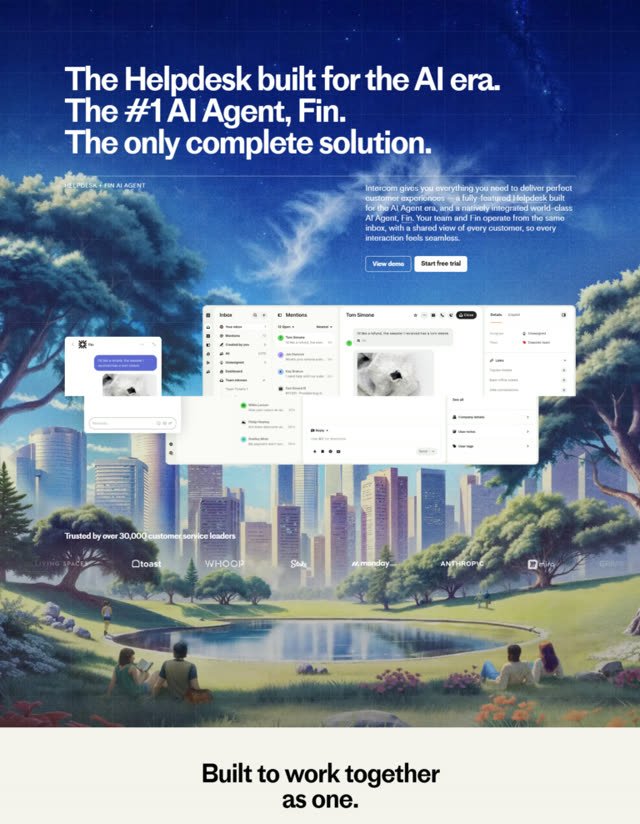
 Intercom
 Loom
Loom Zapier
 Vercel
 Calendly
 ClickUp
 Miro
Miro Supabase
 GitLab
 1Password
 ZoomFigmaNotionStripeAsanaCanvaSlackWebflowAirtableFramerIntercomLoomZapierVercelCalendlyClickUpMiroSupabaseGitLab1PasswordZoom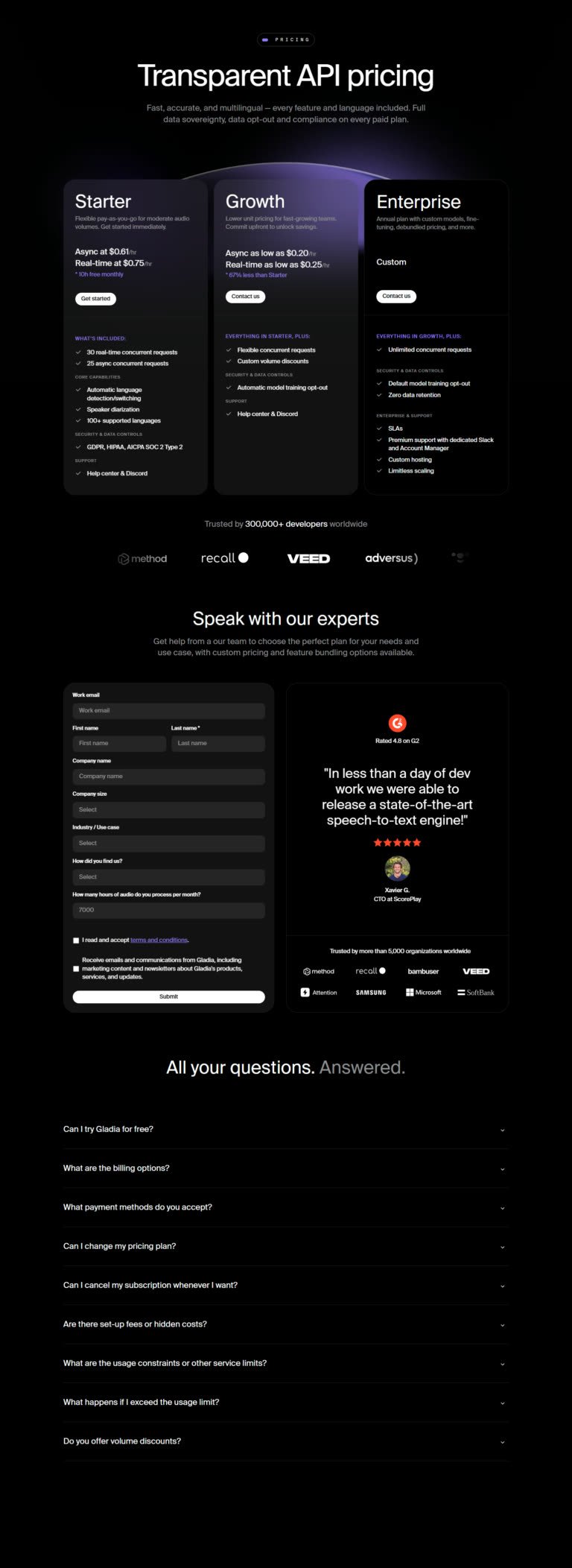
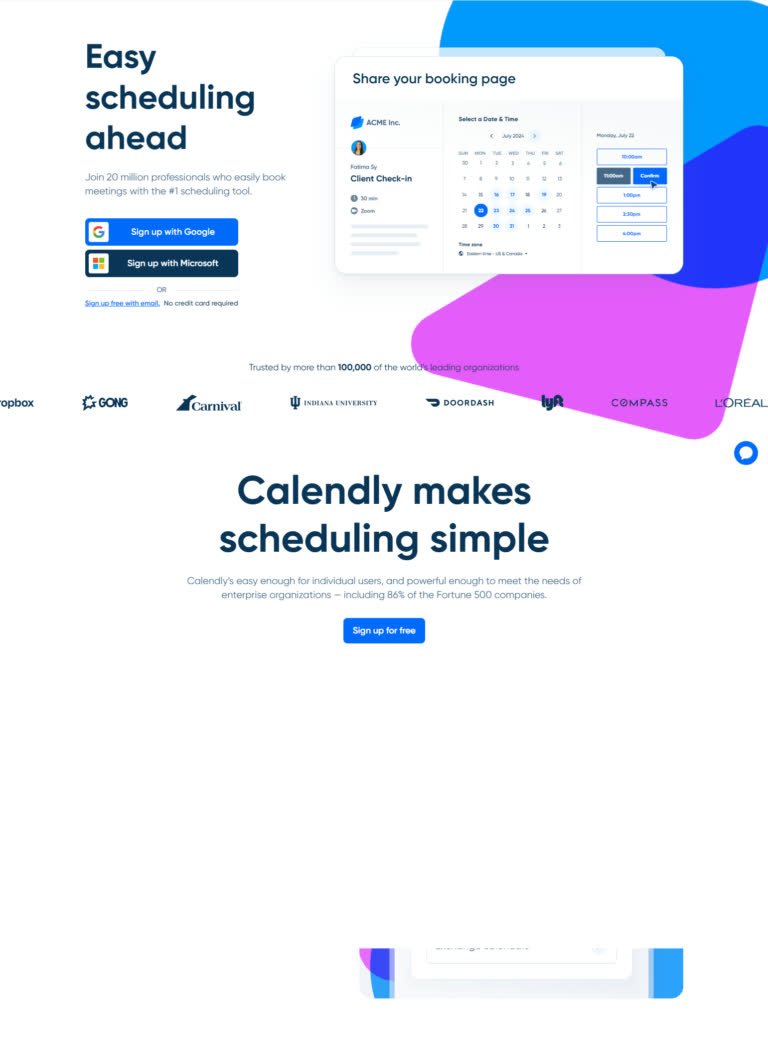
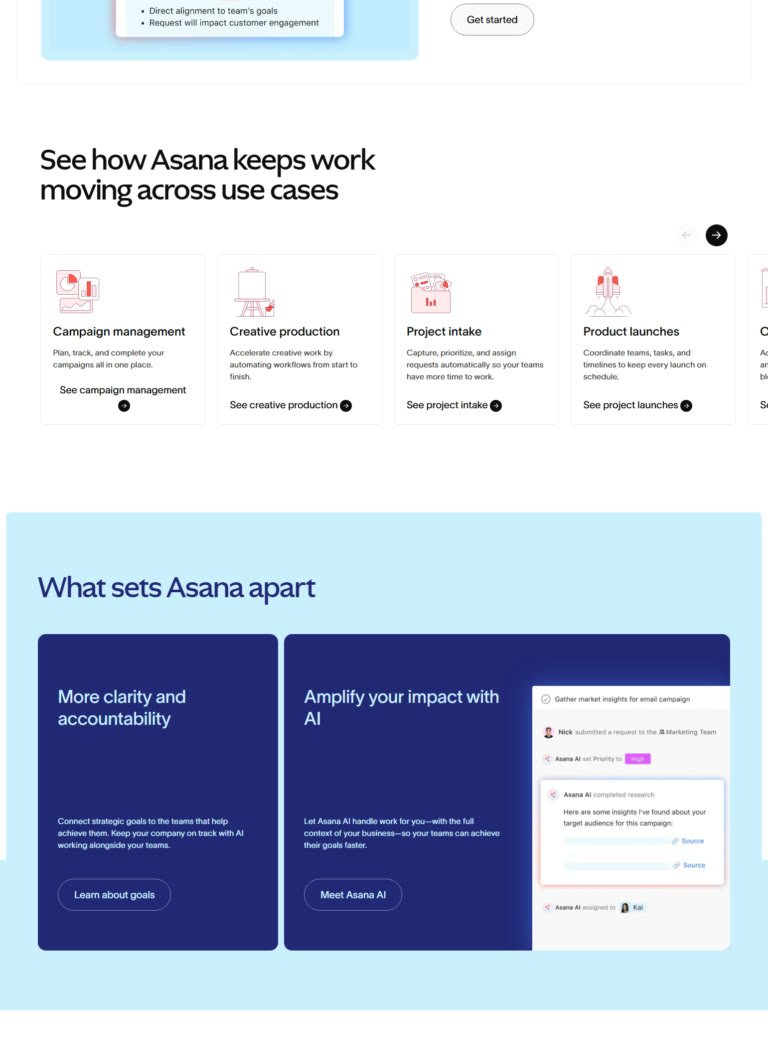
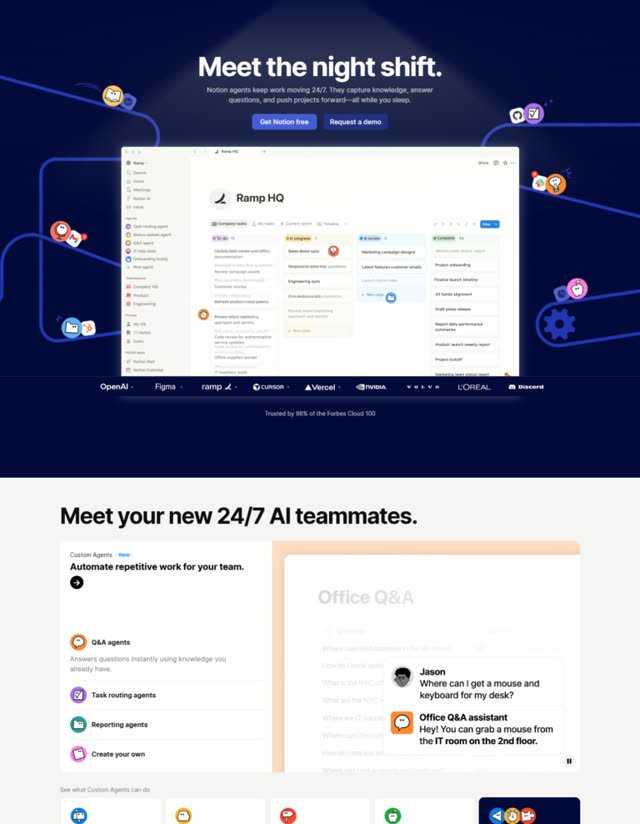
After sign-up the user lands straight in their first project. An overlay points at “Add task”, so the first action is obvious.
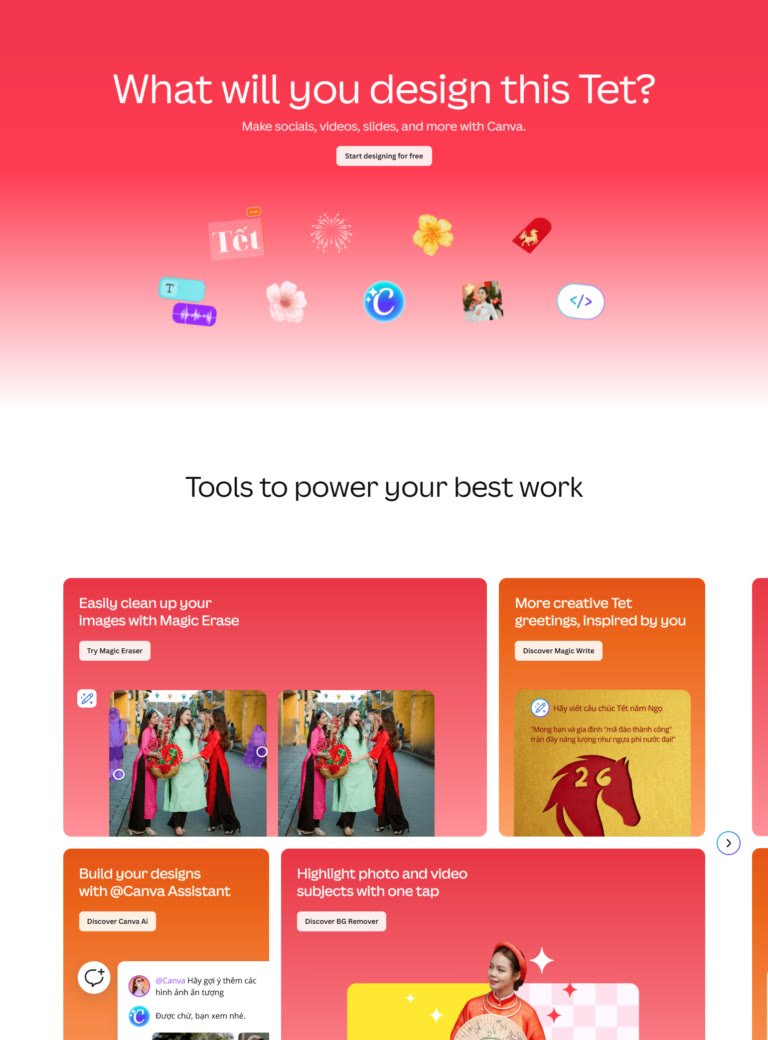
real screenshots
Every page type, searchable.
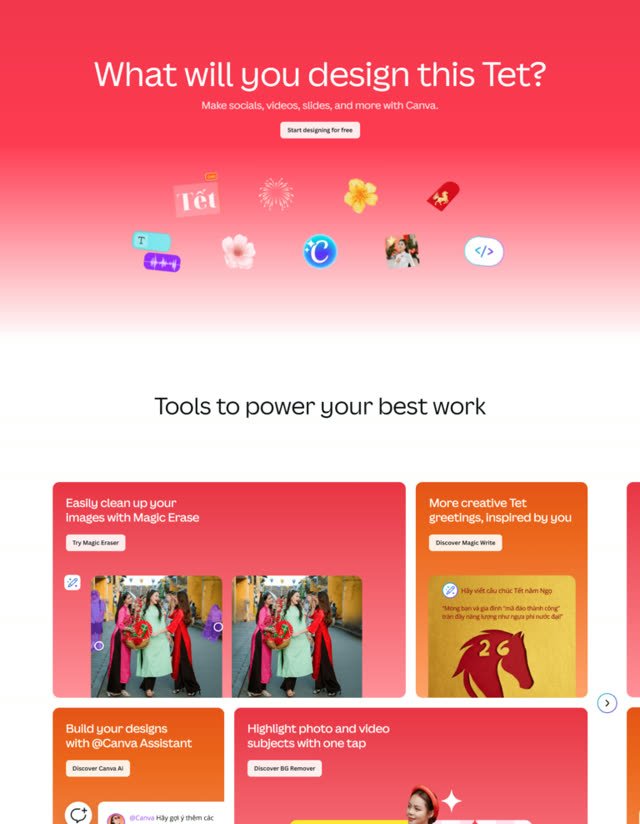
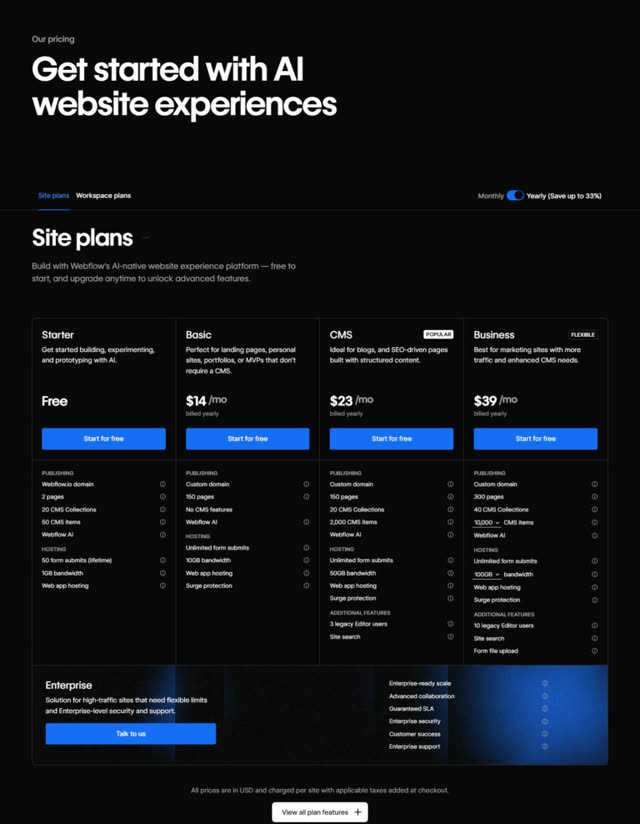
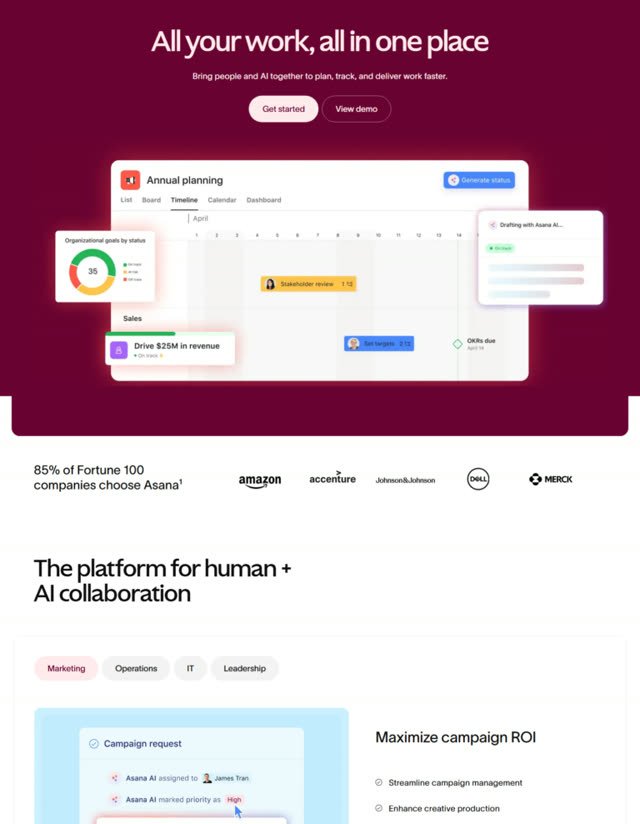
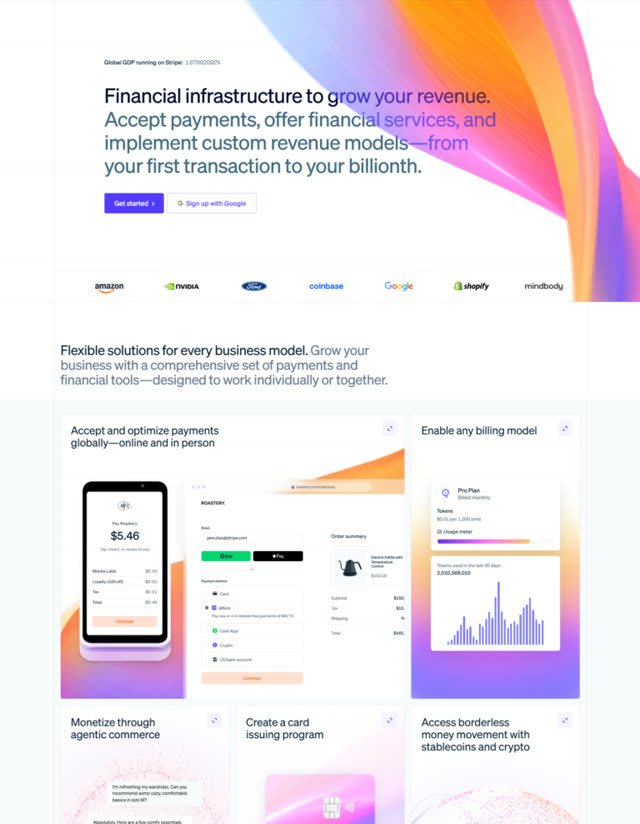
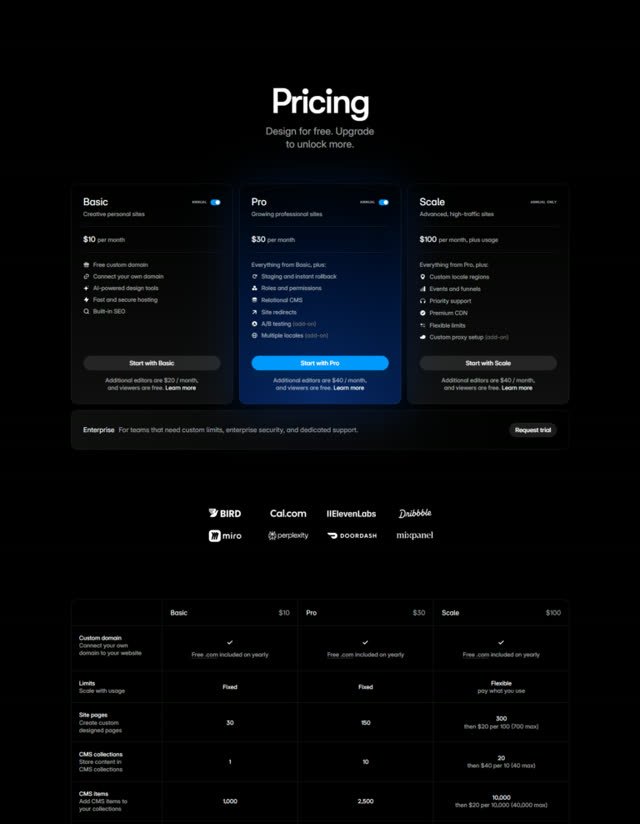
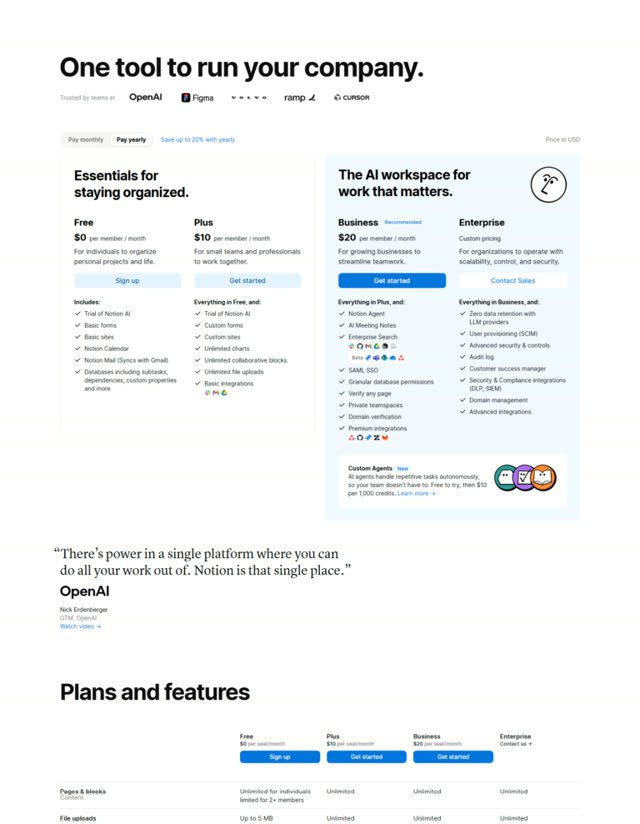
Pricing pages, landing pages, logins, signups, testimonials and FAQs, captured from live products. Filter by app or page type and get the answer in one search.
- 27 page types, including 210 pricing pages
- No monthly cap on full access
- Compare any two side by side
- Insert straight into Figma with the plugin
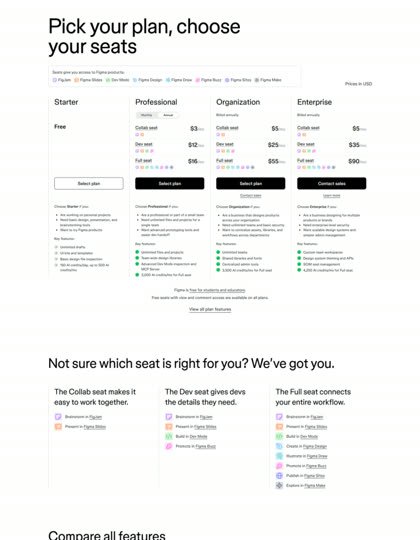
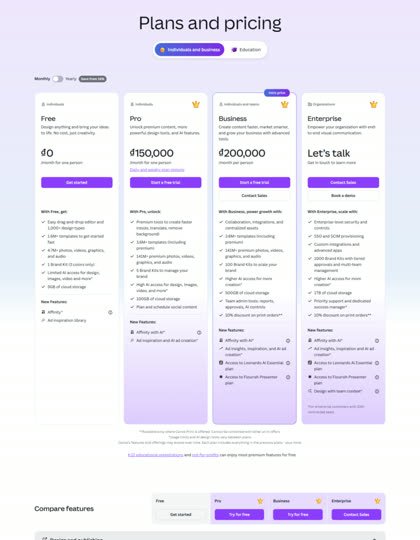
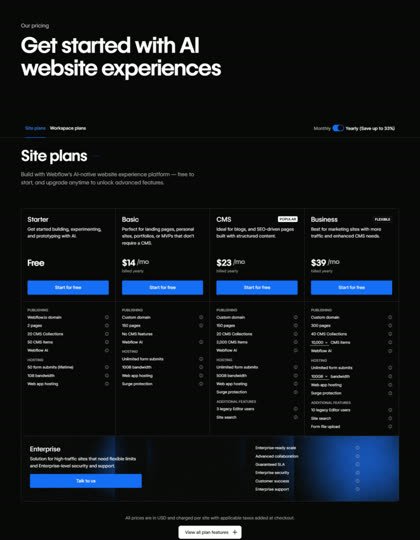
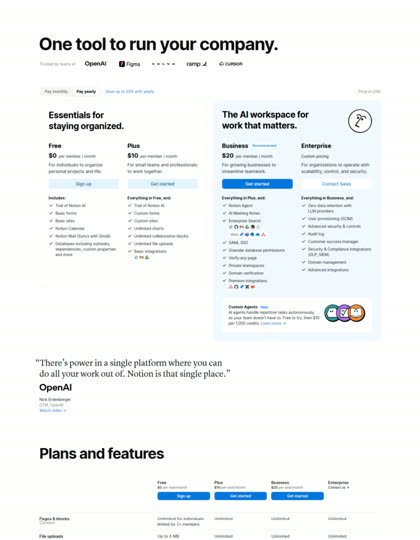
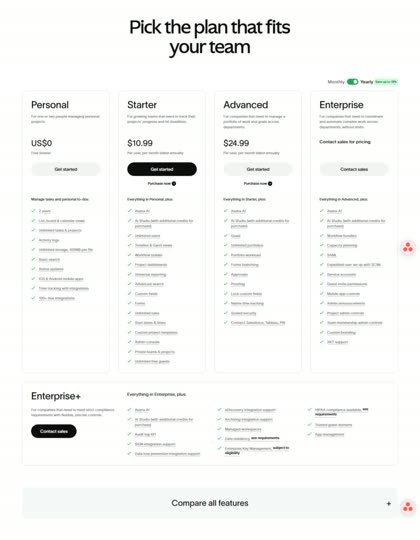
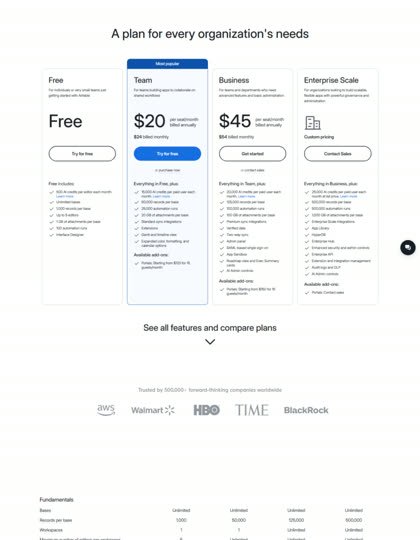 Figma · Pricing Page
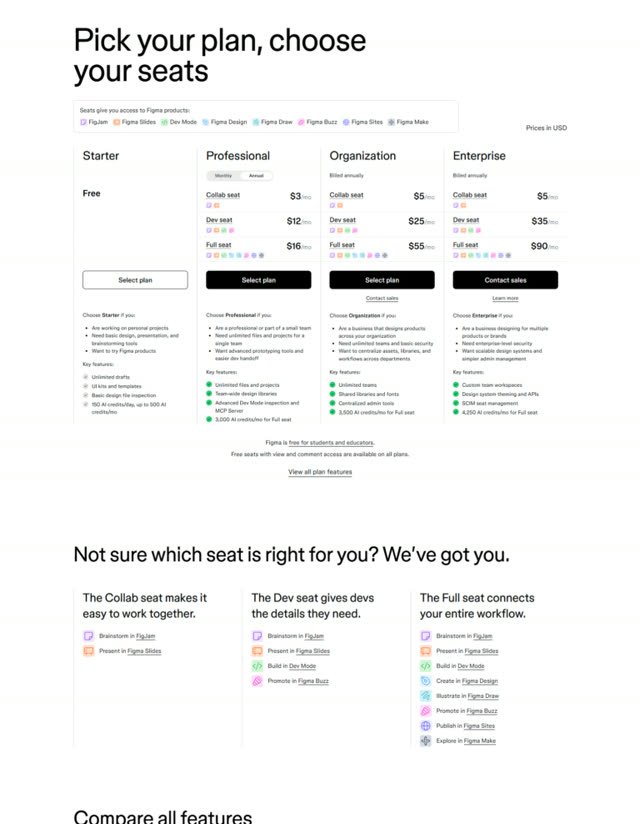 Canva · Pricing Page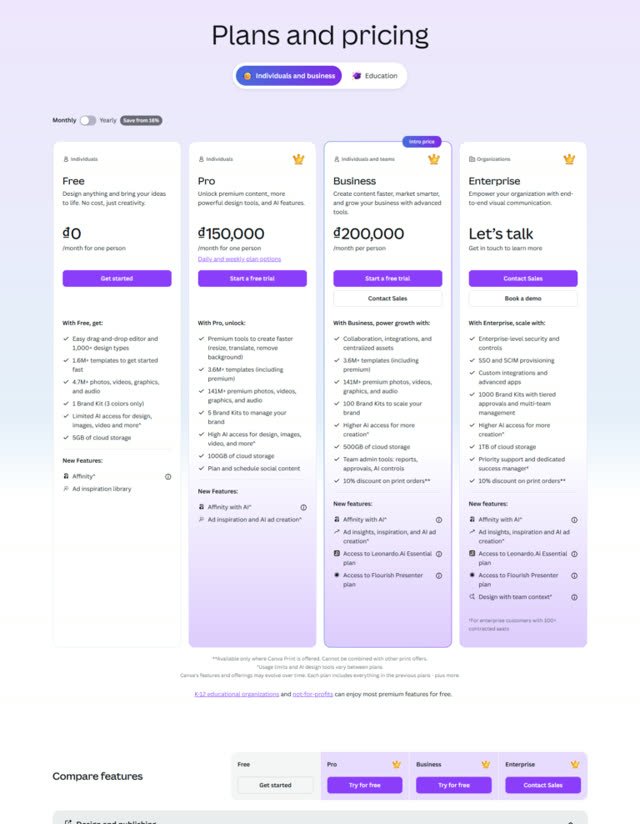
UX audits
The reasoning, not just the pixels.
Products are scored against Nielsen’s 10 usability heuristics, check by check. You see what passes, what fails, and a note on why.
- Pass or fail on every check
- A score for each of the 10 principles
- Included with full access only
user flows
Sign-up to onboarding, step by step.
See how real products move people through sign-up, login, onboarding and contact sales, with the UX decisions called out at each step.
- Sign-up, login, onboarding and contact sales
- Zoomable, with full download
- Included with full access only
EntryONBOARDINGStep 2ONBOARDINGStep 3ONBOARDINGStep 4ONBOARDINGStep 5ONBOARDINGStep 6ONBOARDINGBuilt for the people who ship SaaS
Start from what already works.
Pull every pricing page, signup or landing page before you open a blank frame, then drop them straight into Figma.
- 4,728 screenshots
- 27 page types
- Figma plugin
Walk into planning with evidence.
Compare how real products handle sign-up, login and onboarding, with the reasoning for each step already written down.
- 576 user flows
- Side-by-side compare
- Notes and collections
See what the products you admire actually ship.
Landing pages and pricing from 299 live SaaS products, page by page, before you spend a sprint guessing.
- 299 products
- Pricing pages
- Landing pages
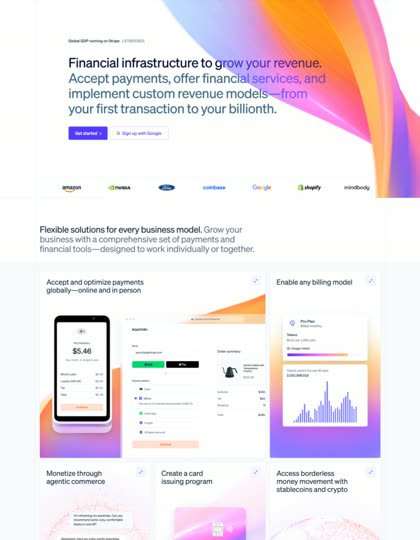
Build the flow right the first time.
See the steps real products use for sign-up and onboarding, and the usability checks they pass or fail.
- 1,490 UX audits
- Pass / fail checks
- Step-by-step flows
Most UI libraries show screens. SaaS Boat shows the *decisions* *behind* *them.*
One plan. The whole library.
Everything you just scrolled past, unlocked. Pay yearly and it costs less.
Screenshots, UX audits, user flows, animations and the Figma plugin. No caps, and every new product is included.
Get full access · $149 a year→Want to look first? Start on the free plan.
Questions before you buy
The things people ask before they pay, answered plainly.
The whole library: every screenshot with no monthly cap, every heuristic evaluation, every user flow diagram, the micro-interaction animations, and unlimited inserts from the Figma plugin. Annual and monthly include exactly the same things.
Yes. The free plan gives you 50 screenshots a month with no card and no trial clock. UX audits and user flows are part of full access, so the free plan shows you the screens and full access adds the reasoning.
Most UI inspiration tools focus on screens. SaaS Boat focuses on flows and decisions: what happens before and after a screen, how each product scores against usability heuristics, and why.
Checkout and billing run through Gumroad. Annual is $149 once a year and monthly is $19.90 a month. You can cancel from your Gumroad account whenever you like.
New products, flows and evaluations are added every week. Anything added after you join is included in your plan at no extra cost.
Yes. The SaaS Boat Figma plugin inserts real screenshots straight onto your canvas. Inserts are unlimited on full access.
299 live SaaS products so far, including Figma, Notion, Stripe, Asana, Canva, Slack, Webflow, Airtable, Intercom and Calendly, with more added each week.
Skip weeks of research.
The full library from $12.40 a month. Cancel anytime.