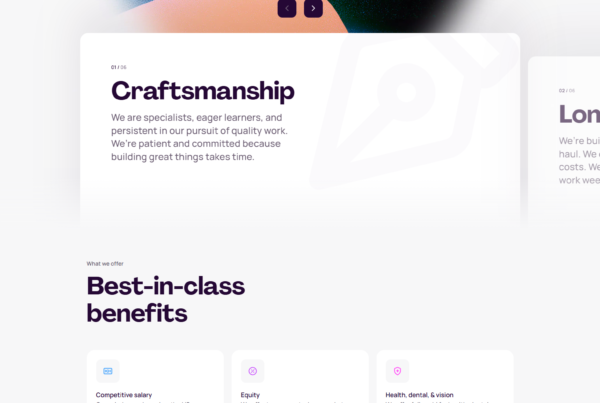
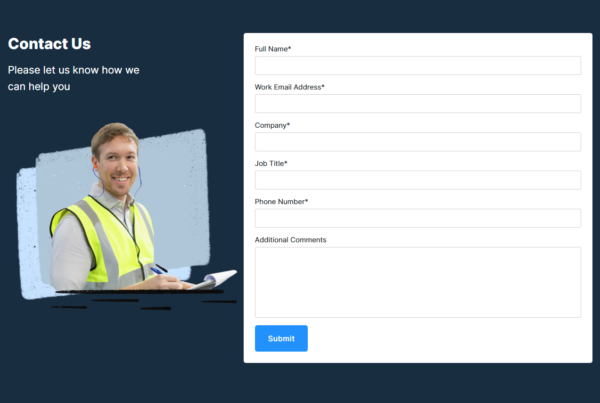
A SaaS signup flow is the sequence of screens a new user passes through from the moment they decide to create an account to the moment they first experience the product’s core value. It typically includes an account creation form, email verification, an onboarding questionnaire (role, use case, team size), workspace setup, and an initial “aha moment” trigger — all strung together in a sequence designed to convert interest into habit.
The signup flow is the first impression your product makes after someone decides to try it. A flow that takes 4 minutes and 7 screens to get to value loses users to one that takes 90 seconds. We analyzed signup flows across 258 SaaS products in the SaaS Boat library. Here’s what works.
 Figma
Figma Notion
 Canva
Canva Slack
Slack Airtable
 ClickUp
 Miro
Miro Asana
Asana Loom
Loom Retool
 Amplitude
 Framer
 Webflow
 Zoom
Zoom Calendly
 Intercom
 Hotjar
 Gong
Gong GitLab
 Supabase
What Makes a Signup Flow Work
A signup flow has one job: get the user to their first moment of value as fast as possible without losing the information you need to set up their account correctly.
The tension is real. You want to ask about team size, role, use case, company, and billing — the user wants to see the product. The best flows resolve this by asking questions progressively (only what’s needed now), delaying optional setup, and making every step feel like product progress rather than form-filling.
According to SaaS Boat’s analysis of 103 signup flow diagrams, 78% of SaaS products ask fewer than 5 questions before showing the core product UI. The top-performing products ask 2-3 questions and immediately render a personalized workspace.
30 Signup Flow Examples
1. Figma — Social signup + immediate canvas
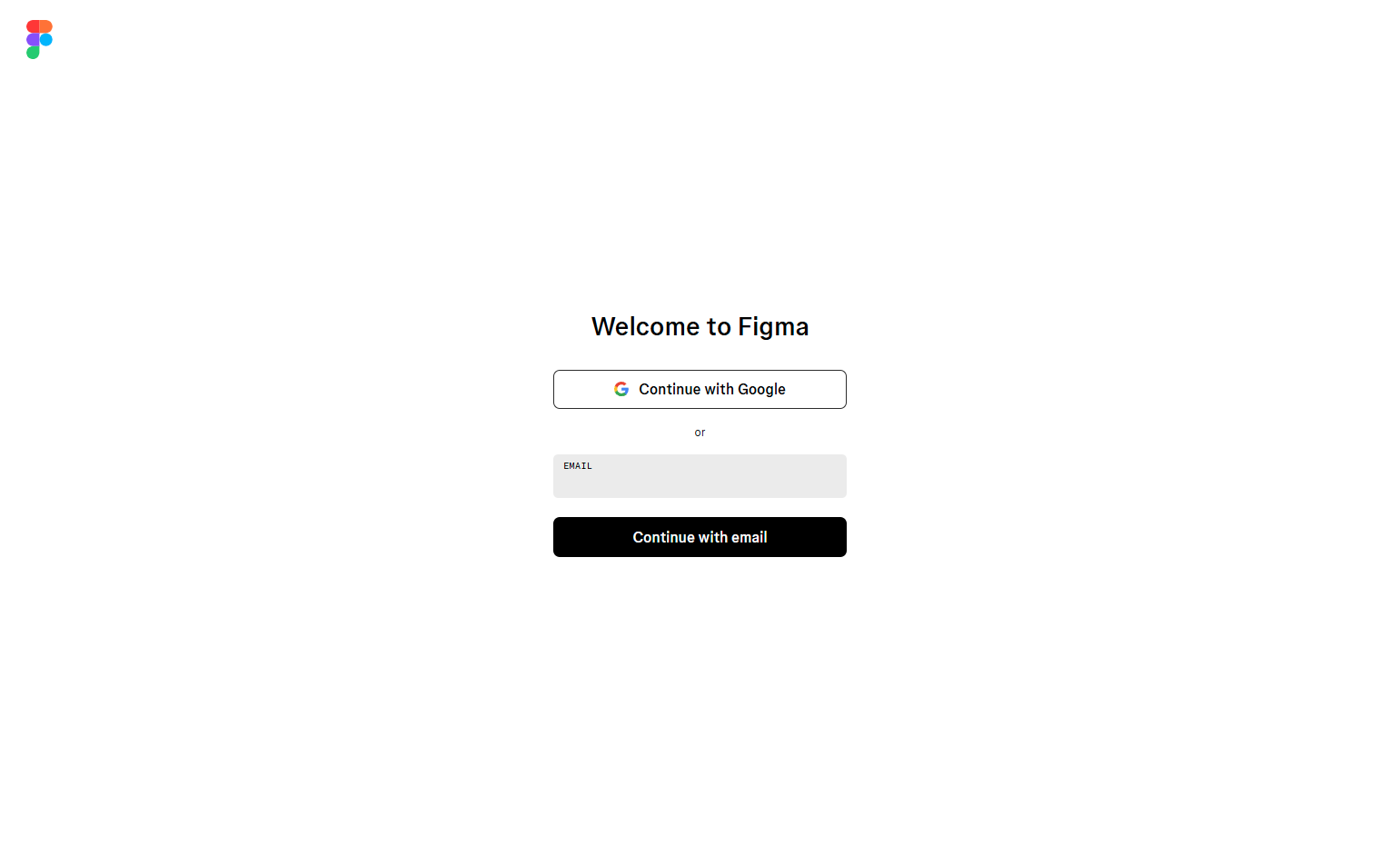
Figma’s signup is Google/GitHub/email, email verification, and then directly into a new file. No role questions, no team setup at signup. Figma defers workspace invitations and team creation to the product itself. Result: users are in the canvas within 60 seconds.
See Figma’s signup flow diagrams on SaaS Boat
2. Notion — Template selection as first value step
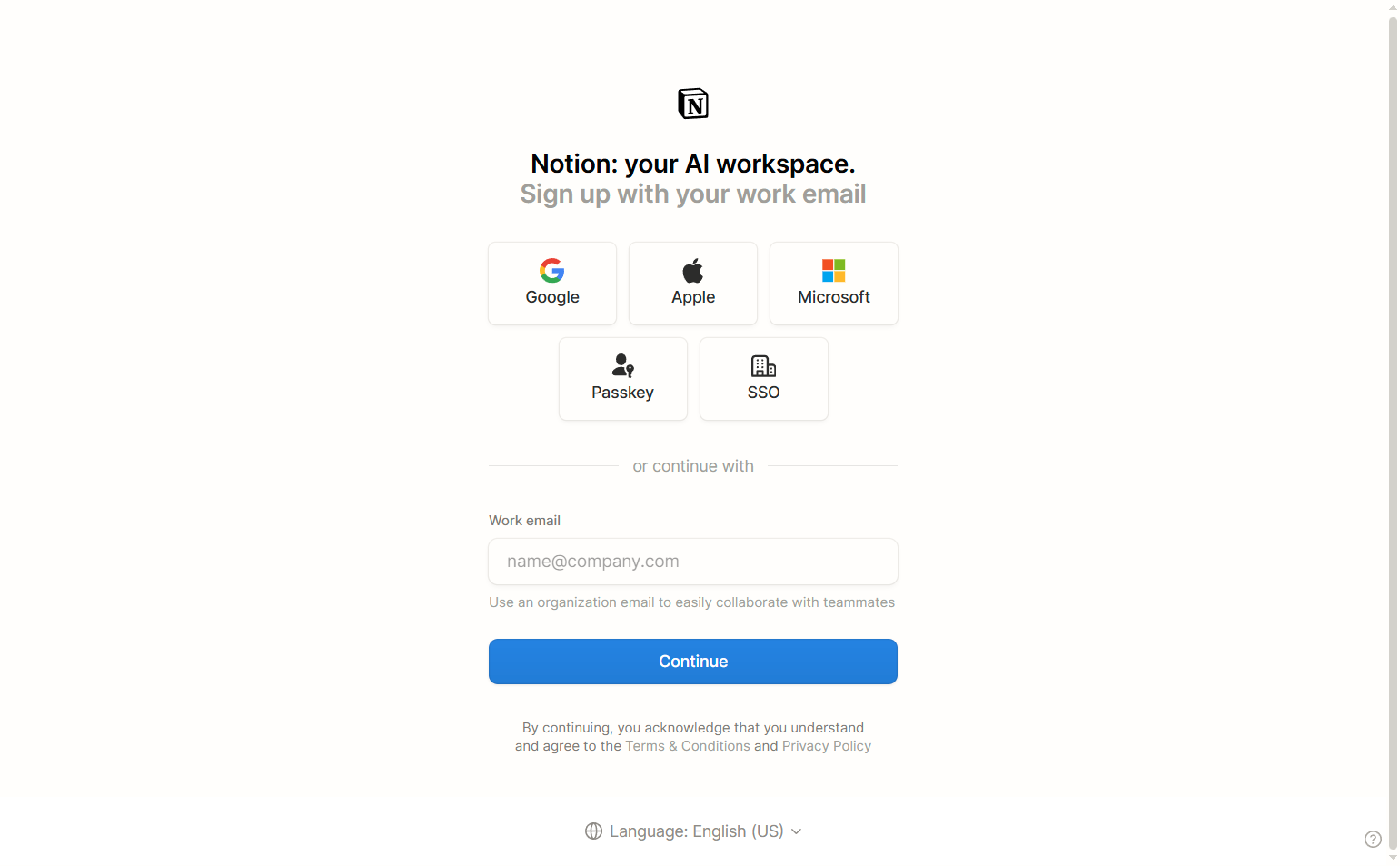
After email verification, Notion asks: “What will you use Notion for?” The answer populates the workspace with relevant templates. This question doesn’t feel like a form — it feels like the product already working for you. Role questions get answered through template behavior, not a survey.
See Notion’s signup flow on SaaS Boat
3. Canva — Use case selection with visual options
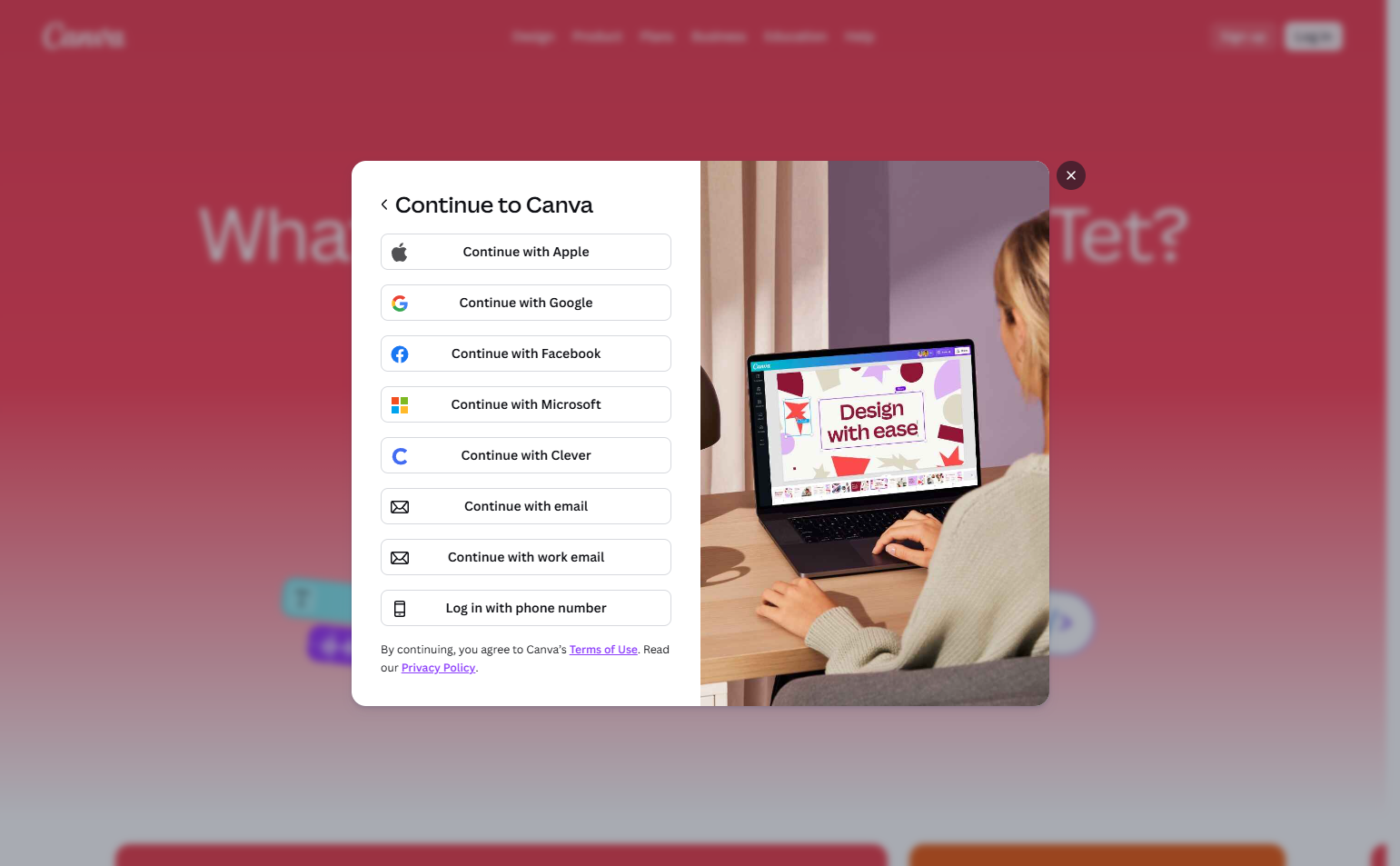
Canva’s signup asks “What will you use Canva for?” with large visual tile options: Personal, Teacher, Student, Small business, Large company. No radio buttons, no dropdowns. The visual format makes selection faster and feels like a product choice rather than a registration step.
See Canva’s signup flow on SaaS Boat
4. Slack — Workspace creation as the signup
Slack’s signup flow IS workspace creation. After email verification, users name a workspace, invite teammates, and then sign in. The product doesn’t exist until you’ve named it. This makes signup feel like building something, not filling a form.
See Slack’s signup flow on SaaS Boat
5. Airtable — Base template selection
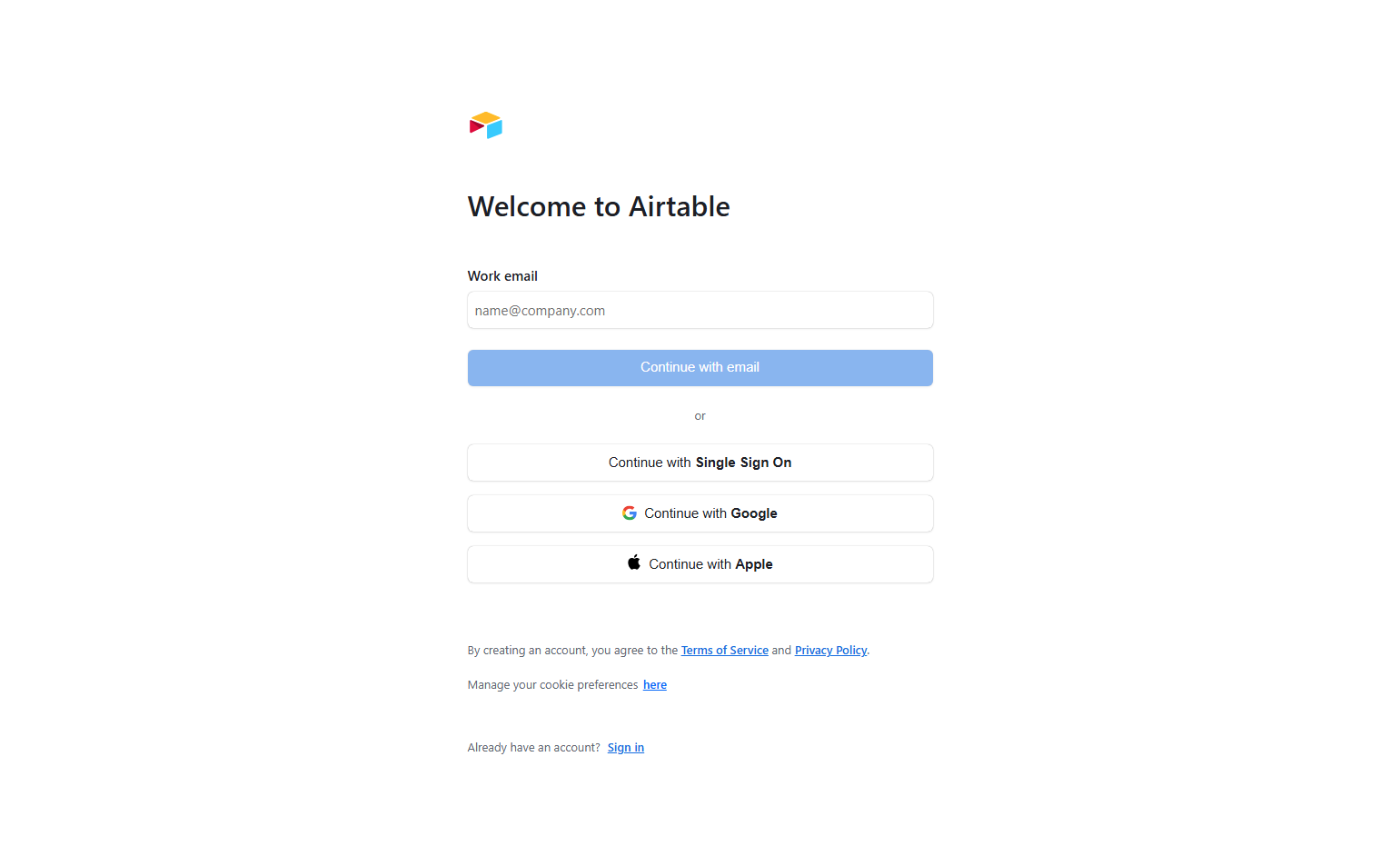
Airtable shows template options immediately after account creation: Marketing, Product, HR, Sales. Selecting a template creates a populated base. The first thing users see is real data in a real structure — not an empty grid. Empty states kill conversion; Airtable eliminates them.
See Airtable’s signup flow on SaaS Boat
6. ClickUp — Progressive workspace setup
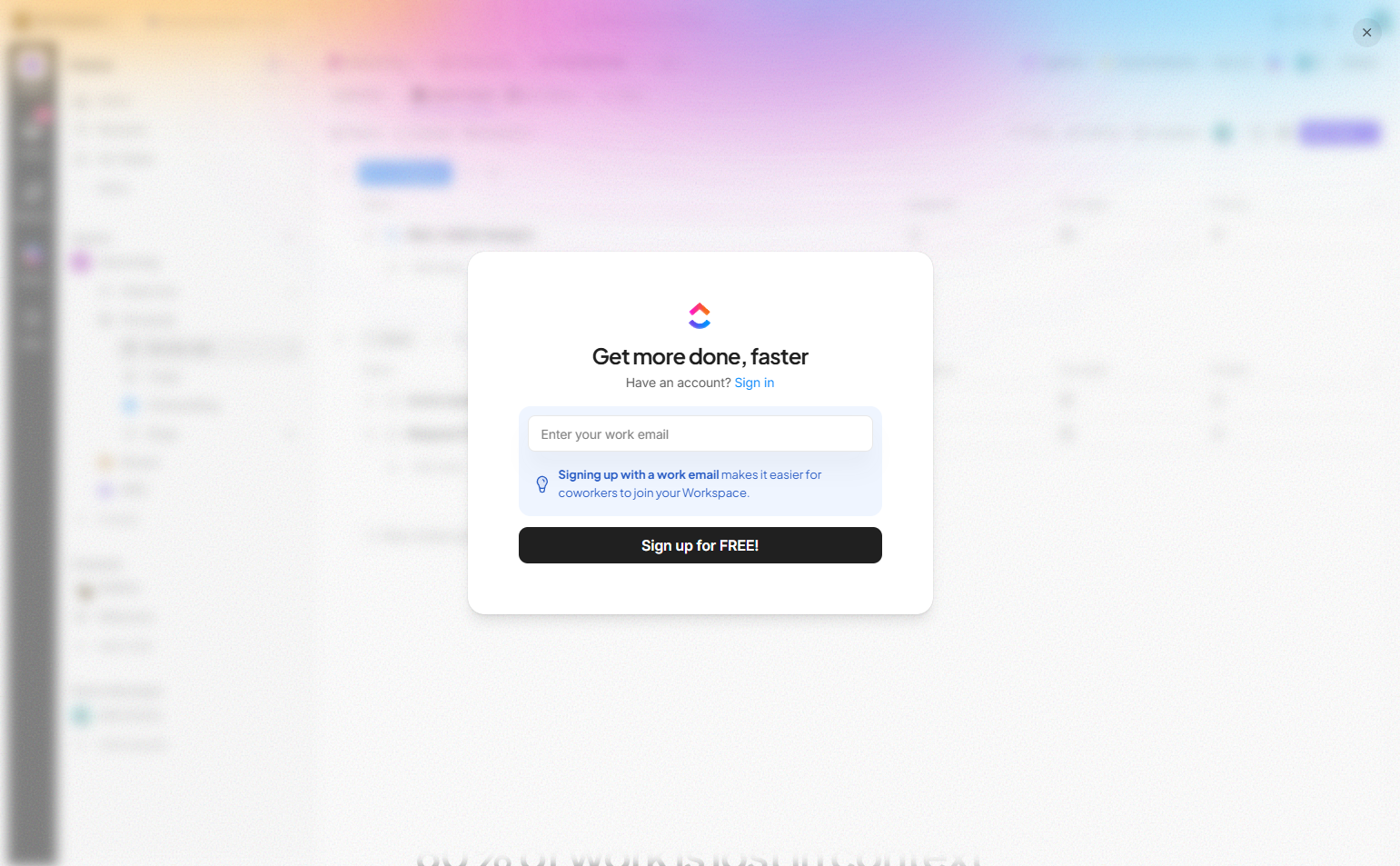
ClickUp walks users through workspace naming, use case selection, team invitation, and feature selection in a multi-step flow — but each step has a “Skip” option. Users who want setup do it; users who want the product skip to it. Both get what they want.
See ClickUp’s signup flow on SaaS Boat
7. Miro — Team type as personalization signal
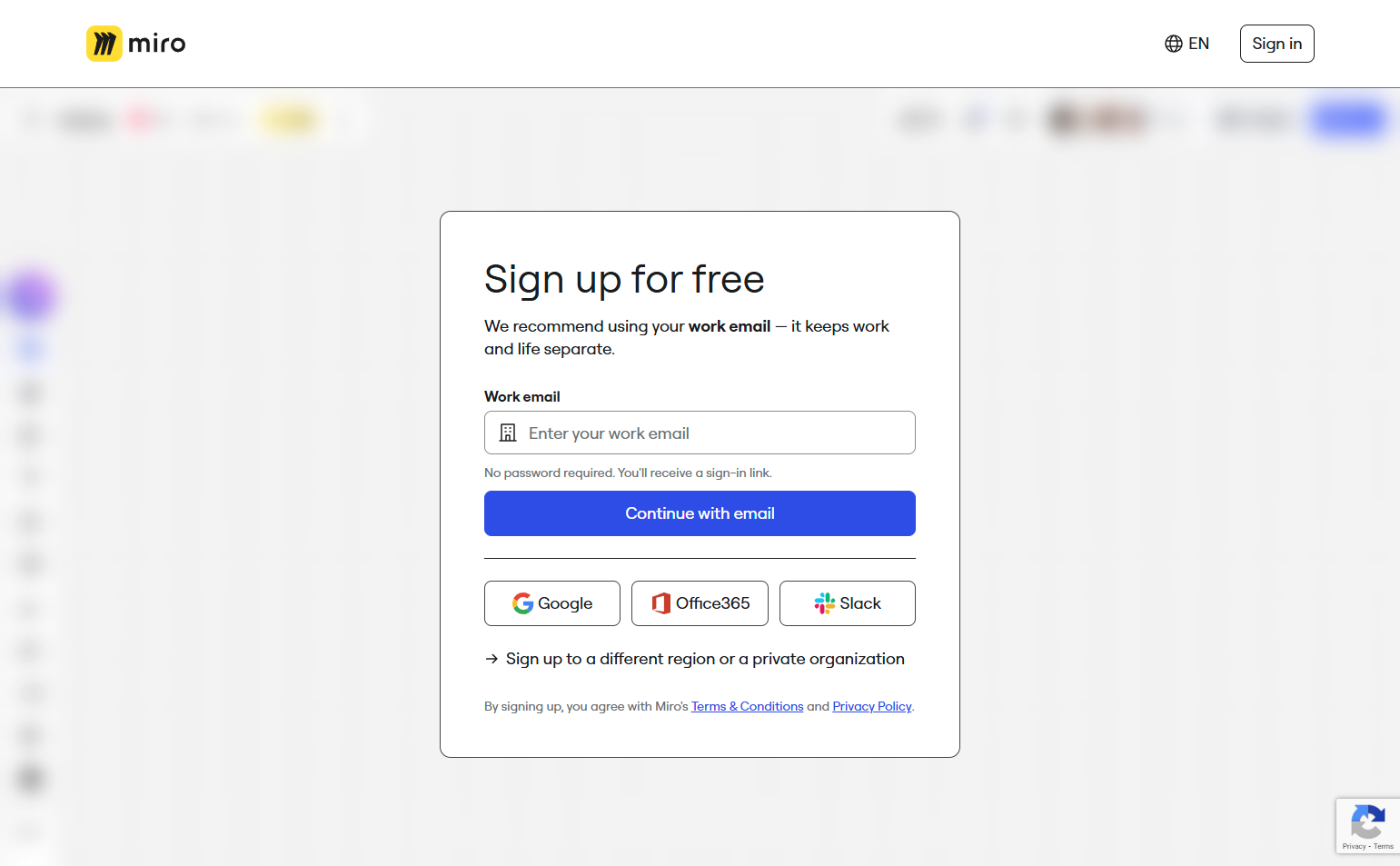
Miro asks “What type of team are you?” with options like Engineering, Product, Design, Marketing, Consulting. The answer adjusts which templates appear in the initial workspace. The question is short and its value is immediately visible.
See Miro’s signup flow on SaaS Boat
8. Asana — Goal-oriented first question
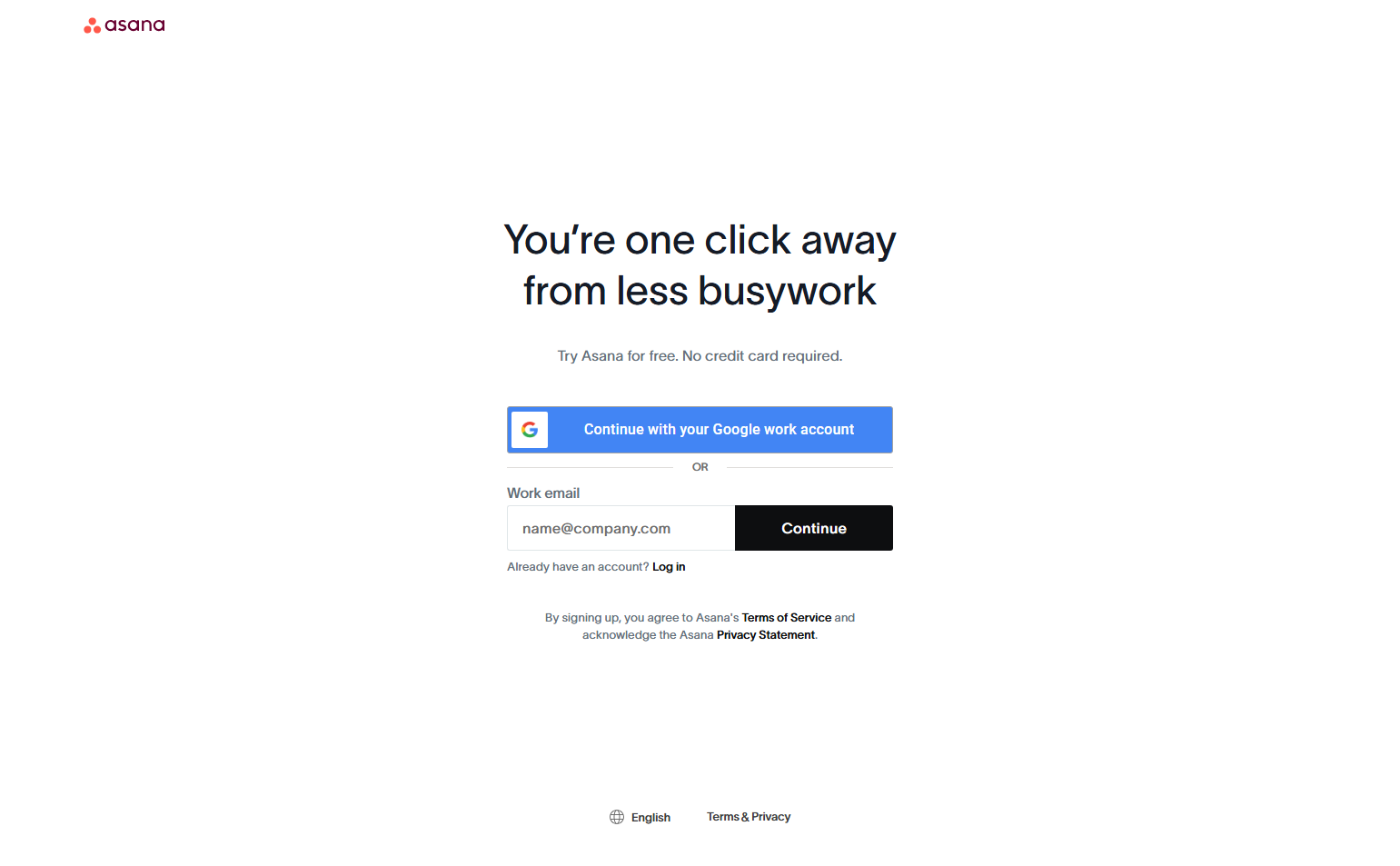
Asana asks “What is your team trying to achieve?” rather than “What is your role?” The goal-oriented framing focuses users on their outcome, not their identity — and gives Asana better product data for onboarding than a job title would.
See Asana’s signup flow on SaaS Boat
9. Loom — Record first, configure later
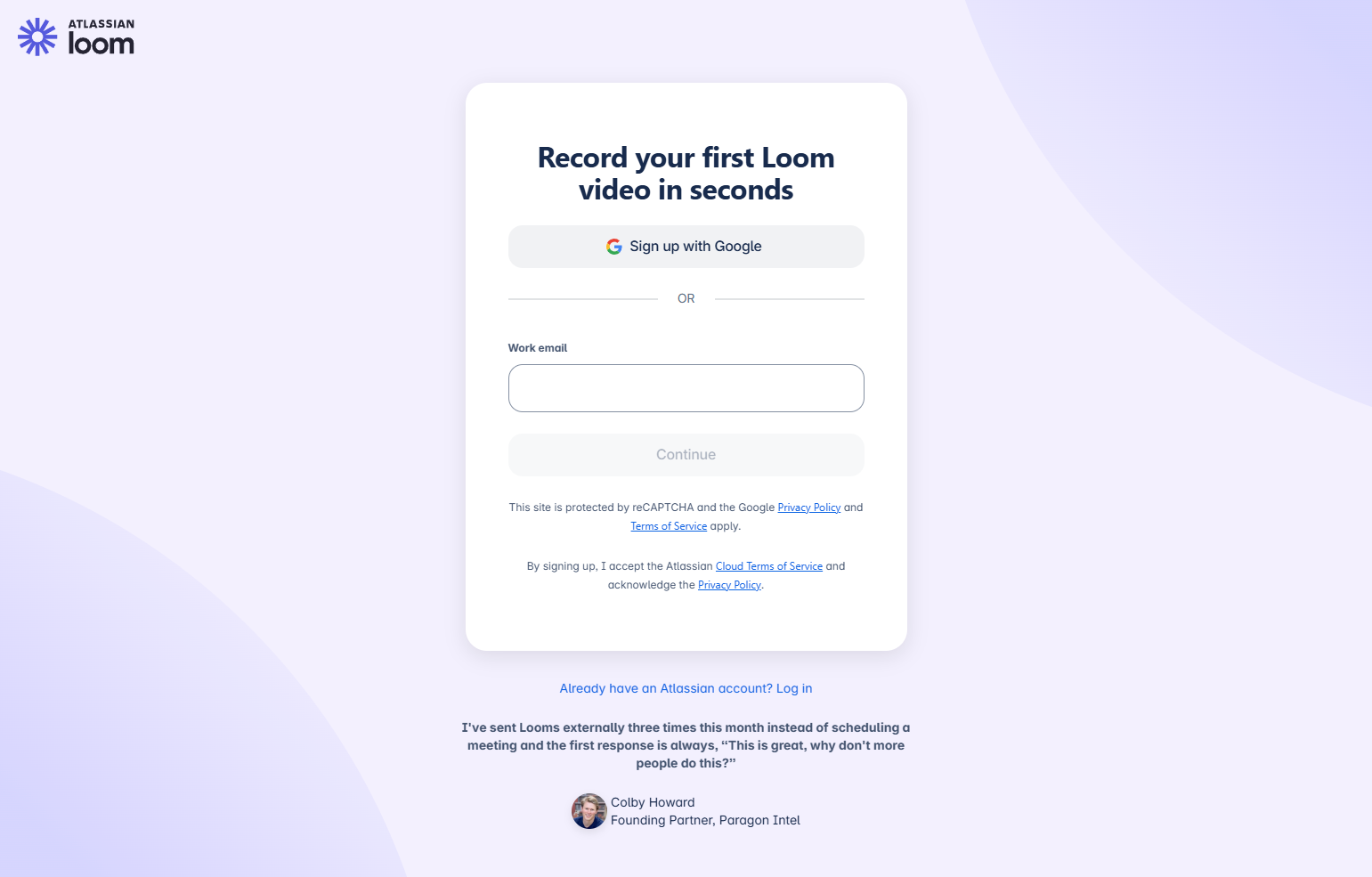
Loom’s signup ends with a prompt to record your first video — immediately, before workspace setup or team invitations. By making creation the first act, Loom delivers value before any configuration. Users have something to share within 2 minutes.
See Loom’s signup flow on SaaS Boat
10. Retool — “What are you building?”
Retool asks one question: “What will you use Retool to build?” with four options (internal tools, dashboards, customer-facing apps, other). This single question routes users into different template sets. One question, fully personalized result.
See Retool’s signup flow on SaaS Boat
11. Amplitude — Data source connection upfront
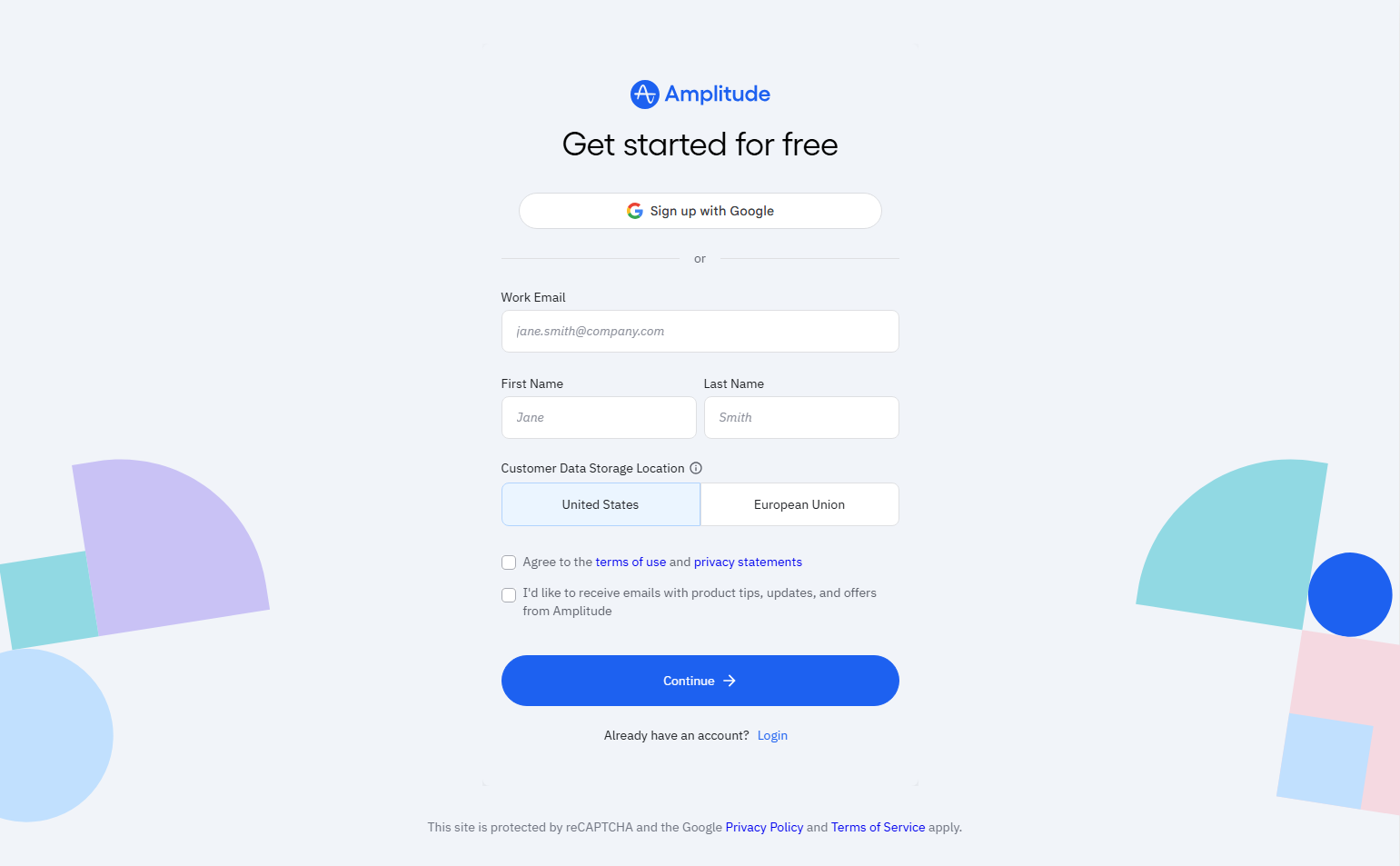
Amplitude’s signup includes a step where users connect their first data source. This is smart: Amplitude without data is meaningless. Getting the integration done at signup means users arrive at their first session with actual data to analyze.
See Amplitude’s signup flow on SaaS Boat
12. Framer — Site creation as signup
Framer’s signup creates a new site as the first product action. Users name the site, pick a template, and immediately enter the editor. The signup isn’t a gate to the product — it IS the product’s first interaction.
See Framer’s signup flow on SaaS Boat
13. Webflow — Complexity acknowledged upfront
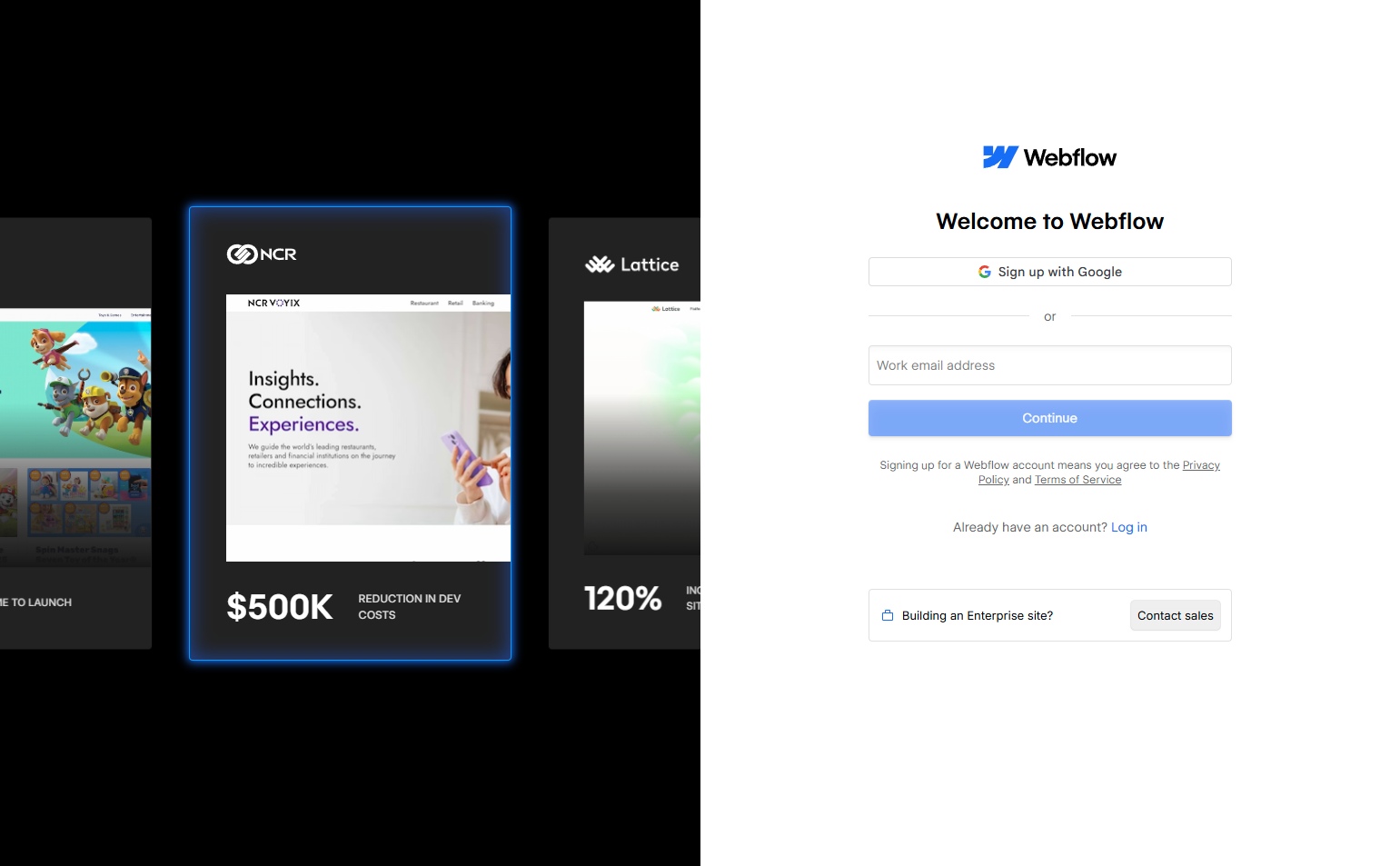
Webflow shows a brief “before you start” explainer during signup that acknowledges their product has a learning curve. “Webflow is a visual tool — it may feel different from other website builders.” This honest preview reduces early abandonment from users who arrive with wrong expectations.
See Webflow’s signup flow on SaaS Boat
14. Zoom — Meeting-first creation
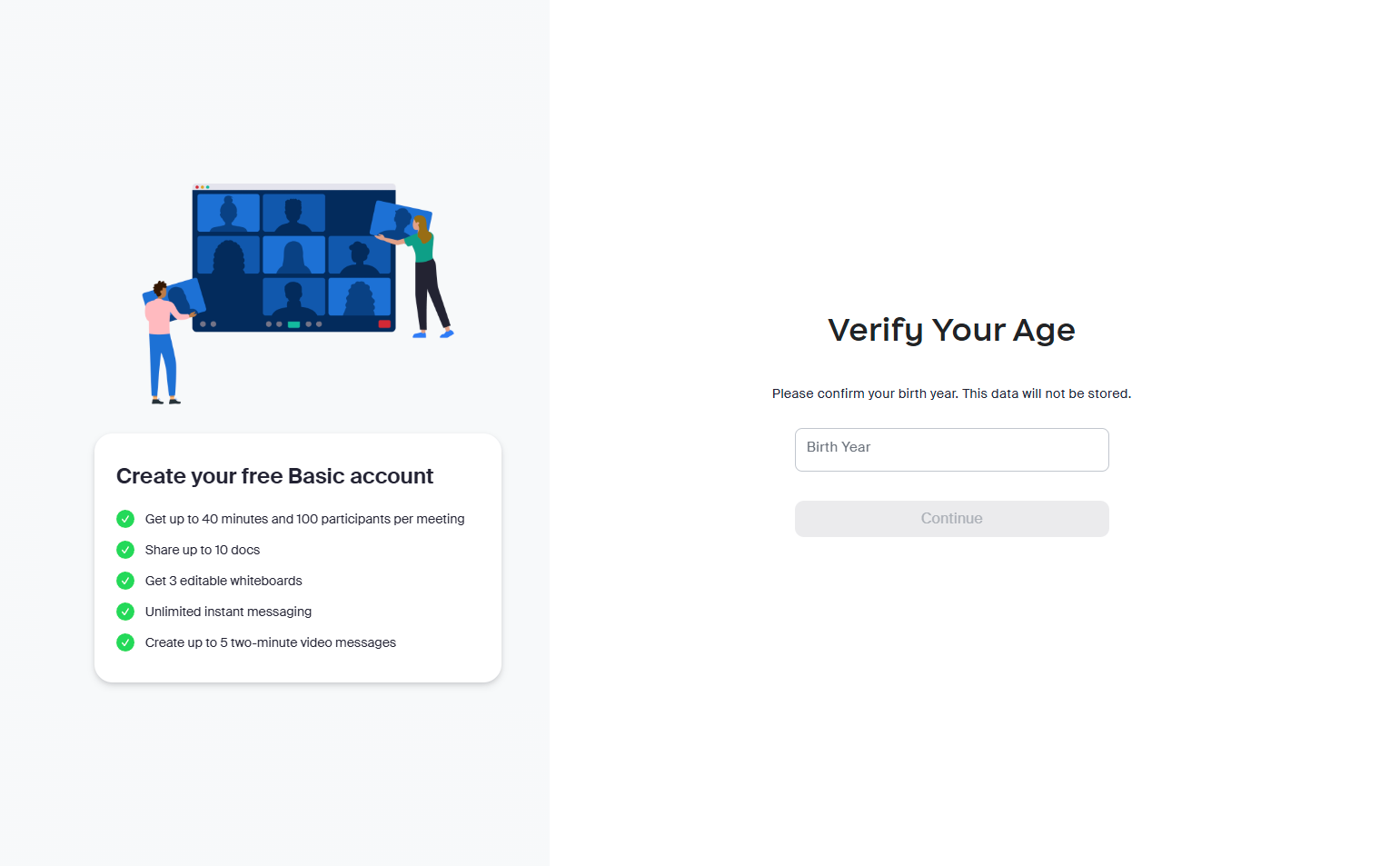
Zoom’s signup guides users directly to creating their first meeting after verification. The product is meetings; the first act is scheduling one. Every step in Zoom’s signup is oriented toward getting a meeting on the calendar.
See Zoom’s signup flow on SaaS Boat
15. Calendly — Availability setup as signup
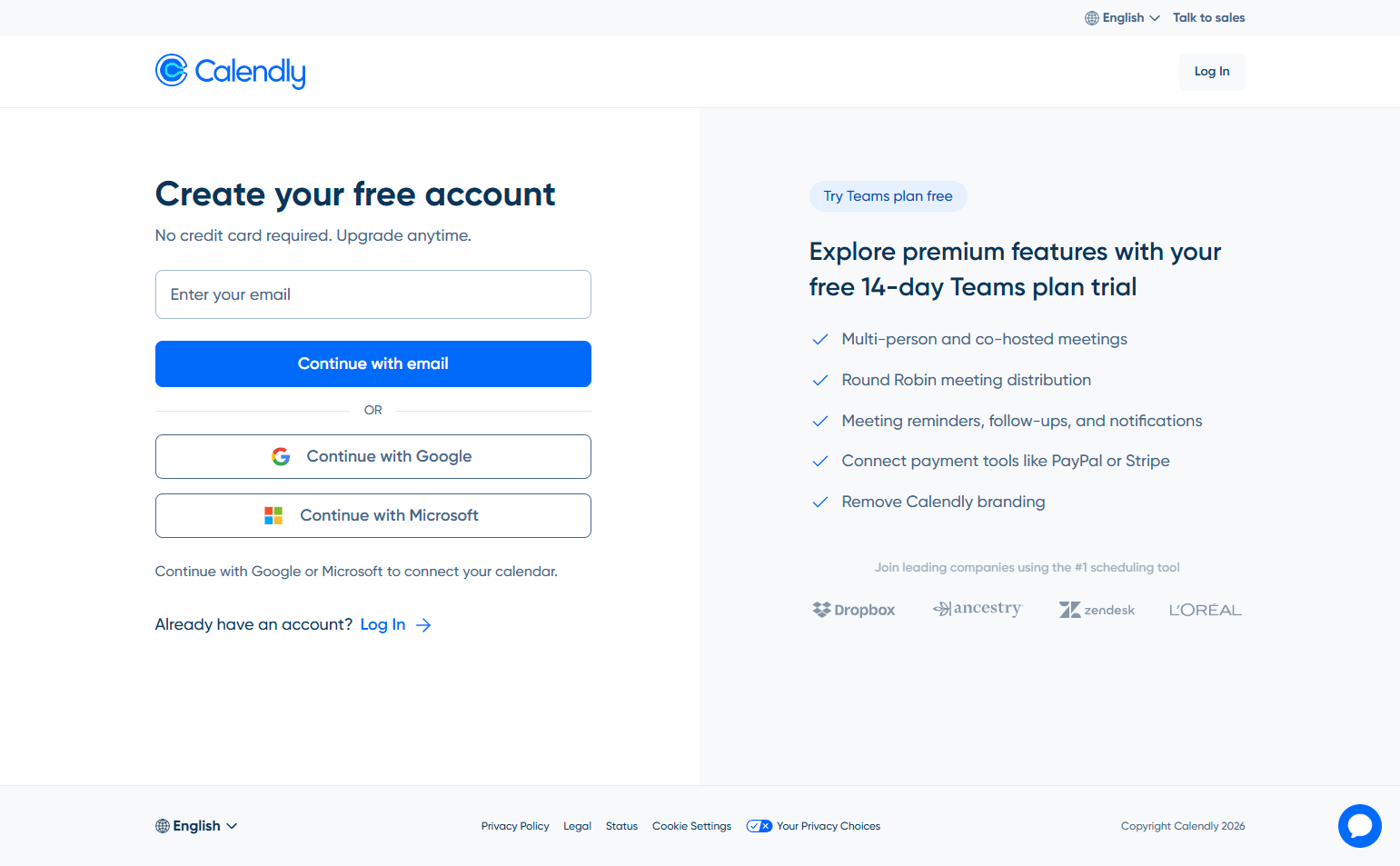
Calendly’s signup makes setting your availability the first action. After email, users set their weekly schedule. This is the right call: a Calendly account with no availability set is useless. Making availability setup the signup ensures every account is immediately functional.
See Calendly’s signup flow on SaaS Boat
16. Intercom — Product area selection
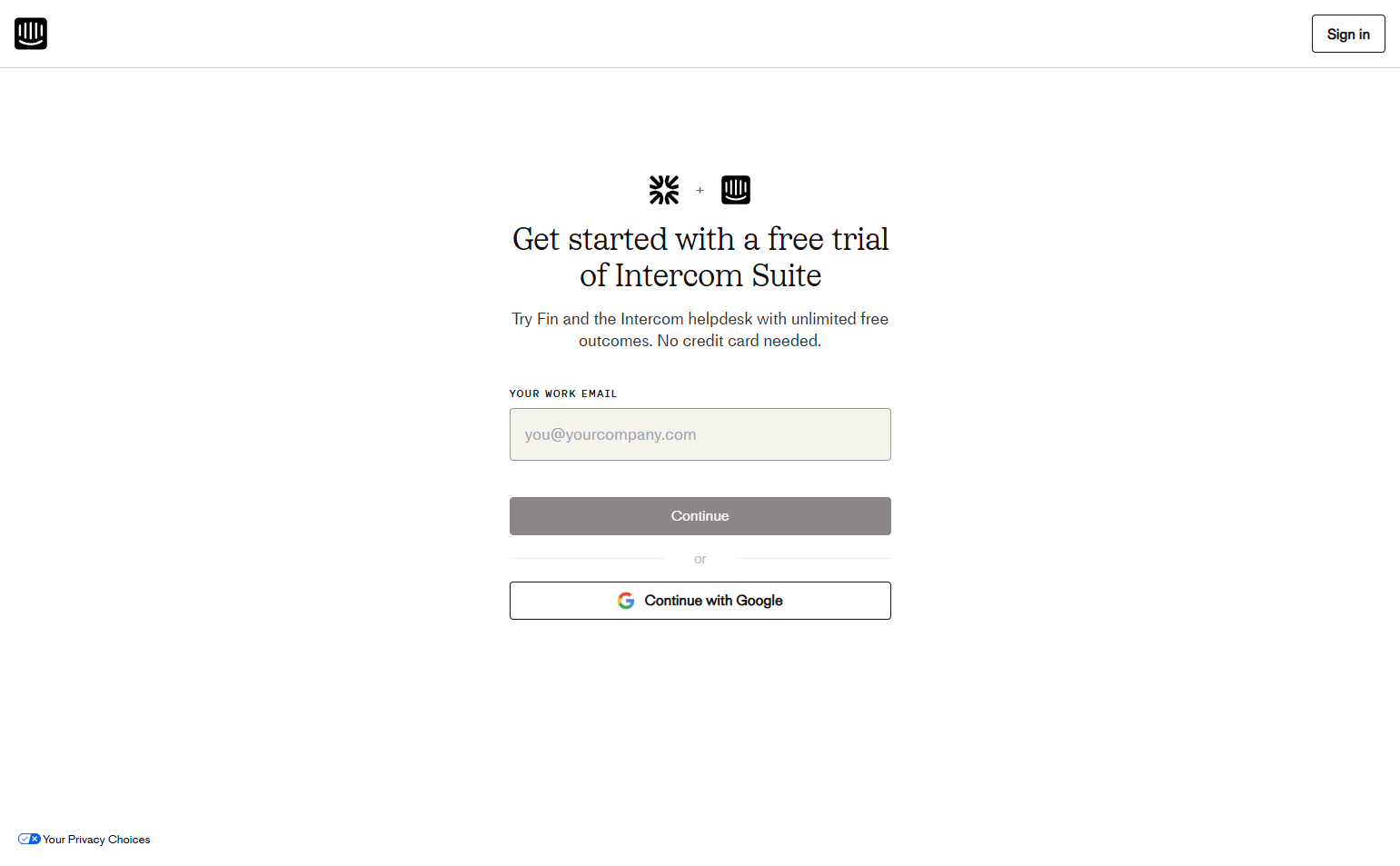
Intercom asks which product area users need: Support, Engagement, or Convert. This is Intercom’s modular suite — users who select Support get a different onboarding than users who select Engage. The signup question becomes the product configuration.
See Intercom’s signup flow on SaaS Boat
17. Hotjar — Website connection as step one
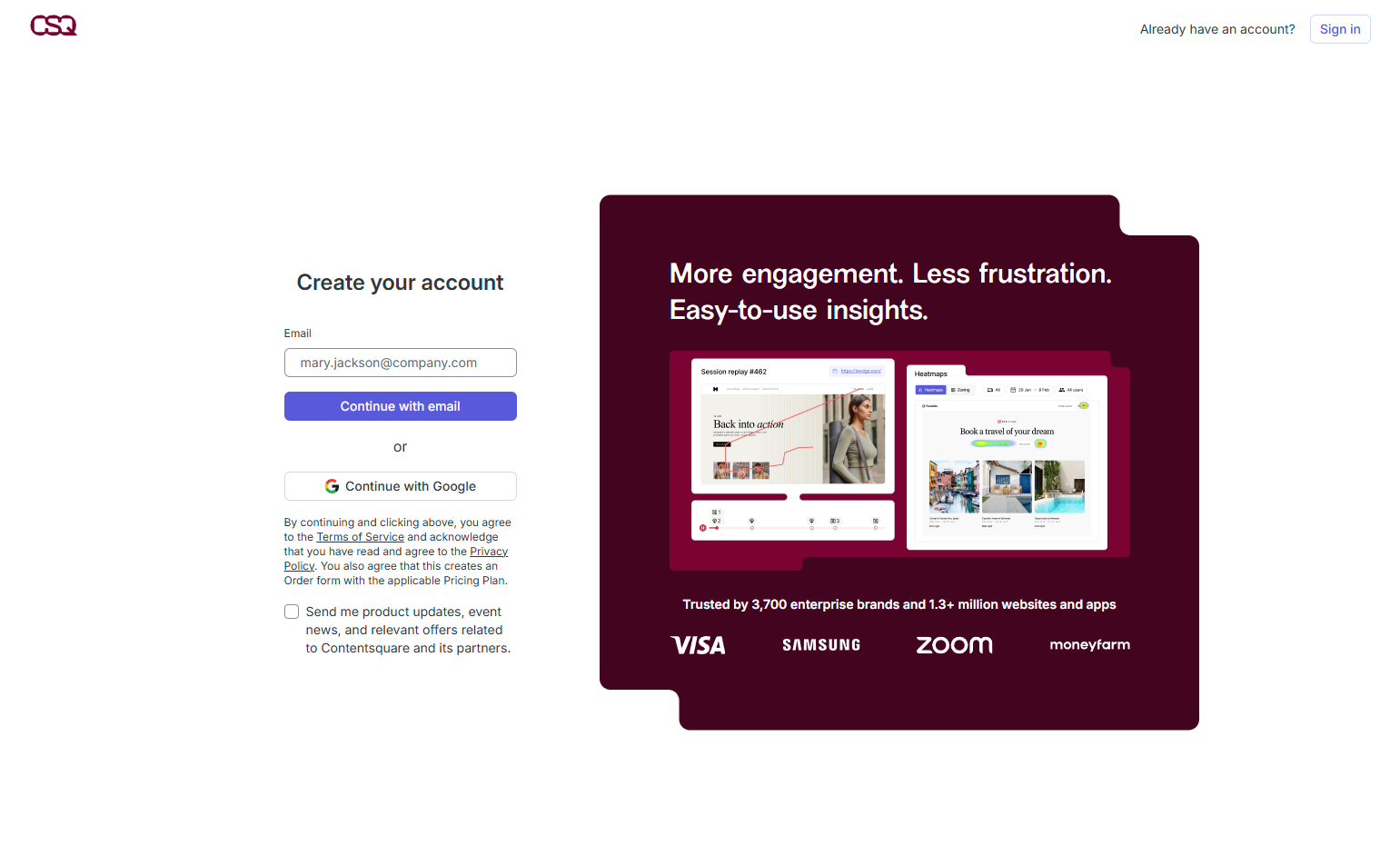
Hotjar’s signup requires installing the tracking script on your website before the product is usable. So Hotjar makes script installation step two of signup. They even test the connection and show a success state inside the signup flow. Setup is part of signup.
See Hotjar’s signup flow on SaaS Boat
18. Gong — Sales team onboarding focus
Gong’s signup flow is longer — it requires CRM connection and call integration setup. But this is correct: Gong without CRM data and call recordings is empty. Front-loading integrations is better than letting users arrive to an empty product.
See Gong’s signup flow on SaaS Boat
19. GitLab — Import-first signup
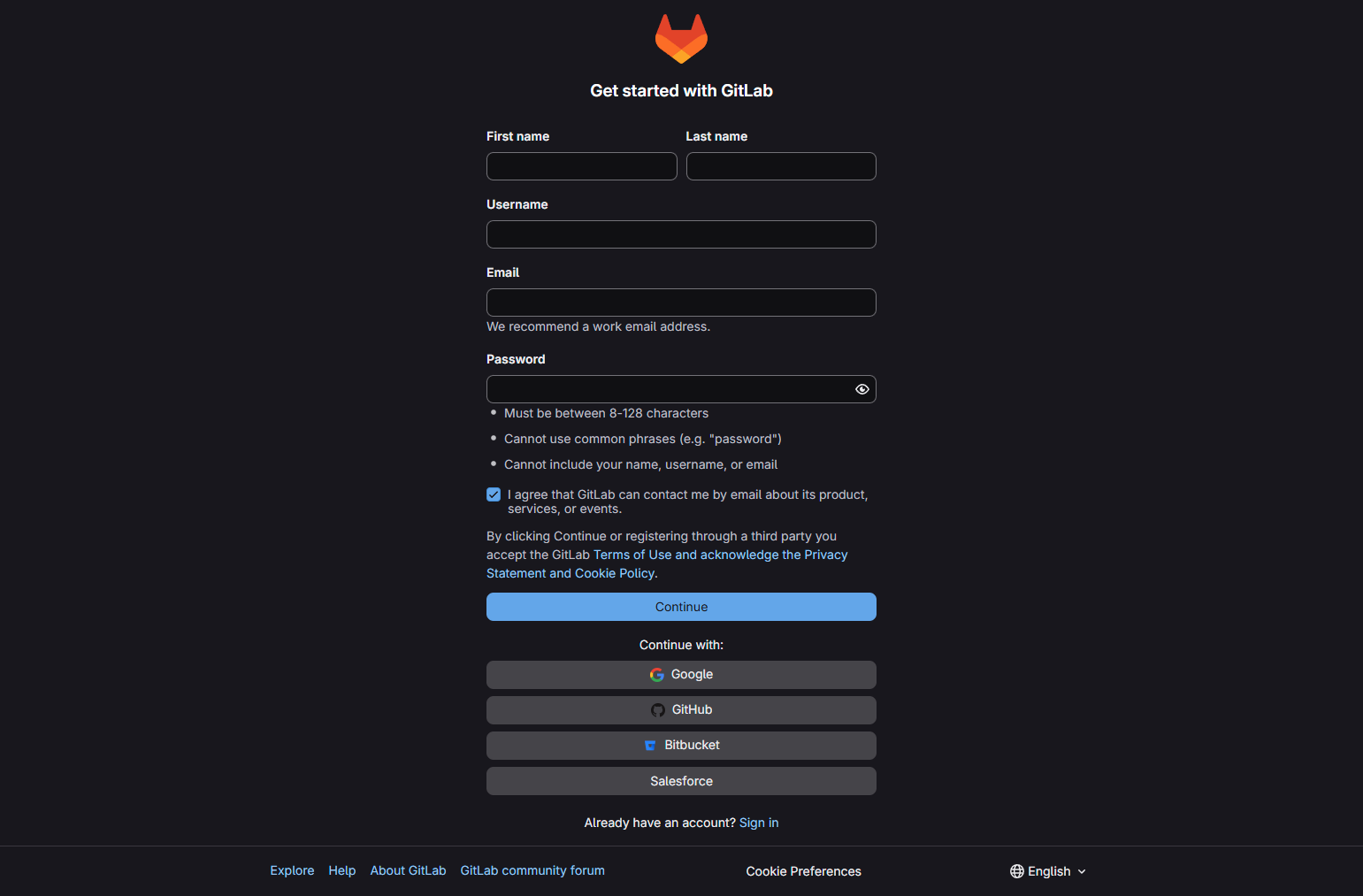
GitLab offers to import from GitHub, Bitbucket, or another GitLab instance during signup. For a developer tool targeting existing users of other platforms, the import path reduces friction from “starting over” to “continuing from where I was.”
See GitLab’s signup flow on SaaS Boat
20. Supabase — Project creation as signup
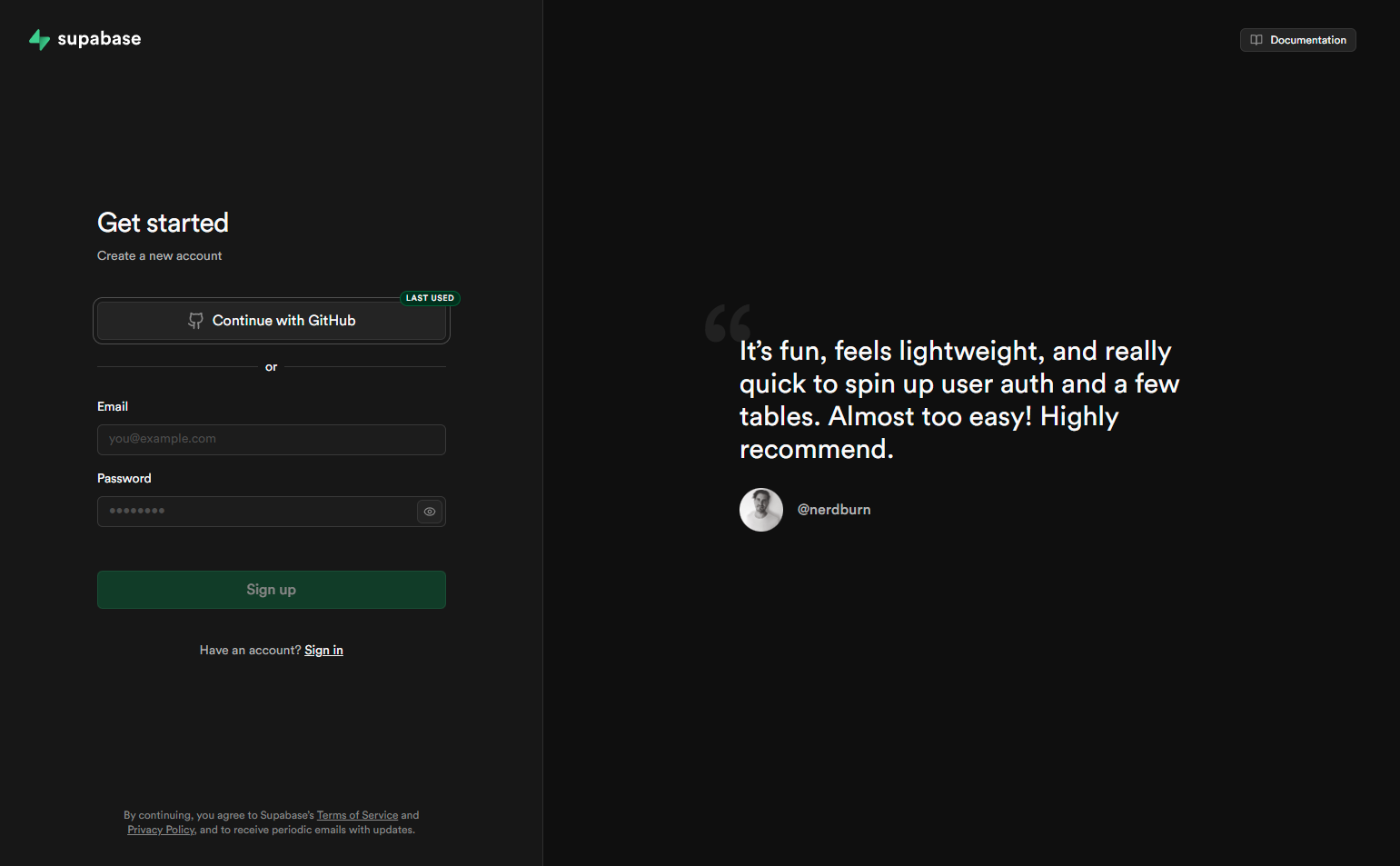
Supabase’s signup creates a project as the first product action. Name, region, and database password — done. You arrive at a Supabase dashboard with a real project, not a demo. The product is immediately yours.
See Supabase’s signup flow on SaaS Boat
21. Vercel — Deploy in 90 seconds
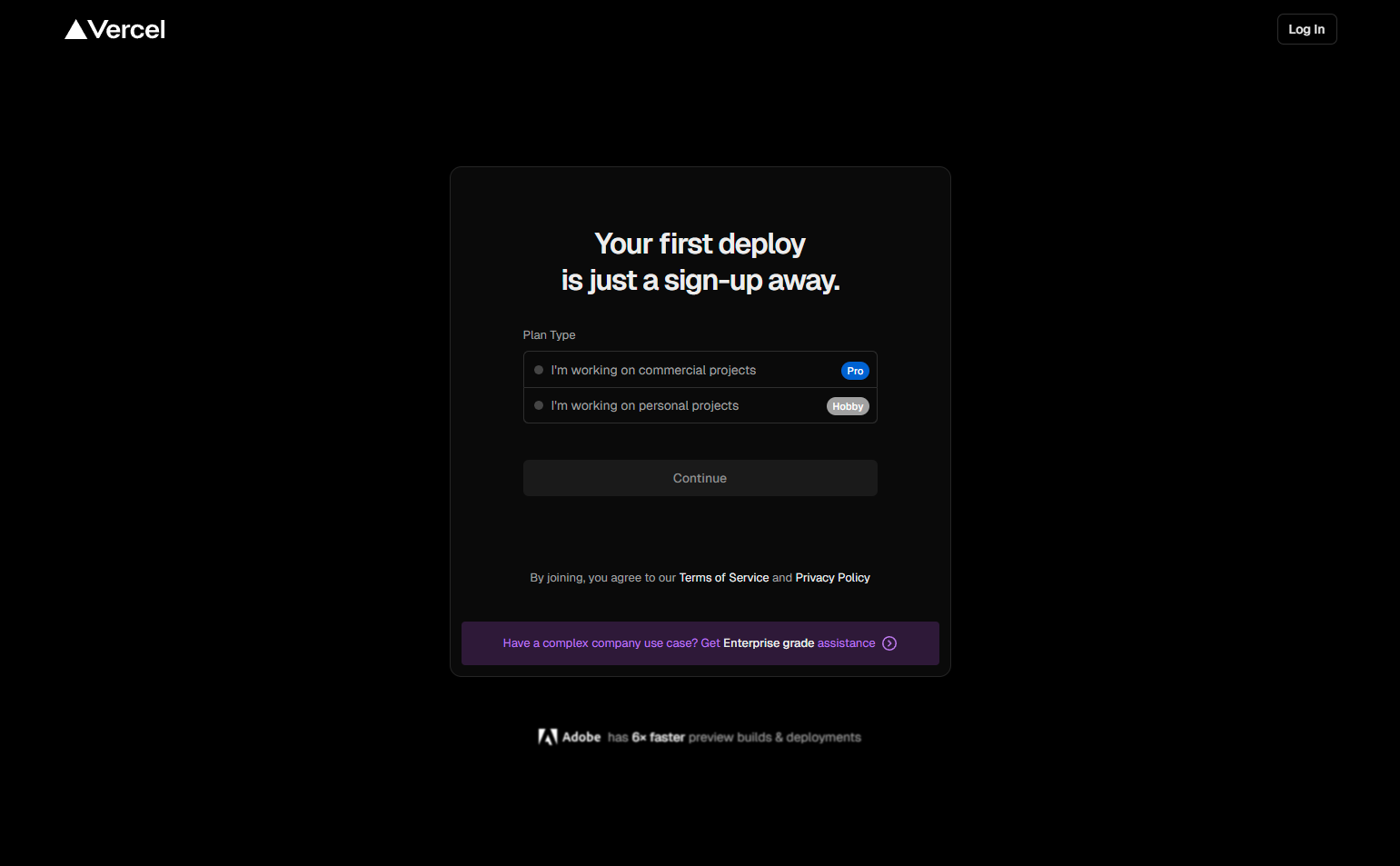
Vercel’s signup connects GitHub and deploys a first project within the signup flow itself. Users don’t “finish signing up and then deploy.” Deployment IS part of signing up. The value moment is built into the registration sequence.
See Vercel’s signup flow on SaaS Boat
22. Netlify — Site import or template
Netlify gives new users two paths during signup: import an existing site from GitHub or deploy a template. Both paths result in a live site. Like Vercel, Netlify treats deployment as the first product act, not a post-signup goal.
See Netlify’s signup flow on SaaS Boat
23. Chargebee — Business details upfront
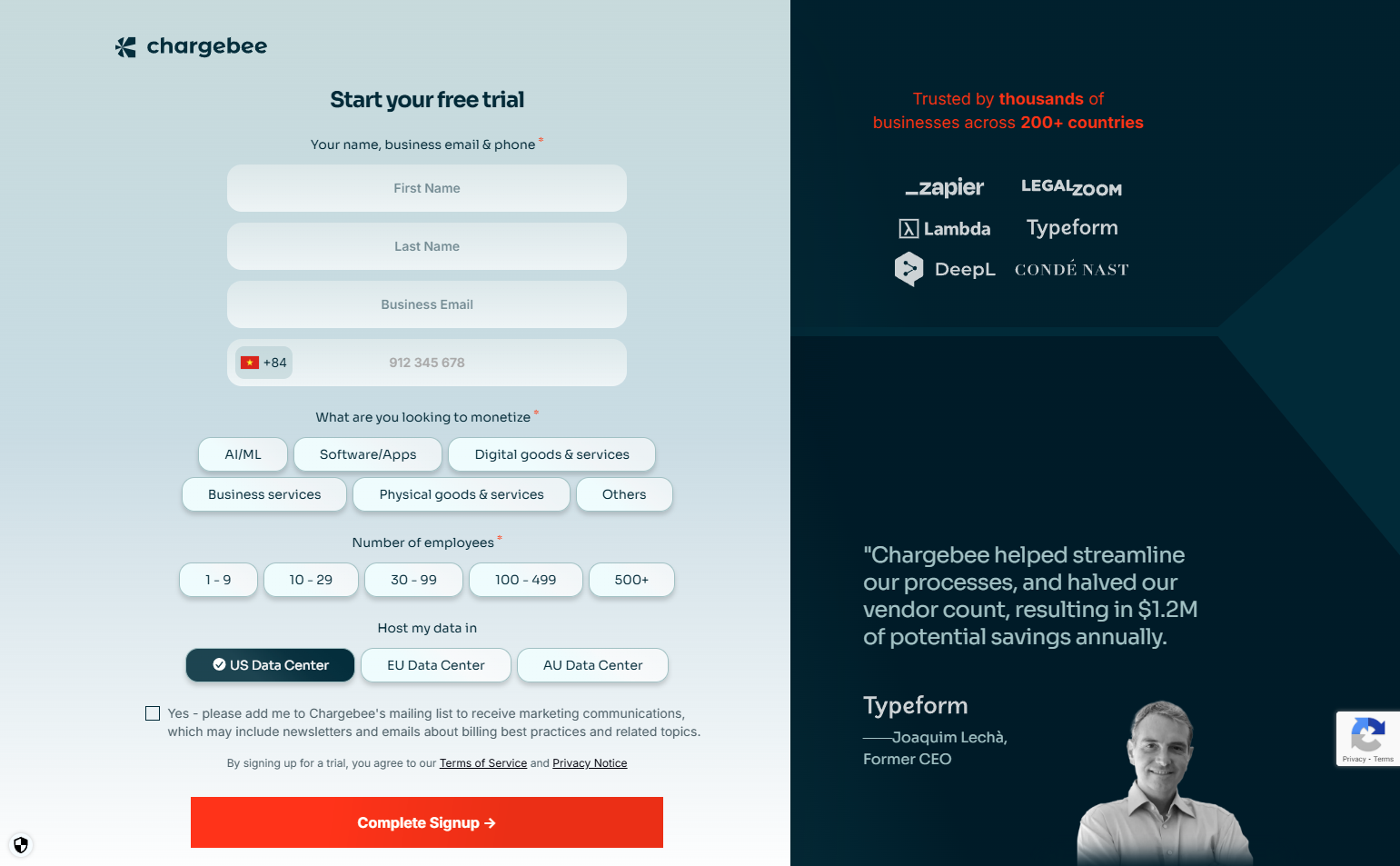
Chargebee’s signup requires business name, currency, and industry type before access. For a billing tool, these aren’t optional — they’re how the product configures itself correctly. Asking upfront is better than configuring wrong and migrating later.
See Chargebee’s signup flow on SaaS Boat
24. Auth0 — Application type selection
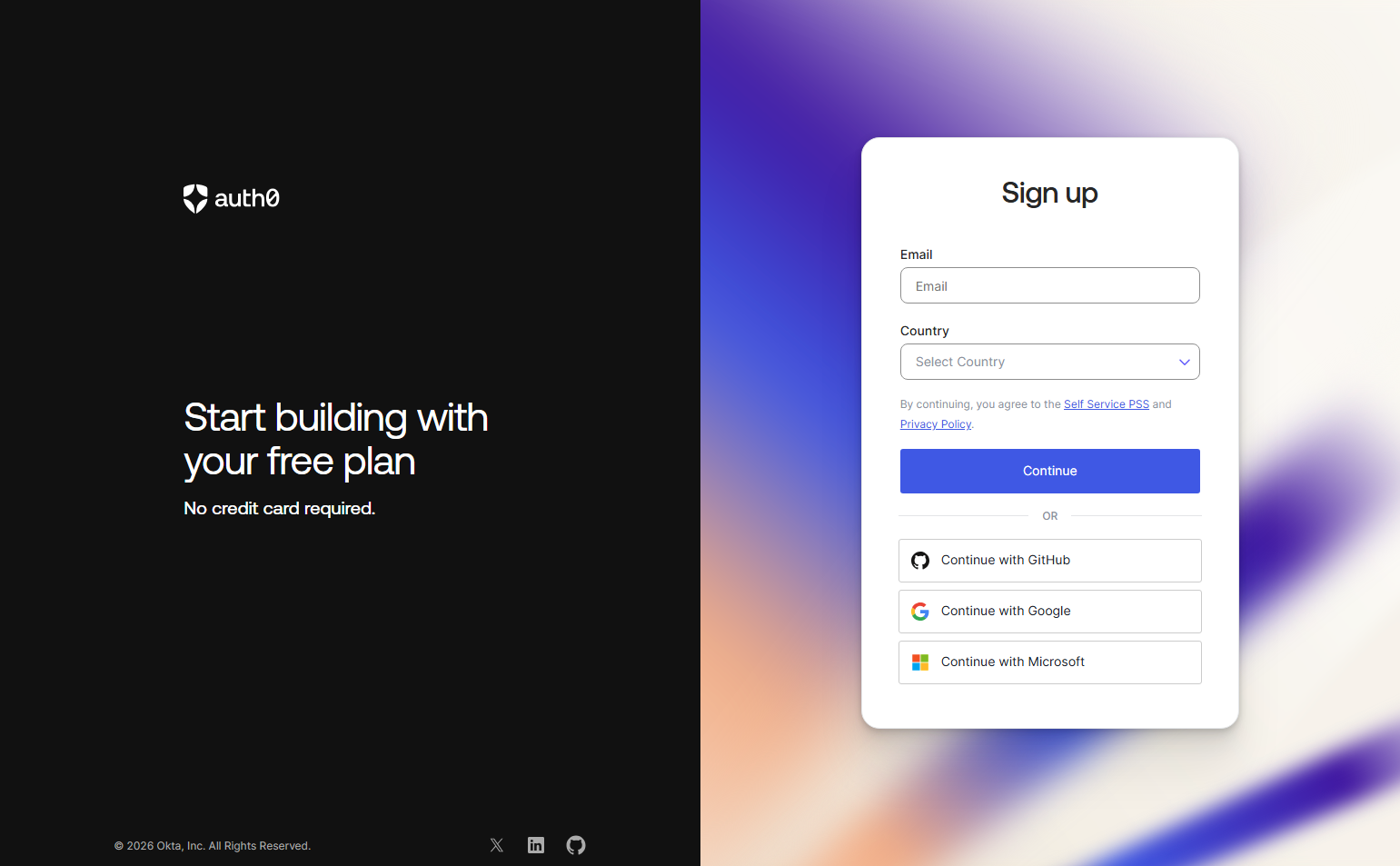
Auth0 asks users to create their first Application during signup: “What type of application are you building?” Web, mobile, machine-to-machine, or a regular web app. This question routes to the correct SDK docs and quickstart. Signup is also the documentation routing engine.
See Auth0’s signup flow on SaaS Boat
25. Rippling — HR setup wizard as signup
Rippling’s signup is a guided company setup: company name, employee count, pay schedule, benefits. It’s longer than typical SaaS — but Rippling is an HR operating system. Getting company data right at signup means the product works correctly from day one.
See Rippling’s signup flow on SaaS Boat
26. Gusto — Payroll configuration during signup
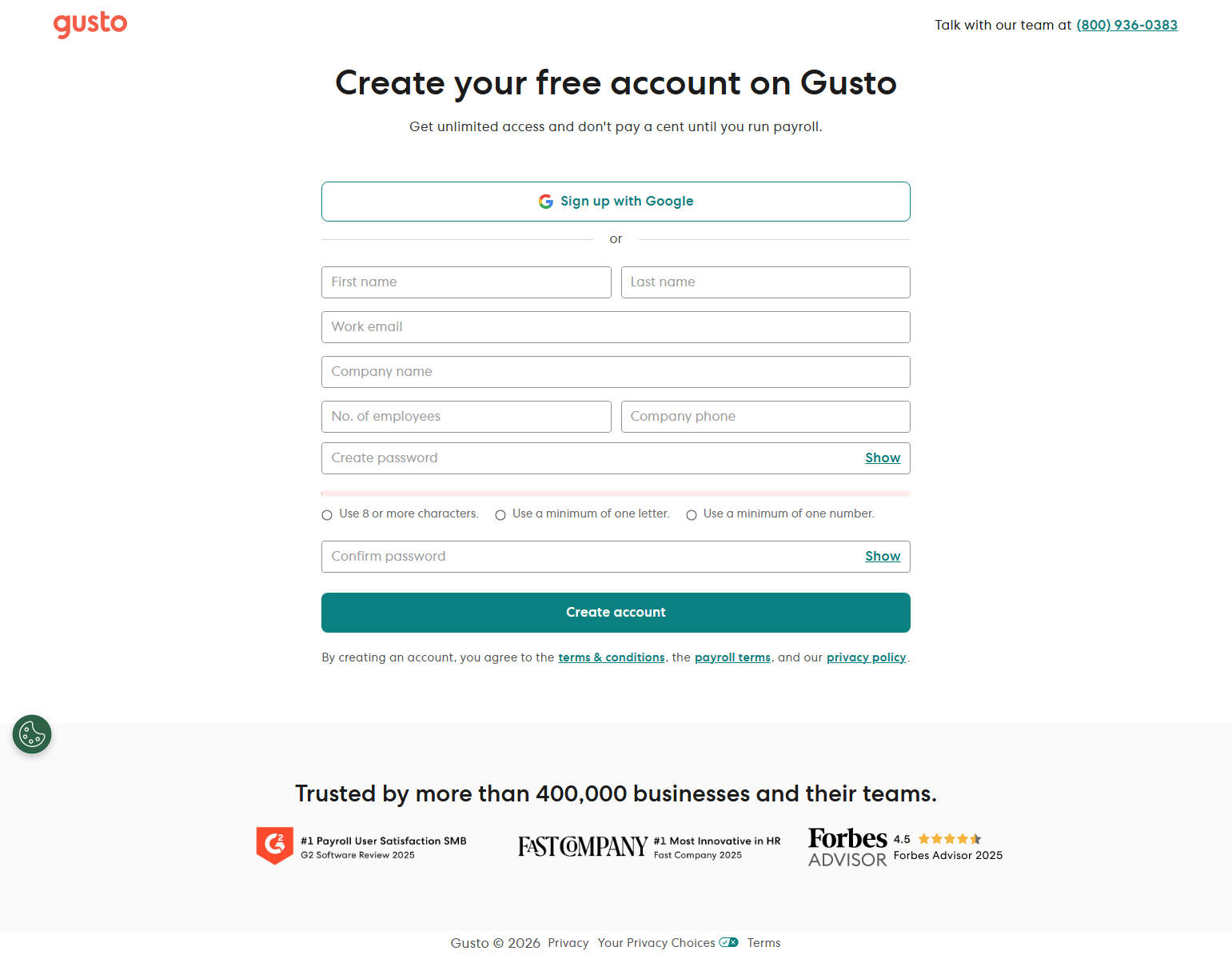
Gusto walks through company setup, employee addition, and bank connection during the first session — not signup screens, but the product itself. Signup is just the gate; real configuration starts immediately after and is guided like an onboarding checklist.
See Gusto’s signup flow on SaaS Boat
27. Productboard — Role-based onboarding
Productboard asks for role (Product Manager, Designer, Developer, Executive) during signup. This affects what default views appear in the workspace. Product Managers see roadmaps; Developers see integrations; Executives see insights. One question, four different first experiences.
See Productboard’s signup flow on SaaS Boat
28. Whimsical — Team invitation as a signup step
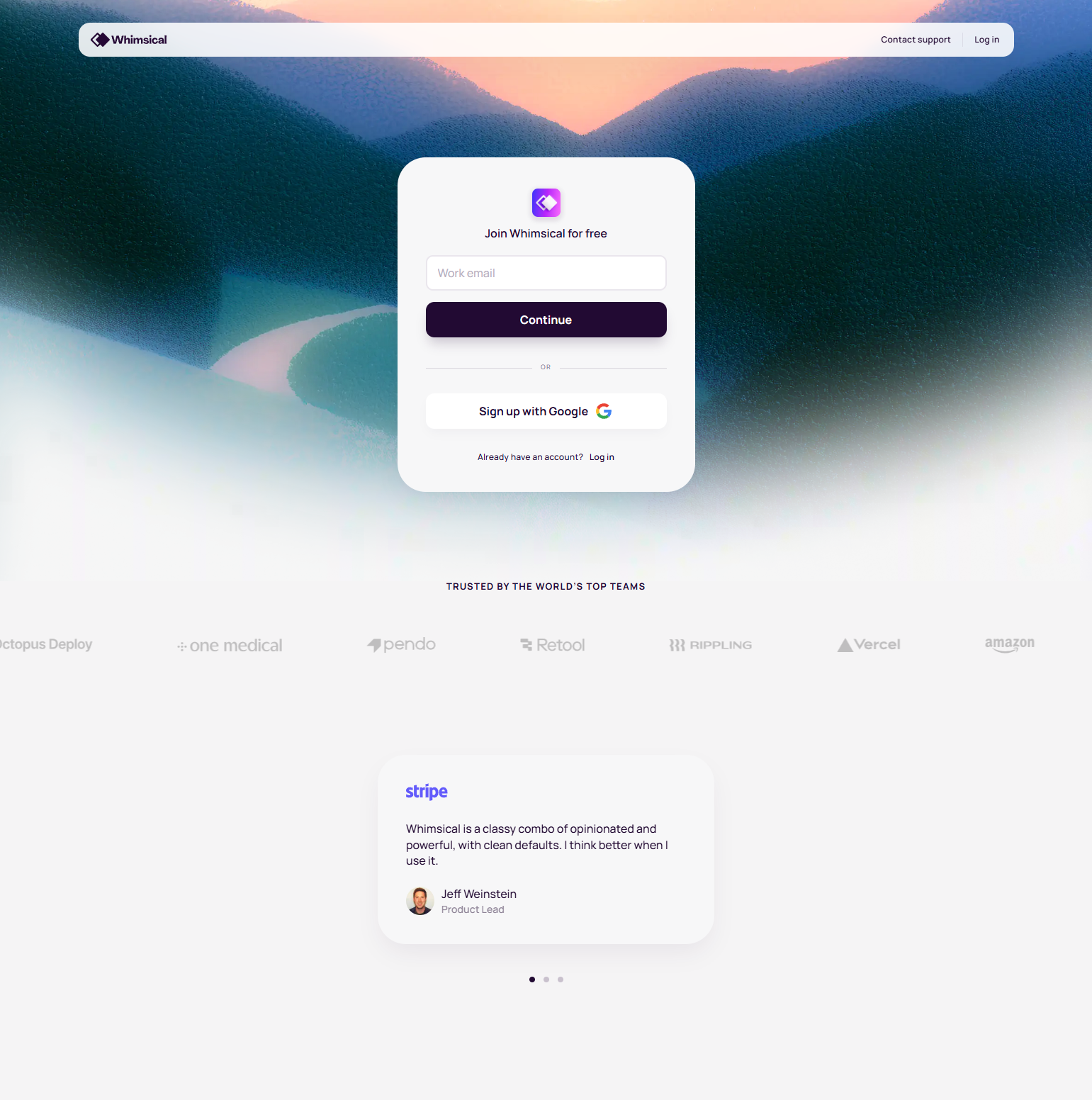
Whimsical places team invitation inside the signup flow, not after it. Users can invite teammates before the first session ends. Tools that wait until users are “comfortable” to suggest inviting others lose the moment when enthusiasm is highest.
See Whimsical’s signup flow on SaaS Boat
29. ActiveCampaign — List size as configuration signal
ActiveCampaign asks about contact list size during signup. This isn’t just for pricing — it configures the onboarding path: small lists get self-serve guides, large lists get migration assistance prompts. The question does double duty.
See ActiveCampaign’s signup flow on SaaS Boat
30. Lattice — Manager/employee routing
Lattice distinguishes between HR admins and employees during signup. Admins see the configuration dashboard; employees see their performance review or check-in flow. Sending everyone to the same screen creates confusion in a tool where two very different people use the same product.
See Lattice’s signup flow on SaaS Boat
Best Practices from 103 Signup Flow Diagrams
1. Deliver value before configuration
Every step between “create account” and “see the product” is a potential drop-off. The best flows front-load value (a template, a created project, a pre-populated workspace) and defer optional configuration to the second or third session.
2. Make setup feel like progress, not friction
Steps with progress bars, visual confirmations, and action-oriented copy (“Creating your workspace…”) feel different than steps with blank forms. The psychological experience of setup determines whether users finish it.
3. Ask questions that serve the user, not just you
Role selection is valuable if it visibly changes the product experience. Team size is useful if it routes to the right support tier. But asking questions that only help your CRM — and provide no visible benefit to the user — creates justified resentment.
4. Integration setup belongs at signup for integration-dependent products
If your product requires a data source, a CRM, or a tracking script to be useful — put that setup inside the signup flow. Users who arrive to an empty product and have to figure out integrations alone have lower activation than users who complete integration at signup.
5. Skip options are honest, not lazy
Letting users skip non-critical steps respects their judgment. Users who skip team invitation during signup aren’t lost — they can invite later. Users who are forced through mandatory steps they don’t need generate friction without benefit.
Frequently Asked Questions
How many steps should a SaaS signup flow have?
The ideal range is 3-6 steps. Under 3 often means missing critical personalization or setup. Over 7 creates significant abandonment, especially on mobile. Every step should either collect information you can’t get later or deliver visible value to the user.
Should I require email verification before showing the product?
For consumer and prosumer tools: consider deferring verification (let users in immediately, verify asynchronously). For enterprise tools where fake signups are costly: immediate verification is appropriate. Requiring verification before any product access is the highest-friction choice.
What’s the best first question to ask in a signup flow?
Ask a question whose answer visibly changes what the user sees next. “What are you building?” or “What will you use [product] for?” are strong if the answer actually routes to different templates or configurations. “What is your job title?” is weak if it has no product effect.
Should signup and onboarding be the same flow?
The line is blurry, and that’s intentional. The best products treat signup as the beginning of onboarding — the first few steps are both registration and initial product configuration. Separating them creates an arbitrary gap where users can drop off.
Browse 103 signup flow diagrams from real SaaS products in the SaaS Boat library. See exactly how 258 products get new users from zero to first value.