
A SaaS integrations page answers one of the most common pre-purchase questions: “Will this work with the tools I already use?” The integrations page is where product breadth is demonstrated, switching costs are reduced, and ecosystem credibility is established. Done well, it converts skeptics into buyers by removing the fear that a new tool will create an isolated workflow. Done poorly, it’s a long list of logos that signals nothing and answers nothing.
We analyzed integrations page screenshots across 258 SaaS products in the SaaS Boat library. The range spans from simple partner logo grids to fully searchable marketplaces with use-case filtering and integration-specific documentation.
 Zapier
 Notionhubspot
 Airtable
 Intercom
 Slack
Slack Stripe
 Figma
Figma Datadog
 GitLabsalesforce
 Asanamonday
 ClickUp
 Amplitudesegment
 Miro
Miro Retool
 Webflowlinear
 Close
Close Chargebee
 Supabase
 Sentry
 Hotjar
Why Integrations Pages Matter for Conversion
The integrations page is an objection-handling page. Buyers who have reached the integrations page are already interested in the product — they want to know if it will fit into their existing stack. An integrations page that fails to answer “does it work with X?” sends prospects away. An integrations page that answers that question quickly and with depth keeps them moving toward a purchase decision.
The quality of the integrations page also signals ecosystem maturity. A product with 500 integrations communicates a different level of maturity than one with 12. But raw integration count isn’t everything — Zapier’s page with 6,000+ app connections is impressive, but a product with 50 deep native integrations can be more compelling to an enterprise buyer than one with 5,000 shallow connections.
25 Integrations Page Examples from Real SaaS Products
Marketplace-Style Integration Pages
1. Zapier — Integration count as the primary marketing claim
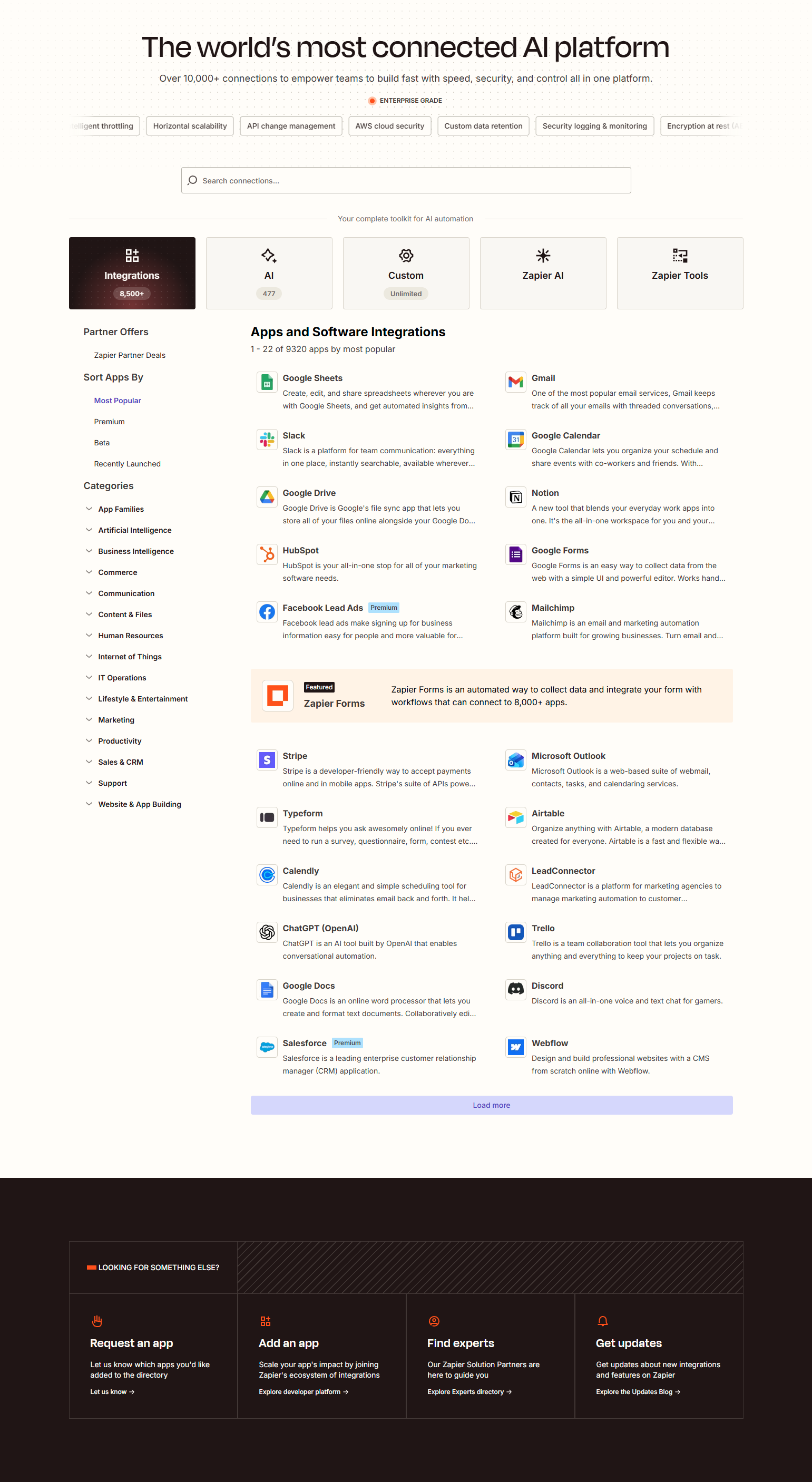
Zapier leads every integrations surface with “6,000+ apps” as the headline. For an integration-first product, breadth IS the value proposition — more apps means more workflows are possible. The integrations page is a searchable app directory with category filtering. The design challenge is making 6,000 apps navigable without making the page feel overwhelming.
2. HubSpot — App marketplace with category navigation
HubSpot’s integrations (called the App Marketplace) is a full marketplace with category browsing, search, rating systems, and individual app listing pages. For a CRM platform with hundreds of certified integrations, marketplace architecture is the only design that scales. Each integration has its own page with description, screenshots, setup instructions, and user reviews.
3. Notion — “Works with your workflow” integration gallery
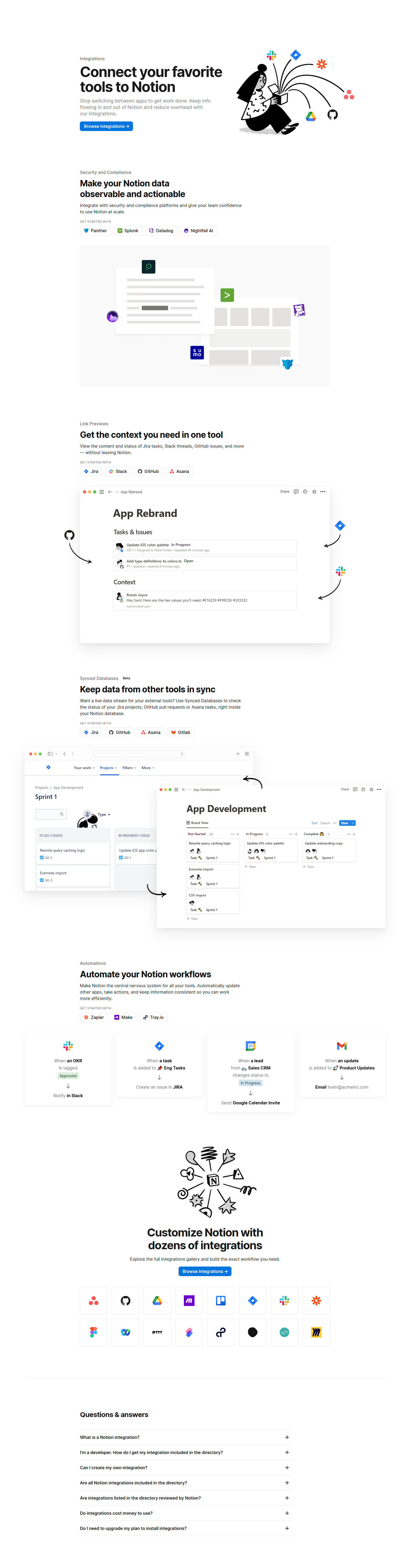
Notion’s integrations page uses a gallery format with category filters: Productivity, Communication, Developer Tools, Data, Design. Each integration links to a setup guide. The emphasis isn’t on integration count but on workflow completeness — the page communicates that you can connect Notion to wherever work already happens.
4. Monday — Integration search with direct workflow examples
Monday’s integrations page pairs each integration with a one-line workflow example: “When a status changes in Monday, update a record in Salesforce.” Workflow examples answer the “so what?” question that logo grids leave unanswered. A buyer who can see the specific automation they need is more likely to convert than one who has to imagine it.
5. Airtable — Extensions marketplace as feature expansion
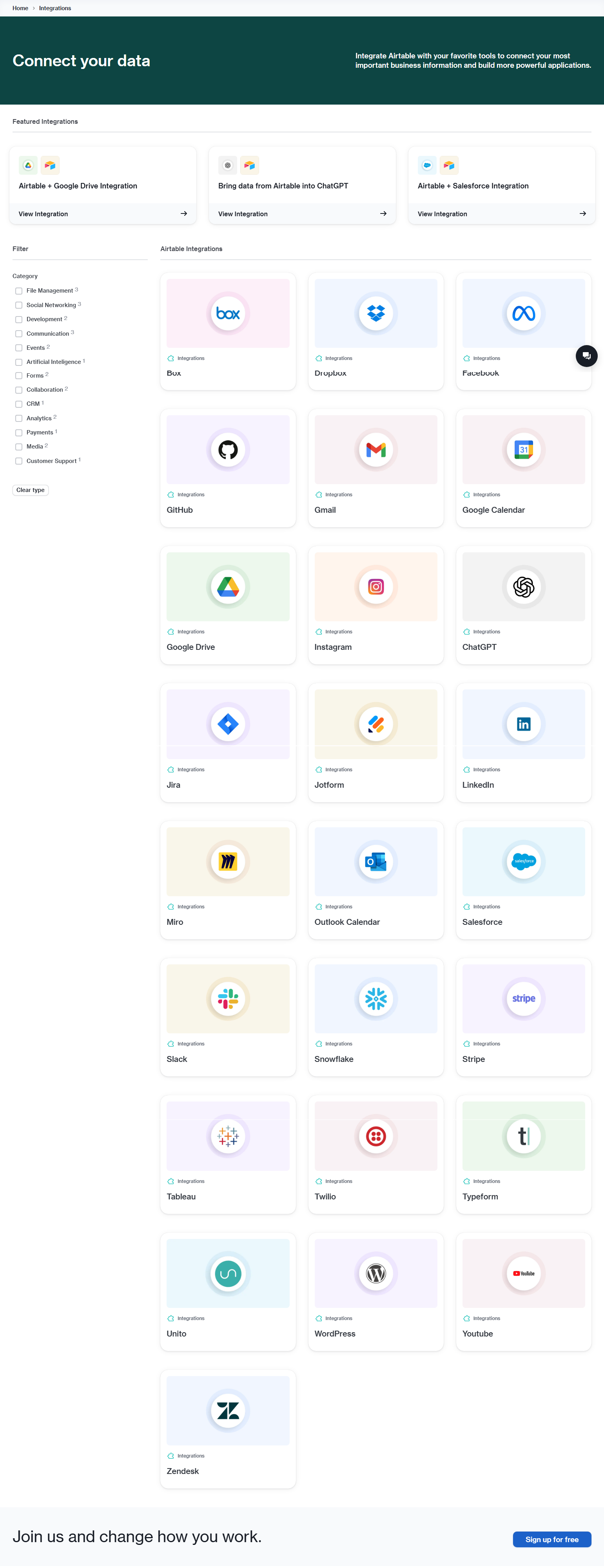
Airtable frames third-party integrations as extensions that expand the product’s capabilities — not just connections, but entirely new functionality. The extensions marketplace architecture positions the integration ecosystem as a product differentiator: the product grows with your needs beyond its built-in capabilities. Extension quality and design variety become evidence of platform maturity.
Category-Organized Integration Pages
6. Intercom — Integration categories by use case
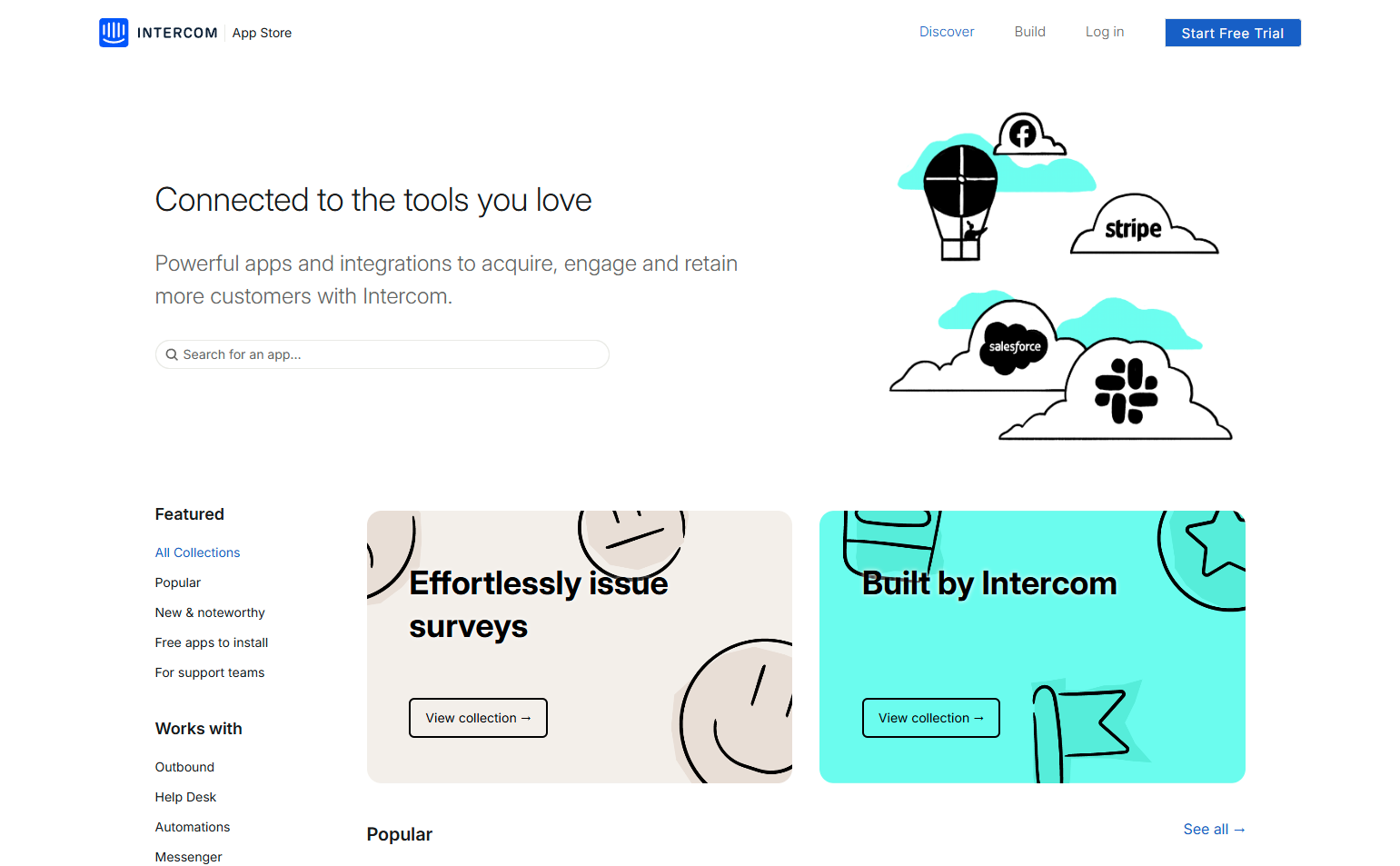
Intercom organizes integrations by business function: CRM, Analytics, Support, Marketing, Data, Developer. For a customer communication platform, the integration categories map to the roles of the people making the integration decision — a CRM admin cares about Salesforce; a data team cares about Segment. Use-case organization reduces time-to-relevant for each buyer type.
7. Datadog — Integration library with technical depth per page
Datadog’s integrations page — covering 700+ integrations across cloud providers, databases, frameworks, and services — includes individual integration pages with setup instructions, configuration parameters, available dashboards, and metrics collected. For a monitoring product where integrations must be set up by engineers, documentation depth per integration is the critical quality signal.
8. Segment — Source and destination architecture
Segment’s integrations are split into Sources (where data comes from: apps, websites, servers) and Destinations (where data goes: analytics, advertising, data warehouses). The two-category architecture maps directly to how the product works — events flow in from sources and out to destinations. The integration page is also product documentation.
9. Amplitude — Integration categories by data pipeline stage
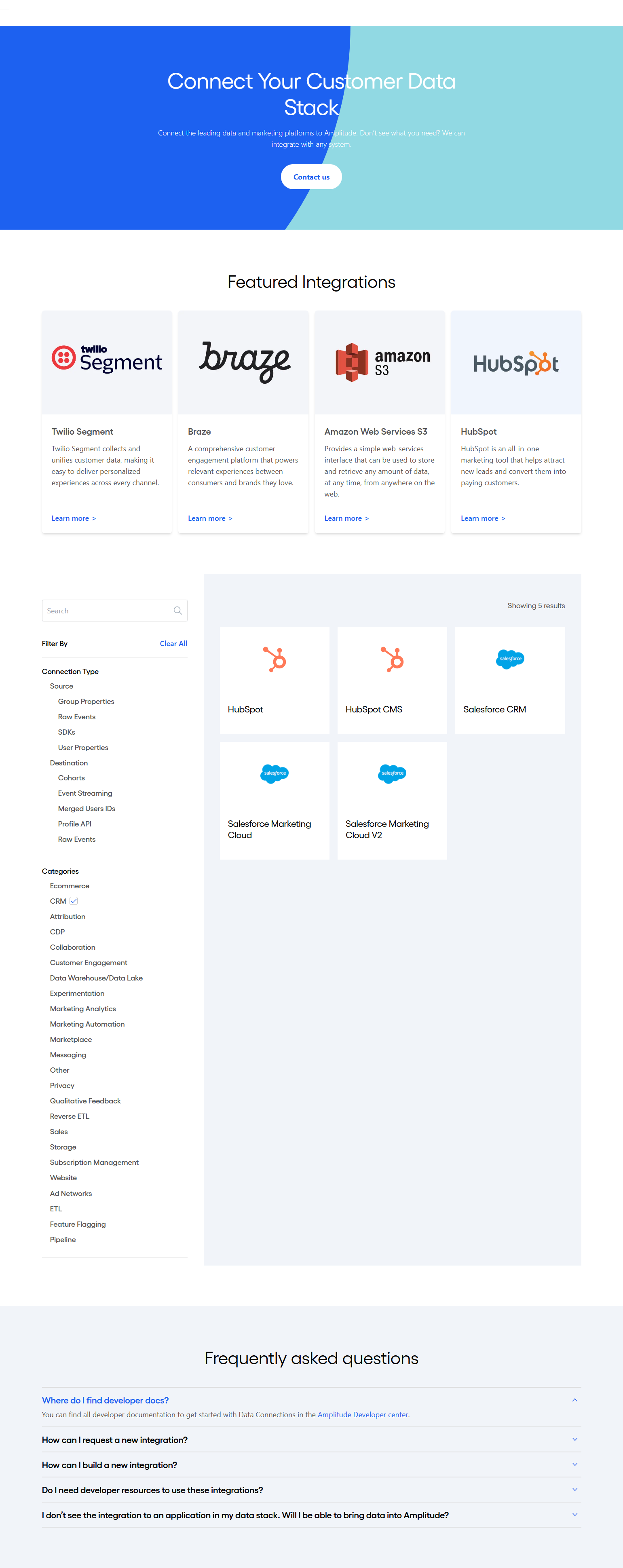
Amplitude organizes integrations by where they fit in the data pipeline: Ingestion, Enrichment, and Activation. The pipeline-stage organization serves data engineers who think in pipeline terms, not the marketing team who might think in product category terms. The taxonomy reflects the user’s mental model, not the vendor’s internal categorization.
10. Sentry — Integration pages organized by workflow
Sentry’s integrations are organized by workflow context: Source Code Management, Issue Tracking, Notifications, Data Pipelines, Performance Monitoring. Each integration shows what it does specifically within the Sentry workflow — not just “connects to GitHub” but “sync Sentry issues to GitHub issues with two-way status updates.”
Featured Integration Patterns
11. Slack — “Works with Slack” as a hiring and ecosystem argument
Slack’s integration page positions the Slack app ecosystem as a product value multiplier — every app in the directory extends what Slack can do. The “works with Slack” certification system creates a quality signal: certified apps have passed a review. For enterprise buyers, the certification program reduces integration risk.
12. Stripe — Payment method integrations with geographic context
Stripe’s integrations surface the geographic availability of payment methods — which cards, wallets, and bank transfer options are available in which countries. For a payments product where integration selection is often driven by target market, geographic context transforms a logo grid into a market-expansion planning tool.
13. Figma — Plugin ecosystem as feature expansion

Figma’s plugin library is a full marketplace with 1,000+ plugins, rating systems, install counts, and developer profiles. For a design tool, plugins are how users extend capability beyond core features. The plugin ecosystem’s health — volume, recency, quality — is evidence of the platform’s developer community vitality.
14. GitLab — Integration with third-party CI/CD and security tools
GitLab’s integrations page covers the full DevOps toolchain: Jira, Jenkins, Slack, Kubernetes, security scanners, monitoring tools. Each integration has a dedicated page with configuration options, use case descriptions, and links to official documentation. For a DevOps platform, the integration page serves as a compatibility matrix for the tools security and operations teams are already running.
15. Asana — Workflows-with-integrations as a conversion tool

Asana’s integrations page pairs major integrations with workflow templates — “Use Asana with Slack to route support requests,” “Connect Asana with Salesforce to sync deal-to-project transitions.” Each workflow template is a conversion tool: it answers “what would I actually build with this?” by showing a complete workflow that solves a common cross-tool problem.
Developer-Focused Integration Pages
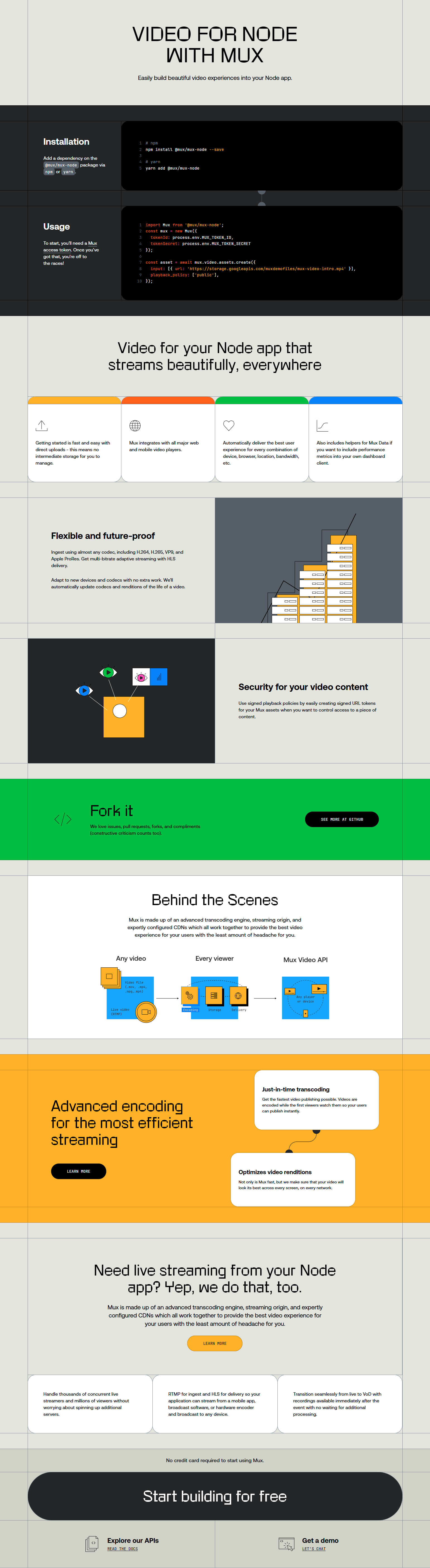
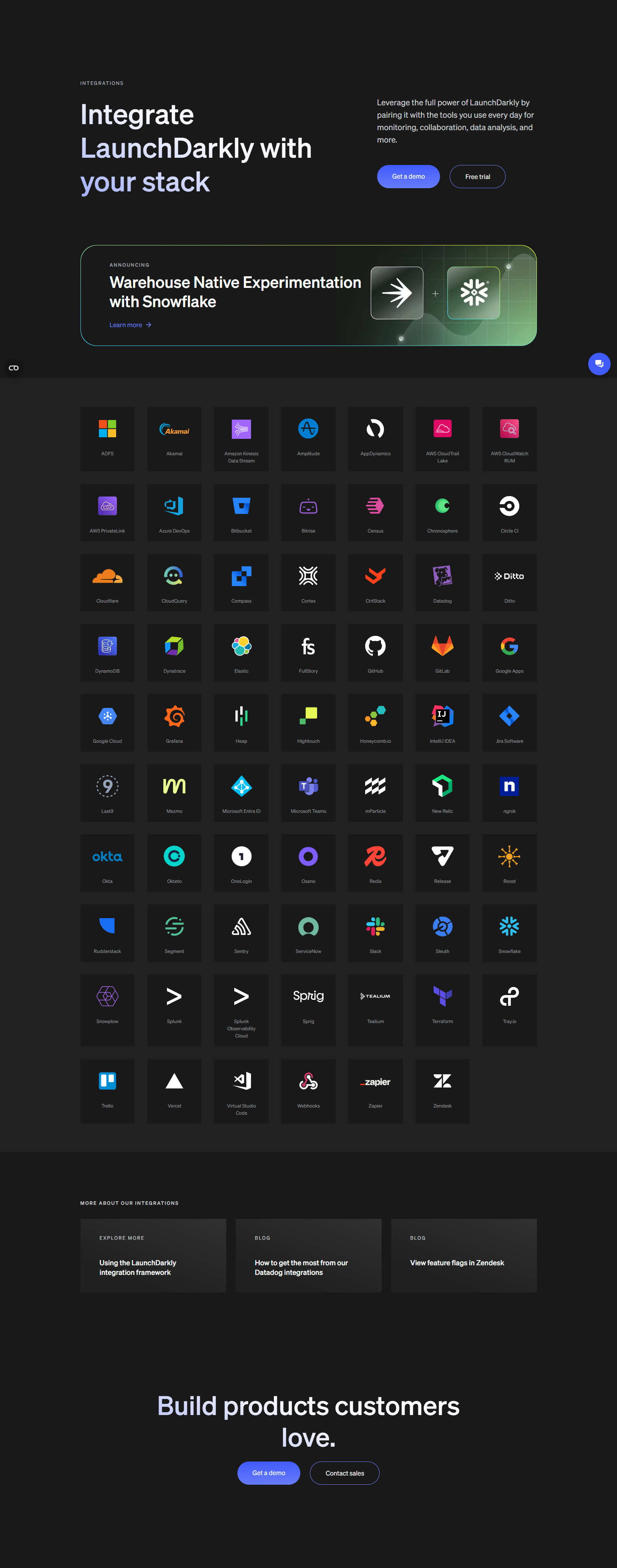
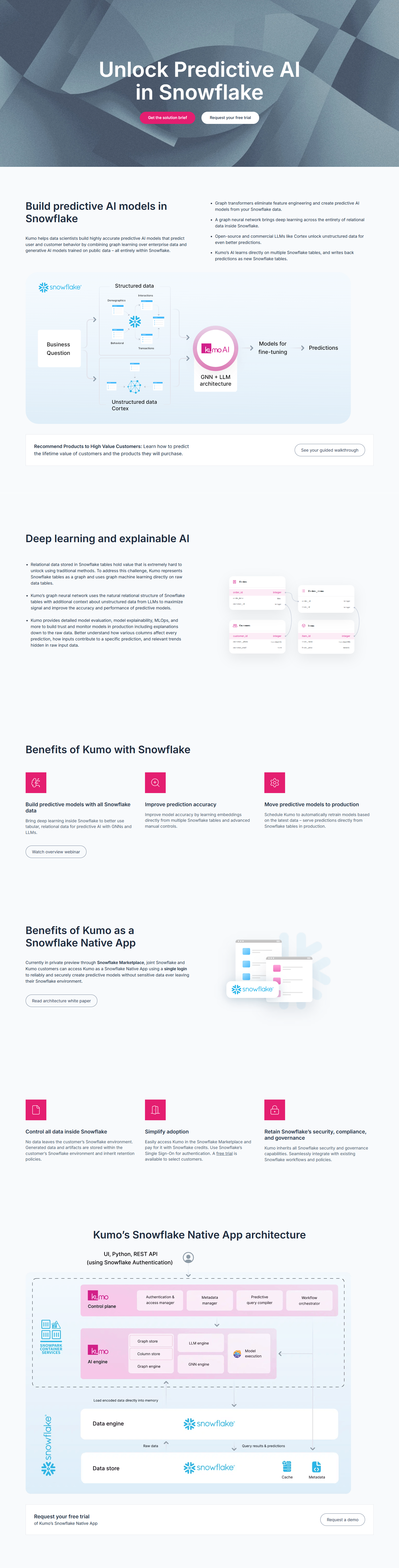
16. Supabase — Integration with external auth and storage providers

Supabase’s integrations cover the pieces that sit around a database: authentication providers, storage options, edge function runtimes, and analytics connectors. The integration page doubles as an architecture reference — showing where Supabase sits in a modern app stack and what it connects to. For developers evaluating database infrastructure, the integration ecosystem tells them whether Supabase fits their existing architecture.
17. Linear — GitHub/GitLab/Slack as the core integration trio
Linear’s integrations page focuses depth over breadth: their three primary integrations (GitHub, GitLab, Slack) each have dedicated setup flows, documentation, and use case descriptions. For a product used primarily by engineering teams, deep support for developer workflows matters more than a large logo grid. The focused integration page signals that they’ve invested in making the key integrations excellent.
18. Retool — Data source integrations as the product’s core capability
For Retool, database and API connections are not peripheral integrations — they’re the product’s core capability. The integrations page is the capability map: PostgreSQL, MySQL, REST APIs, GraphQL, Snowflake, MongoDB, Redis. The breadth and depth of supported data sources is the primary differentiator for an internal tooling platform. The integration page is the most important page on the marketing site after the homepage.
19. Webflow — CMS and ecommerce integrations
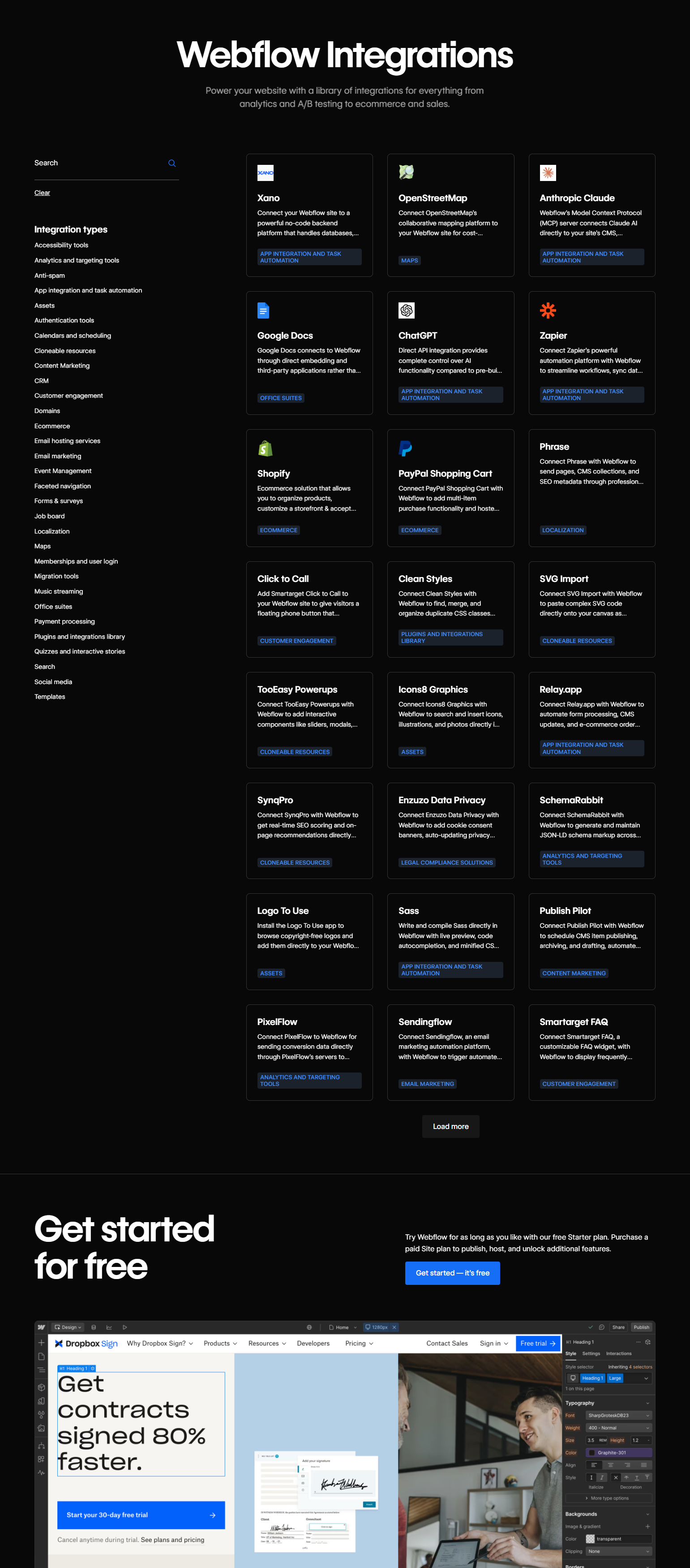
Webflow’s integrations page covers the tools that extend a website beyond what Webflow natively supports: payment processors, email marketing, CRM, membership, and analytics. For web agencies and freelancers using Webflow as their primary platform, the integration ecosystem determines what client requirements they can satisfy. The page is organized by use case rather than by integration type.
20. Chargebee — Payment gateway and accounting integrations
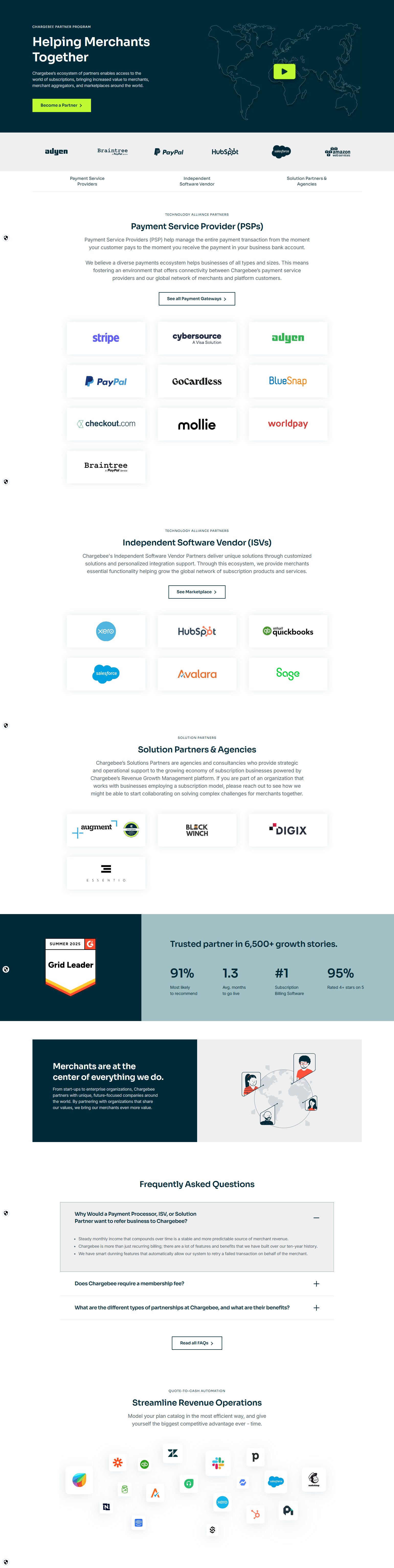
Chargebee’s integrations page is organized by integration category: Payment Gateways, Accounting, CRM, Tax, and Entitlements. For a billing platform, the gateway and accounting integrations are mission-critical — they determine whether Chargebee fits into the company’s payment and financial reporting stack. The page gives each gateway its own dedicated setup page.
CRM and GTM Integration Pages
21. Close — “Best CRM for X integration” specific use cases
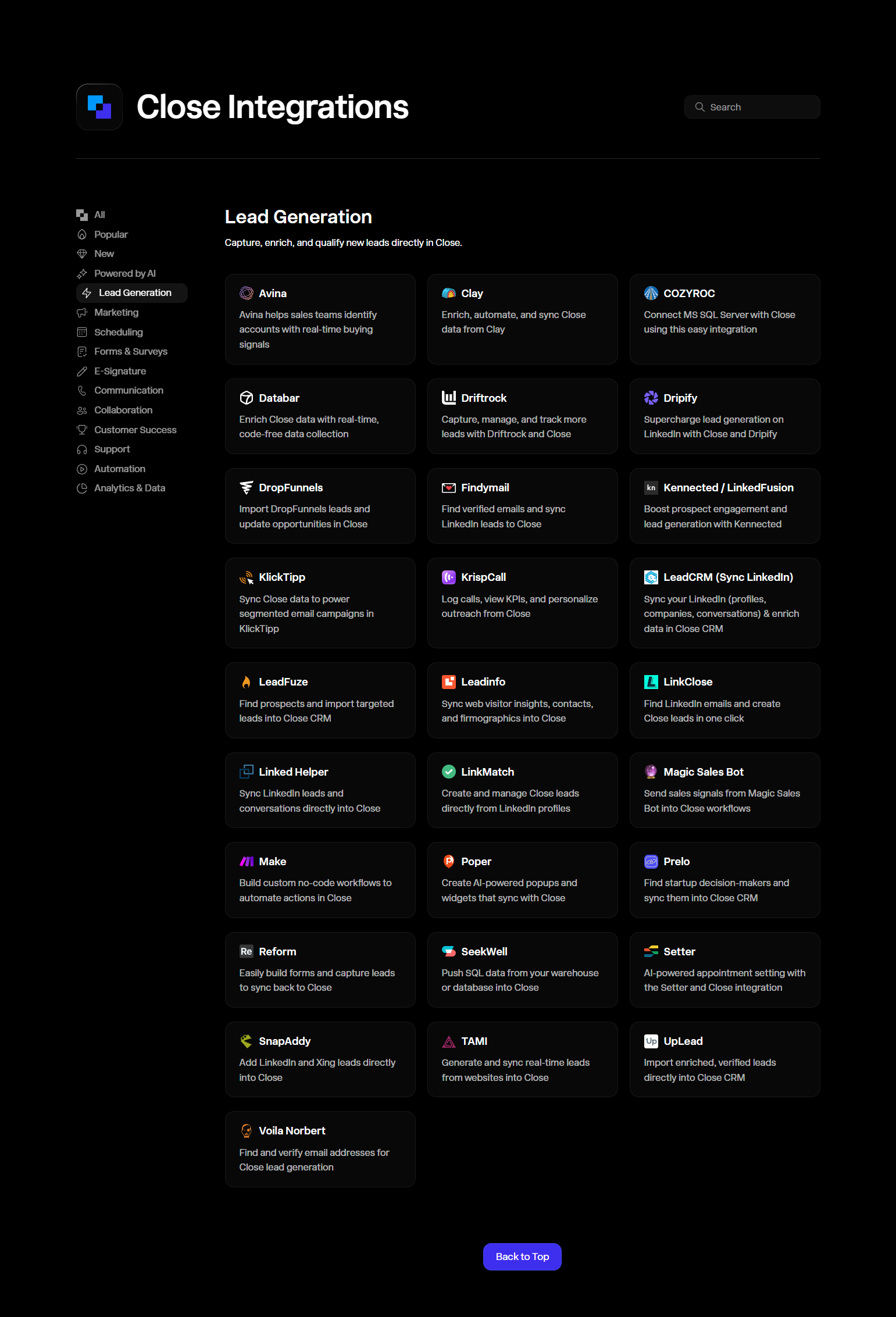
Close’s integrations page doesn’t just list connected apps — it explains why each integration is valuable for sales teams specifically. “Connect Close to Zapier to automate lead routing from your web forms” speaks to a sales operations problem, not a generic integration use case. Audience-specific integration value propositions convert better than neutral feature descriptions.
22. Salesforce — AppExchange as a full integration marketplace
Salesforce’s AppExchange is the most mature integration marketplace in B2B SaaS — with thousands of listed apps, review systems, demo environments, and certified partner tiers. The scale of the marketplace is a product moat: the more third-party apps are built for Salesforce, the more costly switching becomes. AppExchange architecture is the aspirational benchmark for integration marketplace design in enterprise SaaS.
23. ClickUp — “One app to replace them all” integration as reduction argument
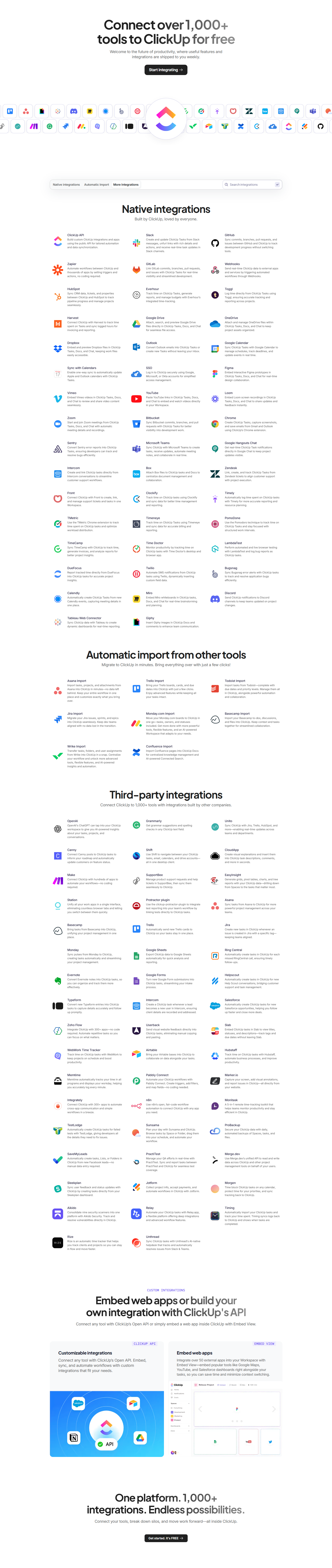
ClickUp’s integrations page uses an interesting framing: import your data from competitors (Asana, Trello, Jira, Notion, Monday) rather than just connect to them. The import-from-competitor integrations are a switching cost reducer — they make the transition to ClickUp as frictionless as possible. Dedicated migration integrations acknowledge that the buyer is switching, not starting fresh.
24. Miro — Workshop tool integrations
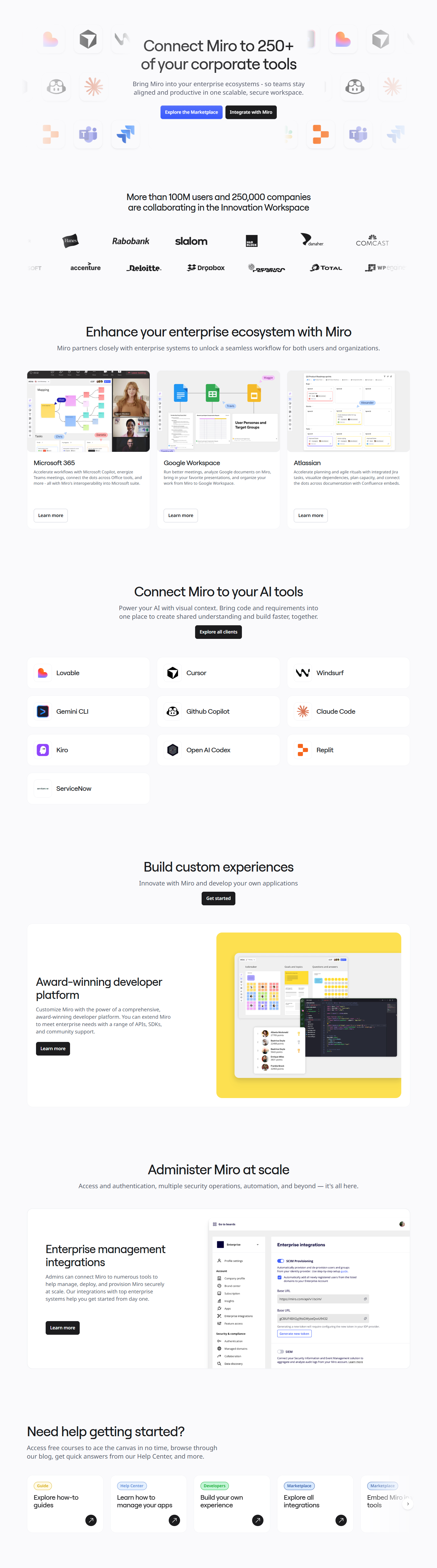
Miro’s integrations include tools used in the same context as Miro: Zoom for video calls during workshops, Jira for sprint boards, Confluence for documentation, Figma for design handoff. The integration list is curated around the facilitation and collaboration workflow, not just the broadest possible app coverage. Contextual curation signals product point of view.
25. Hotjar — Analytics stack integrations
Hotjar’s integrations page covers the tools it works alongside in a product analytics stack: Google Analytics for quantitative data, Slack for sharing insights, HubSpot for CRM correlation, Jira for bug ticketing. The page answers the integration question that matters for Hotjar’s buyer: “can I connect this to my existing analytics and workflow tools?” without requiring the buyer to dig for the answer.
Key Patterns from 258 Integrations Pages
1. Workflow examples convert better than logo grids. An integration logo tells a buyer “this is possible.” A workflow example tells them “here’s how it solves a problem you have.” The more specific the workflow description, the more directly it maps to a buyer’s situation, and the more motivating it is.
2. Organization by buyer mental model, not product architecture. Buyers don’t think “I need a Source integration.” They think “I need this to connect to my analytics stack.” Segment’s Source/Destination architecture is correct because it mirrors the data pipeline mental model. Most products should organize integrations by the role or workflow they serve.
3. Integration depth matters more than integration count for enterprise buyers. Enterprise buyers running procurement processes will inspect the quality of key integrations — does the Salesforce integration support bidirectional sync? Does the Jira integration handle sub-tasks? — not just whether the logo appears on the page. Integration pages that document configuration depth and use cases are more credible to enterprise evaluators.
4. Migration integrations reduce switching costs at the evaluation stage. Showing dedicated import paths from competitor tools (ClickUp from Asana, Notion from Evernote) addresses the most concrete objection to switching: “I have years of data somewhere else.” Migration integrations on the integrations page signal that the product team has anticipated the switch and made it manageable.
5. Certification and review systems on integration marketplaces signal ecosystem quality. HubSpot’s App Marketplace, Figma’s plugin system, and Salesforce’s AppExchange all have quality signals (ratings, install counts, certification tiers) that help buyers distinguish high-quality integrations from low-quality ones. Undifferentiated integration lists require buyers to do that evaluation themselves.
Frequently Asked Questions
Should every SaaS product have an integrations page?
Yes, if you have meaningful integrations to show. Even a product with ten well-documented native integrations benefits from a dedicated page. The integrations page answers a specific pre-purchase question; answering it well reduces friction in the evaluation process.
How many integrations do you need before building a dedicated page?
Five or more native integrations justify a dedicated page. Below that, integrations can live on the product features page. If you primarily connect via Zapier or Make, a section explaining the Zapier connector is more honest than a page listing every Zapier-connected app as a native integration.
Should integration quality or count be the headline?
Count is easier to communicate at scale — “500+ integrations” is scannable. Quality matters more for enterprise buyers who will investigate specific integration depth. The best pages lead with count (to pass the initial evaluation threshold) and offer depth per integration for buyers who need to verify.
How often should integrations pages be updated?
When new integrations ship or existing ones are significantly upgraded. Integration pages that show deprecated or unsupported integrations damage credibility. An “updated X” timestamp on the integration directory helps signal recency.
Browse integrations page screenshots from real SaaS products in the SaaS Boat library. See how the best products design the ecosystem page that answers the tool-stack question.